
System Administration, Linux and Servers
575 resources created by 295 users
This System Administration, Linux and Servers page on GoConqr gathers community-made quizzes, mind maps, flashcards and notes, from Linux Essentials and LPI exam practice to Windows Server 2012 R2 and Active Directory. It's built for university students and professional candidates preparing for certification, and for teachers after ready-made material. There are over 500 resources here, including more than 200 quizzes, over 80 mind maps and over 160 flashcards. Pick a topic, try a quiz to find your gaps, then make your own revision aids.
Select topic
- Server Concepts and Types21
- Linux Basics18
- Command Line Basics and Linux Commands52
- Shell Scripting11
- Linux File Management and Permissions24
- Linux System Management16
- Storage, Backup and Recovery12
- Windows Server Installation and Configuration55
- Active Directory34
- Group Policy and Windows Server Security9
- Windows File Servers6
- PowerShell7
Top System Administration, Linux and Servers resources
-
72 questionsExamen final Linux Essentials One of the jobs of the kernel is to:
-
63 cardsMICROSOFT ACTIVE DIRECTORY MIDTERM the process of keeping each domain controller in synch with changes that have been made elsewhere on the ne...
-
25 questionsTest Active Directory Every Domain Controller has a copy of the (AD)Active Directory. Servers joined to (AD)Active Directory that...
-
76 questionsExam 70-410: Installing and Configuring Windows Server 2012 R2 You have a server named Server1 that runs Windows Server 2012. You plan to enable Hyper-V Network Visualiza...
-
50 questions70-410 - MCSA: Windows Server 2012 - Installing and Configuring - Exam 1 You have a server named Server1 that runs Windows Server 2012 R2. Server1 has the Hyper-V server role insta...
-
47 questionsMicrosoft Exam 70-410: Volume 1- Test 3 You work as a senior administrator at Contoso.com. The Contoso.com network consists of a single domain name...
-
47 questions70 - 411 QUIZ 2 VOLUME 2 Your network contains 25 Web servers that run Windows Server 2012 R2. You need to configure auditing polici...
-
50 questions70 - 411 QUIZ 1 - VOLUME 2 You have a server named Server1 that runs Windows Server 2012 R2. Server1 has the File Server Resource Mana...
Quizzes
See all 277 quizzes-
72 questionsExamen final Linux Essentials One of the jobs of the kernel is to:
-
25 questionsTest Active Directory Every Domain Controller has a copy of the (AD)Active Directory. Servers joined to (AD)Active Directory that...
-
76 questionsExam 70-410: Installing and Configuring Windows Server 2012 R2 You have a server named Server1 that runs Windows Server 2012. You plan to enable Hyper-V Network Visualiza...
-
50 questions70-410 - MCSA: Windows Server 2012 - Installing and Configuring - Exam 1 You have a server named Server1 that runs Windows Server 2012 R2. Server1 has the Hyper-V server role insta...
-
47 questionsMicrosoft Exam 70-410: Volume 1- Test 3 You work as a senior administrator at Contoso.com. The Contoso.com network consists of a single domain name...
-
47 questions70 - 411 QUIZ 2 VOLUME 2 Your network contains 25 Web servers that run Windows Server 2012 R2. You need to configure auditing polici...
-
50 questions70 - 411 QUIZ 1 - VOLUME 2 You have a server named Server1 that runs Windows Server 2012 R2. Server1 has the File Server Resource Mana...
-
50 questions70 - 410 QUIZ 1 - VOLUME 3 You have a network printer connected to print server. You need to be able to print if print server goes dow...
Mind maps
See all 88 mind maps-
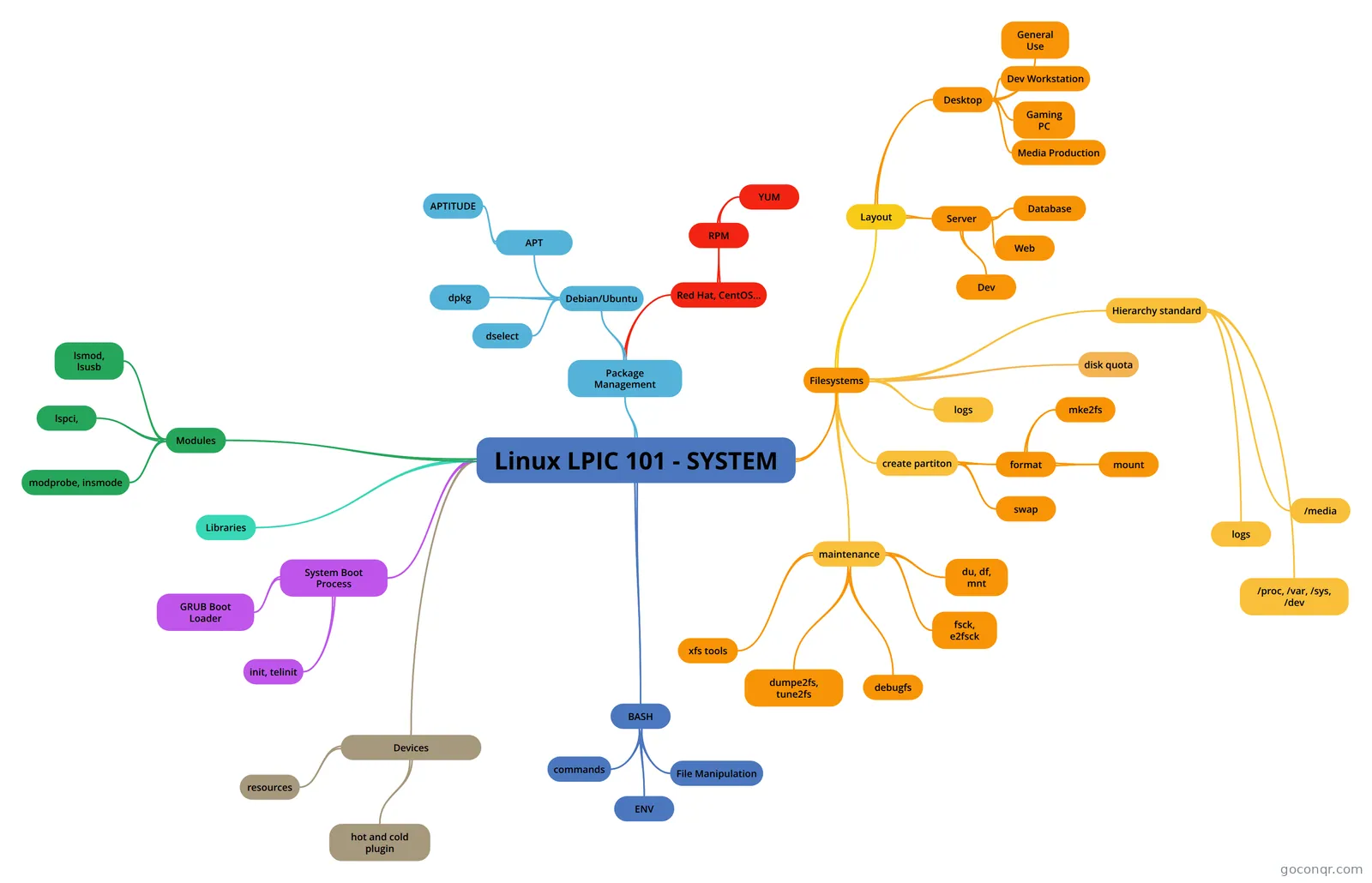 Linux LPIC 101 - SYSTEM
-
102.4 Use Debian package management 102.4 Use Debian package management
-
Windows Server 2012 R2 - Chapter 3
-
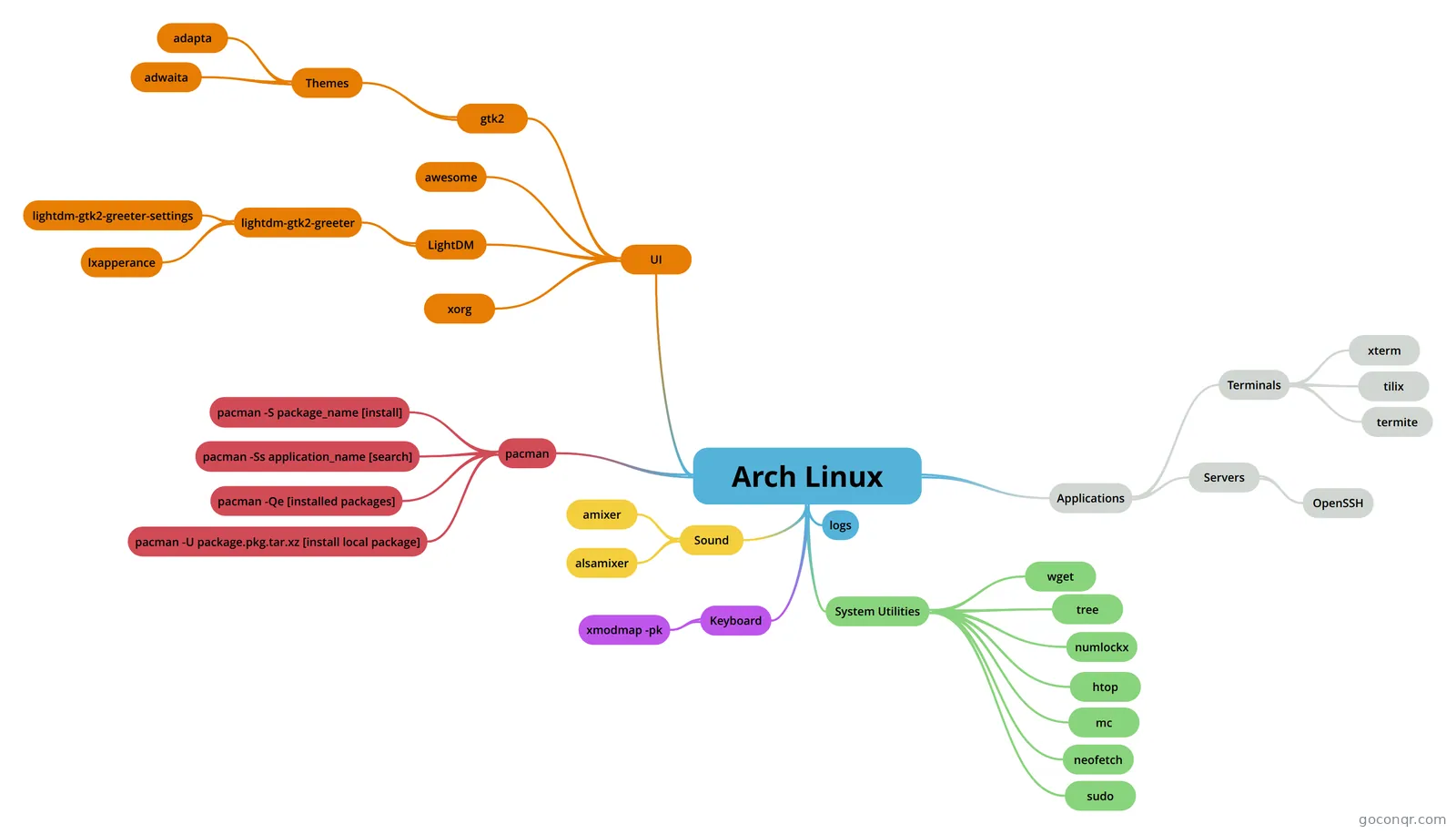 Arch Linux iqb33795
-
servers
-
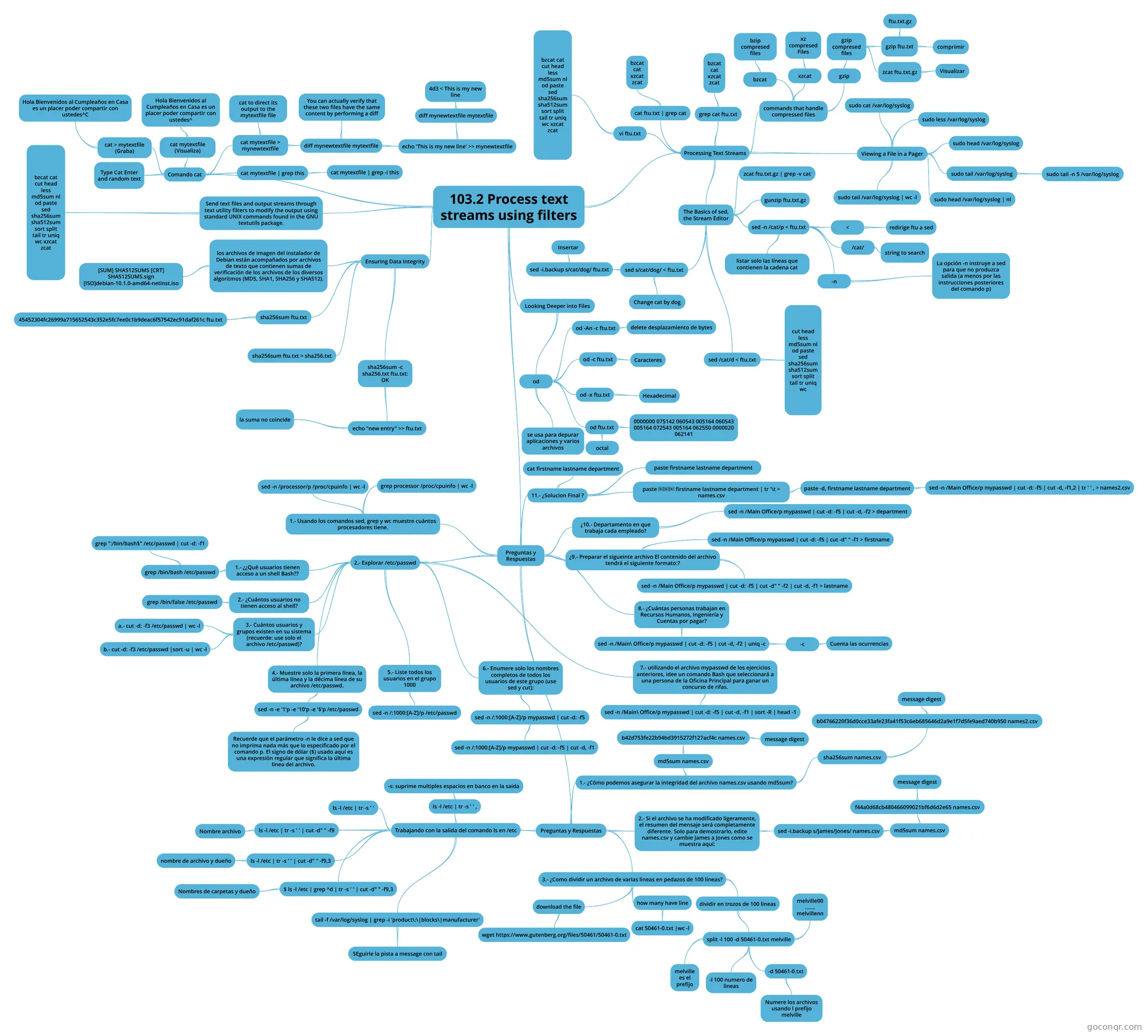 103.2 Process text streams using filters 103.2 Process text streams using filters
-
102.3 Manage shared libraries 102.3 Manage shared libraries
-
 102.5 Use RPM and YUM package management 102.5 Use RPM and YUM package management
Flashcards
See all 166 flashcards-
63 cardsMICROSOFT ACTIVE DIRECTORY MIDTERM the process of keeping each domain controller in synch with changes that have been made elsewhere on the ne...
-
86 cardsFLASH 294 parted (Create a new primary partition)
-
10 cardsModule 6: Just Enough Administration in Windows Server > Unit: Create a session configuration file to register a JEA endpoint What does a Session Configuration file do?
-
4 cardsFormat command examples Some examples of format command switches
-
200 cardsLX0-103 -ALL Change Logged in User's Password
-
46 cardsWindows Server 2008 Final To protect workstation applications and ensure their continued availability, what feature should be used to...
-
75 cardsEssentials How is a new Linux computing instance provisioned in an laaS cloud?
-
55 cardsSystemAdmin What specific type of software is part of the network interface?
Flowcharts
Notes
See all 33 notes-
Active Directory Schema snap-in To install the Active Directory Schema snap-in Open Command Prompt. Type: regsvr32 schmmgmt.dllThis command will register Schmmgmt.dll on your computer. Click Start, click Run, type mmc /a, a...
-
Chapter 9 Notes 9.1 Linux Processes 9.2 Viewing Processes Although several Linux utilities can view processes, the most versatile and common is the ps command. Without arguments, the ps command simply displays a list of processes tha...
-
Chapter 10 Notes Chapter 10: Common Administrative Tasks 10.1 Printer Administration 10.1a The Common UNIX Printing System
-
Chapter 8 Notes 8-1 The Boot Process 1. When a computer first initializes, the system BIOS performs a Power On Self Test (POST).POST (Power On Self Test) - An initial series of tests run when a computer is powered on to ensure that h...
-
Chapter 4 Notes 4-1: The Filesystem Hierarchy Standard Filesystem Hierarchy Standard (FHS): A standard outlining the location of set files and directories on all Linux & UNIX systems. To read the complete Filesystem Hierarchy Standar...
-
Introdução ao Linux
-
Untitled all linux commands adduser/addgroup agetty alias anacron apropos apt apt-get aptitude arch arp at atq atrm awk batch basename bc bg bzip cal cat chgrp chmod chown cksum clear cmp comm cp date dd df diff dir dmidecode ...
-
About Linux and Installations and Hardware What is Linux? Linux is a unix-like coputer OS assembled under the model of free and open source software development and distribution. Components of Linux
Slides
Topics in System Administration, Linux and Servers
More Computing and ICT (programming, computer science, digital skills, educational technology) topics
About System Administration, Linux and Servers
GoConqr OriginalWhat this unit covers
The page has two broad strands of material. One is Linux: the kernel, the command line, file permissions, package management and the boot process. The other is Windows Server: installation, Server Core, storage, Active Directory and PowerShell. Many resources are written with a certification in mind, and the exams they mention include LPIC-1, LPIC-2, Linux Essentials, RHCSA, MCSA 70-410, 70-411, 70-412 and 70-740.
Where to start with Linux
If you are new to the subject, begin with the quiz Linux Essentials Chapter 3 Exam, which asks about graphical and non-graphical interfaces. Then move to Linux Essentials Chapter 4 Exam for the command line and environment variables, and Linux Essentials Chapter 6 Exam for hidden files and the directory tree. The quiz Examen final Linux Essentials pulls the ideas together.
For LPI candidates, LPI 101-500 tests kernel parameters and systemd. Next, the quiz on managing software covers Debian and RPM packages. The mind maps numbered 101.3, 102.1, 102.3 and 102.5 sit well beside those quizzes.
Where to start with Windows Server
Start with the slide set Install Windows Server 2012 R2, which introduces Server Core, Server Manager, Storage Spaces, ReFS and Hyper-V. Then try the 70-410 quizzes, which use scenario questions such as building a storage space from three new disks. The Test Active Directory quiz covers domain controllers, member servers and the Schema Master role. Notes on Active Directory and group types fill in the detail.
Using quizzes, maps and flashcards together
- Take a quiz cold and note what you missed.
- Open a mind map on that topic to see how the pieces connect.
- Use a flashcard deck, such as the command line decks, to drill terms and commands.
- Retake the quiz a few days later.
Where it fits
This unit belongs to the Networks, the Internet and Cloud strand of Computing and ICT. Choose a topic that matches your current exam or course and open a quiz to begin.
Frequently asked questions
Which quiz should I try first?
If Linux is new to you, try Linux Essentials Chapter 3 Exam and work up through chapters 4 and 6. If you are heading for Windows Server certification, the 70-410 quizzes are a natural first step, followed by the Active Directory quiz.
Which exams do these resources mention?
Listed resources mention LPIC-1, LPIC-2, Linux Essentials, RHCSA, MCSA 70-410, 70-411, 70-412, 70-740 and MTA 98-365. They are made by community members, so check each one against your current exam objectives.
What do the mind maps cover?
The maps cover LPI objectives such as runlevels and boot targets, disk layout, shared libraries and RPM and YUM packages. Others cover file permissions, shell utilities, Active Directory, domains and organisational units, and Windows Server 2012 chapters.
Are the resources free to use?
Yes. Every resource listed here is free to open, study and take, with no account needed. They were made by GoConqr users, not by GoConqr. A free account also saves your quiz scores and lets you make your own quizzes, maps, flashcards and notes.
Who is this page for?
It suits university students and professional candidates working towards Linux or Windows Server certifications, and teachers looking for ready-made quizzes, notes and slides. Most resources are at professional or university level.
What if the topic I need is missing?
Look through the related mind maps and notes, as a topic may sit under a different title. If you still cannot find it, write your own flashcards or notes on it and use the listed quizzes as a model.