
Mind map
Memory
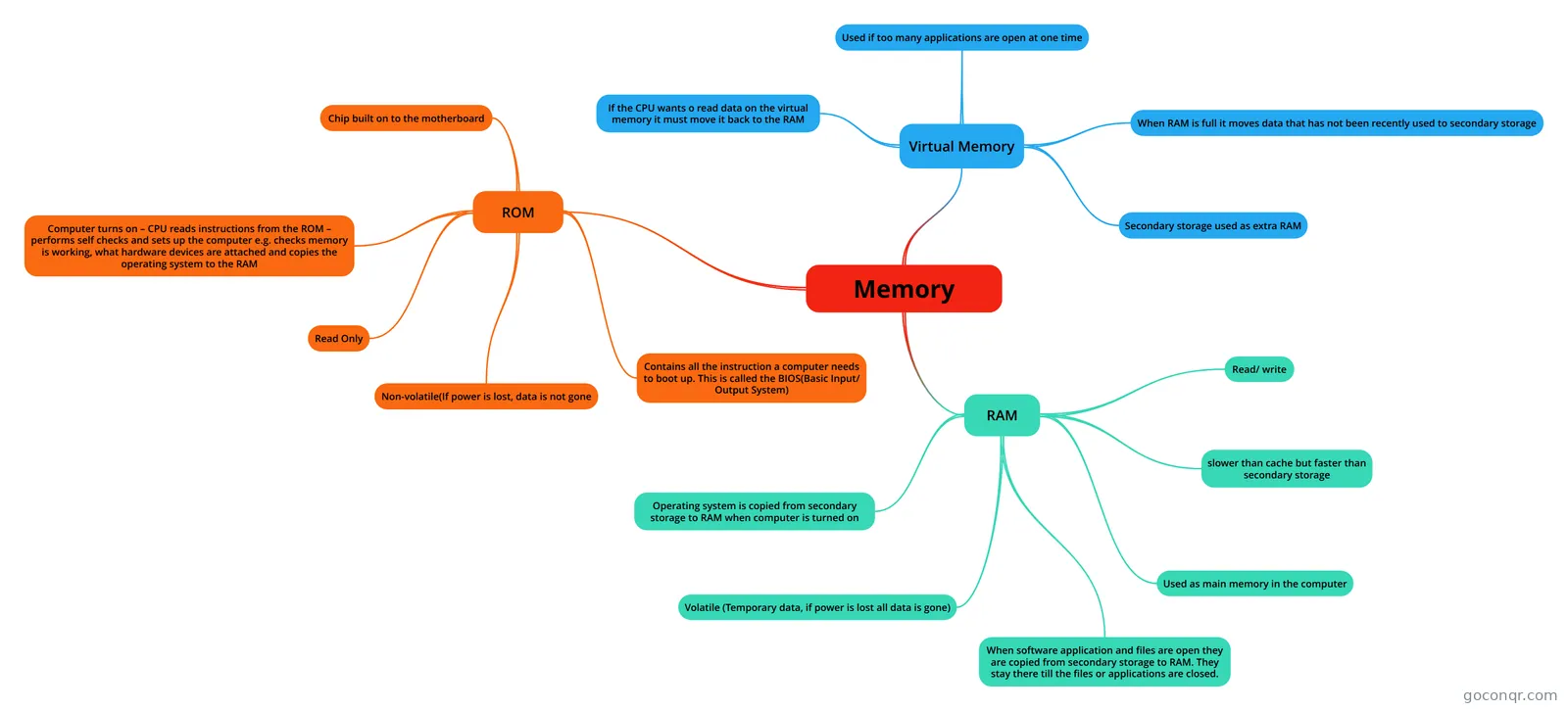
Mind map: memory
Map content
Memory
RAM
- Used as main memory in the computer
- Volatile (Temporary data, if power is lost all data is gone)
- slower than cache but faster than secondary storage
- Read/ write
- When software application and files are open they are copied from secondary storage to RAM. They stay there till the files or applications are closed.
- Operating system is copied from secondary storage to RAM when computer is turned on
ROM
- Non-volatile(If power is lost, data is not gone
- Read Only
- Chip built on to the motherboard
- Contains all the instruction a computer needs to boot up. This is called the BIOS(Basic Input/ Output System)
- Computer turns on – CPU reads instructions from the ROM – performs self checks and sets up the computer e.g. checks memory is working, what hardware devices are attached and copies the operating system to the RAM
Virtual Memory
- Secondary storage used as extra RAM
- When RAM is full it moves data that has not been recently used to secondary storage
- Used if too many applications are open at one time
- If the CPU wants o read data on the virtual memory it must move it back to the RAM