
Mind map
STORAGE TYPES AND DEVICES
Map content
STORAGE TYPES AND DEVICES
3.1 Backing up of Data
- Backing up refers to copying files and data to a different medium (disk, type, flash drive) in case there is a problem with the main secondary storage device
- An example would be the use of magnetic tapes to back up internet servers on a regular basis
- The backups are often stored in a different place to the main storage. This is incase of a fire or another situation where there is a loss of key data and information.
- Why do we backup data?
- To prevent the loss of data due to the failure of the original secondary storage devices.
- To prevent damage caused by hackers; For example, to find personal information such as bank account information
- incase files are needed to be used somewhere else
- Backing up refers to copying files and data to a different medium (disk, type, flash drive) in case there is a problem with the main secondary storage device
3.2 Types of Access
- Serial Access
- It is necessary to start at the beginning of the file and then access each record in turn until the required record is found
- It is primarily used on magnetic tape systems and is essentially a very slow form of data access.
- It is used in applications where speed of access, or where the order in which the data is accessed, isn't important. (for example in utility billing, clearing bank checks or producing pay slips).
- When the original magnetic tape (the master file) needs updating, an additional tape (a transaction file) is required. The transaction file contains all the new data to allow the master file to be updated.
- When using tapes, it is essential that the records on both master file and transaction file are sorted int he same order. (for example, sorted by customer number if it is a billing application - the field used to sort the records is often referred to as a key field
- Direct Accecss
- Direct Access is used with magnetic disks, optical media and solid state media. The computer uses the key field to calculate where data should be stored.
- It is then able to access the data directly from the calculated position. Consequently, access is much faster than with serial access
- It is used in applications where data access speed is vital (for example, in real-time operations such as controlling a chemical plant or onlline systems such as booking air tickets or automatic stock control).
- Serial Access
3.3 Secondary storage media
- When a user loads data into a computer, the information is stored temporarily in the RAM - if the computer was turned off, this data would be lost
- Secondary storage devices,, ensure that data is stored permanently so that it can be used again at a later date.
- The term "byte" is used to measure the size of memory or storage. Typically, storage sizes or file sizes are measured in kilobytes (KB), megabytes (MB), gigabytes (GB) and terabytes (TB).
3.3.1 Magnetic Storage Media
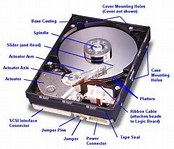
- Fixed/Internal hard disk drive (HDD)
- Uses: To store the operating system, system software and working data/files. Storing applications software that needs fast retrieval and storage data. Used in file servers for computer networks
- Advantages: They have a very fast data transfer rate and fast access times to data. They have very large memory capacities.
- Disadvantages: Can be easily damaged if the correct shut down procedure is not carried out. They have many moving parts when compared to, for example: solid state drives (SSD)
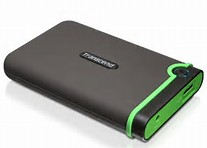
- Portable hard disk drives
- Uses: They can be used as a backup system to prevent loss of data. They can be used to transfer data/files/software between computers
- Advantages: The data acces time and data transfer rate is very fast. They have a large memory capacity. They can be used as a method of transferring information between computers
- Disadvantages: They can be easily damaged if dropped or subjected to a strong magnetic field.
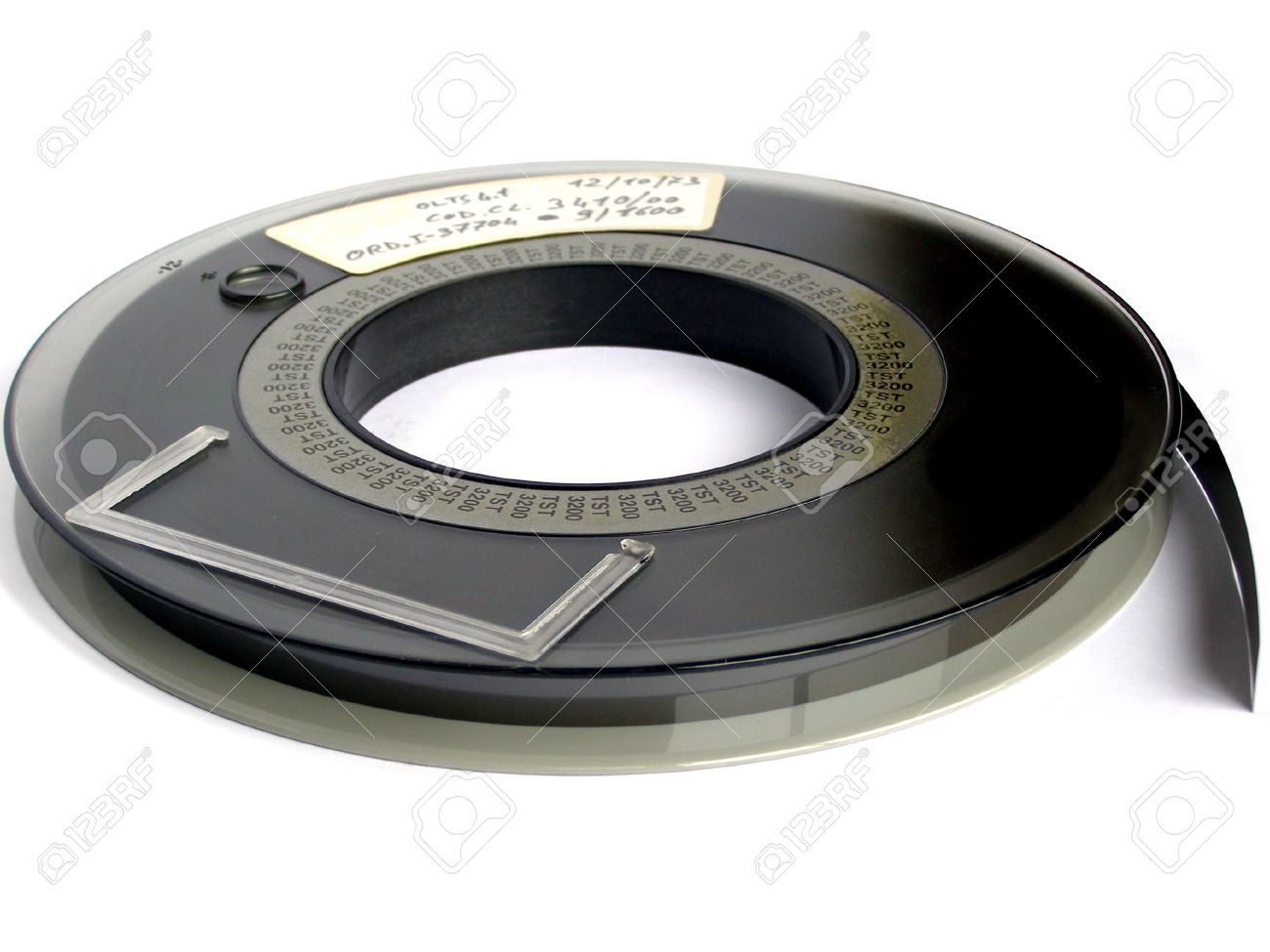
- Magnetic Tape
- Uses: In applications where batch processing is used, for example, clearing bank cheques. Used as a backup media since all the data needs to be stored. Used in long term achieving of data.
- Advantages: They are generally less expensive (per byte) than the equivalent hard disk. They down deteriorate very much over time. They have a huge data storage capacity. The data transfer rate is very fast.
- Disadvantages: Very slow data access times. When updating, another tape is needed to store the final updated version. They are affected by magnetic fields so a strong magnetic can corrupt data stored on the tape.
- Fixed/Internal hard disk drive (HDD)
3.3.2 Optical Storage Media
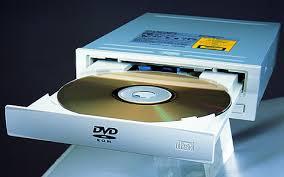
- CD/DVD disks
- CDs and DVDs are described as optical storage device. They both use a thin layer of metal alloy or light-sensitive organic dye to store the data. CDs and DVDs can be designated as R- write once only, ROM- can only be read and RW- can be written to or read from many times.
- DVD technology is slightly different to that used in CDs. They have dual-layering which increases the storage capacity. This means that they have two individual recording layers. Standard single-layer DVDs still have a larger storage capacity than CDs because the 'pit' size and track width are both smaller. This means that more data can be stored on the DVD surface.
- CDs and DVDs are described as optical storage device. They both use a thin layer of metal alloy or light-sensitive organic dye to store the data. CDs and DVDs can be designated as R- write once only, ROM- can only be read and RW- can be written to or read from many times.
- CD-ROM and DVD-ROM
- Advantages: They hold a lot more data than floppy disks. They are less expensive than hard disk drive systems
- Disadvantages: The data transfer rate is slower than for hard disks
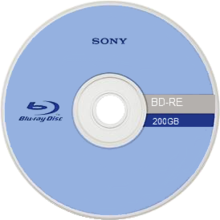
- Blu-ray discs
- Uses: home video consoles. Storing and playing back movies
- Advantages: Very large storage capacity. Very fast data transfer rate. The data access speed is also greater than with other optical media.
- Disadvantages: Very expensive. There are fewer movie titles on Blu-ray format, which is reducing its impact on the home movie market.
- Advantages: Very large storage capacity. Very fast data transfer rate. The data access speed is also greater than with other optical media.
- Uses: home video consoles. Storing and playing back movies
- The future of optical media
- Many people now store all their music in the devices the following ways: On a hard disk drive system, in MP3 format on: a computer/tablet, their phone, and a portable music player (iPod), using the 'cloud' to store all their files they can access their music from anywhere in the world and by 'streaming' their music from the internet; provided the user has an internet connection they can access music through a laptop computer.
- CD/DVD disks
3.3.3 Solid State Storage Media
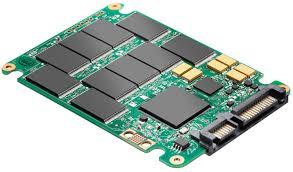
- Solid state drives
- Solid state drives (SSD) have no moving parts and all data is retrieved at the same rate no matter where it is stored. They don't rely on magnetic properties.
- Advantages; They are more reliable. Thy are considerably lighter. They don't have to get 'up to speed' before they work properly. They have a lower power consumption. They run much cooler than HDDs. Data access is faster than HDDs.
- Disadvantages: Most solid state storage devices are rated at only 20GB over a 3-year period (SSD endurance). For this reason, SSD technology is not used in internet server. However, this issue is being addressed by a number of manufactures to improve the durability of these solid state systems.
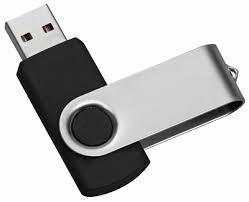
- Memory Sticks/pen drives
- Uses: transporting files between computers or used as a backup store.
- Advantages: Very compact and portable media. Doesn't need additional software to work on most computers. They are not affected by magnetic fields
- Disadvantages: Can't write-protectthe data/files. Easy to lose- small physical size. The user must be very careful when removing the memory stick from a computer- if this is done incorrectly, it will corrupt the data on the memory stick.
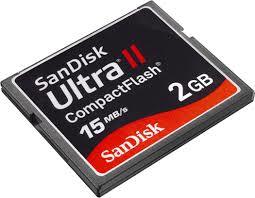
- Flash Memory Cards
- Uses: Storing photos on digital cameras. Used its mobile phone memory cards. Used in MP3 players to store music files. Used as a backup store in hand-held computer devices.
- Advantages: Very compact and can be easily removed and used in another device or for transferring photos directly to a computer or printer.
- Disadvantages: Expensive per gigabyte of memory when compared to hard drive disks. Have a finite life regarding the number of times they can be red from or written to. Have a lower storage capacity than hard disks.
- Advantages: Very compact and can be easily removed and used in another device or for transferring photos directly to a computer or printer.
- Uses: Storing photos on digital cameras. Used its mobile phone memory cards. Used in MP3 players to store music files. Used as a backup store in hand-held computer devices.
- Solid state drives
Images and files in the map

Information
- Description
- IGCSE Information Technology Mind Map on STORAGE TYPES AND DEVICES, created by Jade Pitcairn on 21/11/2016.
- Created by
- Jade Pitcairn
- Views
- 9
- Rating