Mind map
RAM AND ROM
Map content
RAM AND ROM
RAM
- the RAM is the part what stores the short term memory this includes the short term memory this means it keeps your applications open
- the only fallback is when you shut down your computer the memory on the ram is wiped
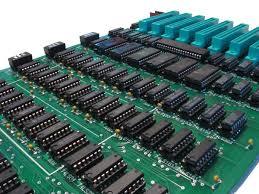
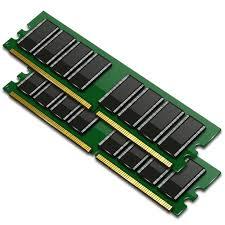
- picture of a RAM
- the RAM is found in the manual of the motherboard (the main processing part)
- BBC BITESIZE says: RAM is a fast temporary type of memory in which programs, applications and data are stored. Here are some examples of what's stored in RAM the operating system, applications, the graphical user, interface, (GUI) If a computer loses power, all data stored in its RAM is lost.
ROM
- ROM is the part of the computer that stores the long term memory
- picture of a ROM
- a ROM is the part of the computer that stores all the folders,games and music when the computer is turned off (this data will be stored on this ROM forever)
- sometimes the romacn be removed fom a computer and pluged into another eg. a disc
- BBC BITESIZE says: ROM is memory that cannot be changed by a program or user. ROM retains its memory even after the computer is turned off. For example, ROM stores the instructions for the computer to start up when it is turned on again.