
Computer and Data Security mind maps
1,086 mind maps by 991 users · Page 1 of 28
This page gathers over 1,000 community-made Computer and Data Security mind maps, covering topics from threats to data and anti-malware software to cryptography. Most are at school level, for students revising security topics and teachers looking for ready-made material. Pick a map to start exploring.
Select topic
- Confidentiality, Integrity and Availability7
- Security Threats and Risk Management229
- Cyber Attacks and Hacking34
- Malware and Viruses125
- Phishing and Social Engineering16
- Network Security137
- Firewalls and Antivirus Software31
- Protecting Data and Files83
- Passwords and Biometric Authentication28
- Encryption74
- Physical Security37
- Backup and Disaster Recovery32
- Security Policies and Legislation24
- Online Safety16
Mind maps
-
Anti-malware software
-
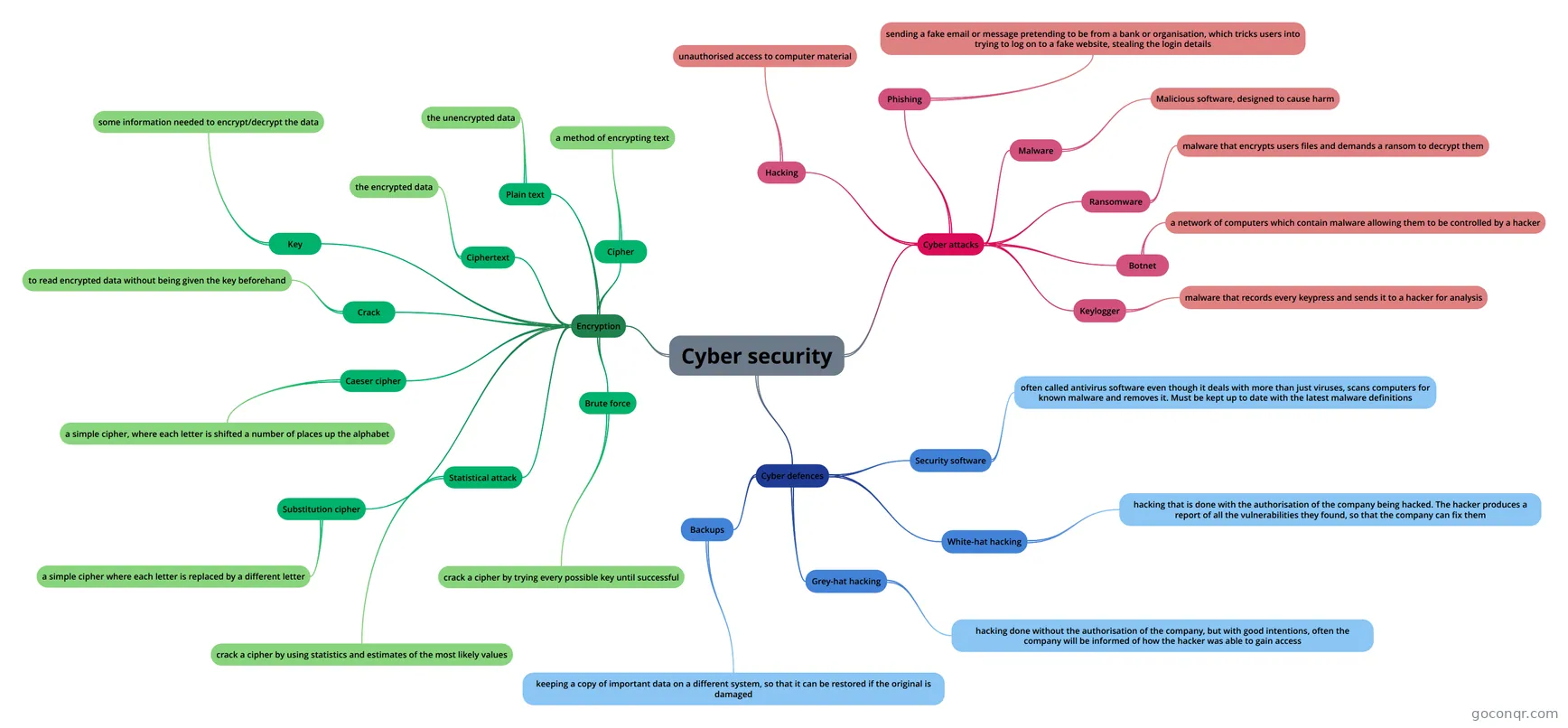 Cyber security Cyber security CS Year 8
-
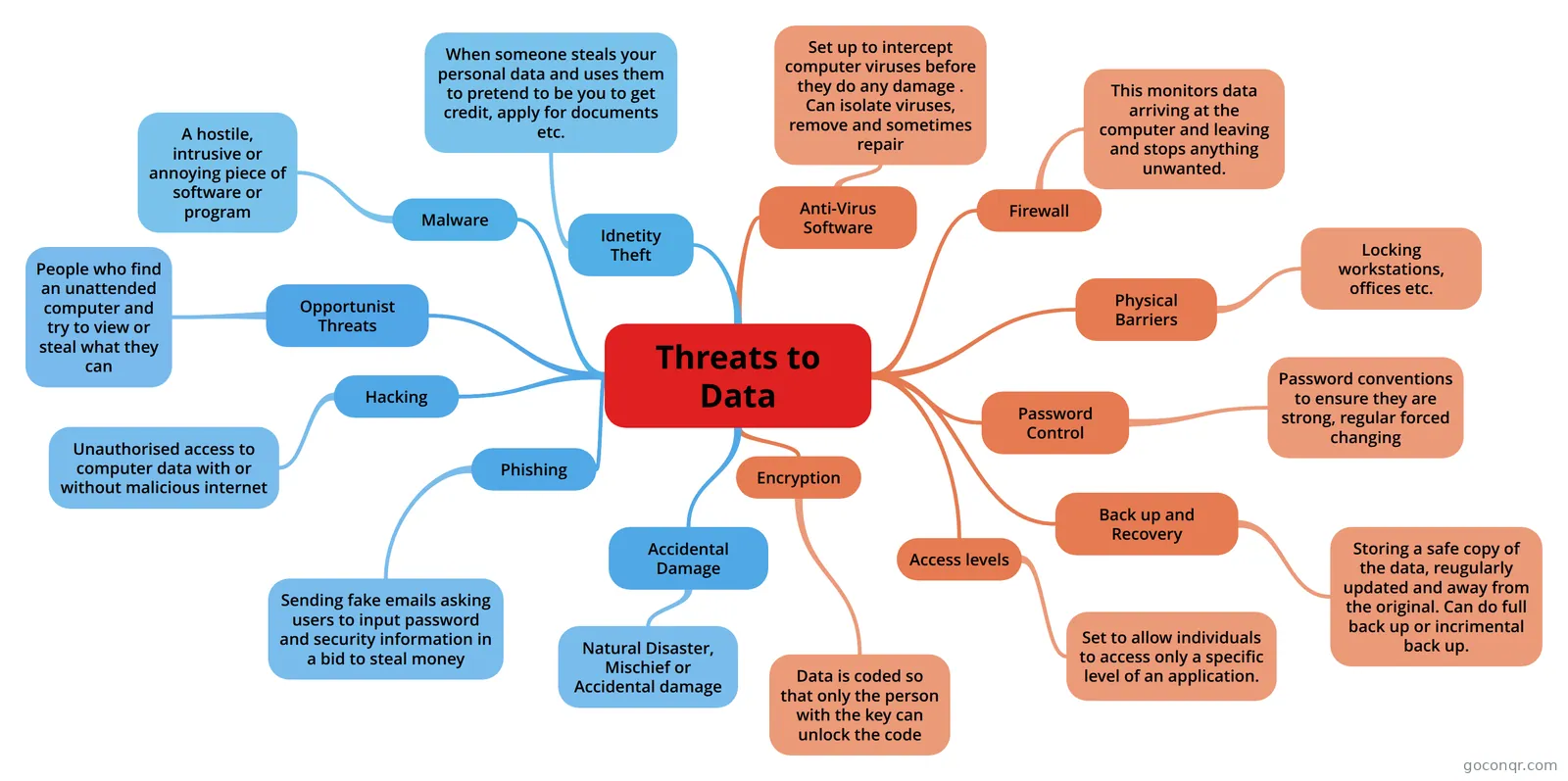 Threats to Data
-
Cryptography
-
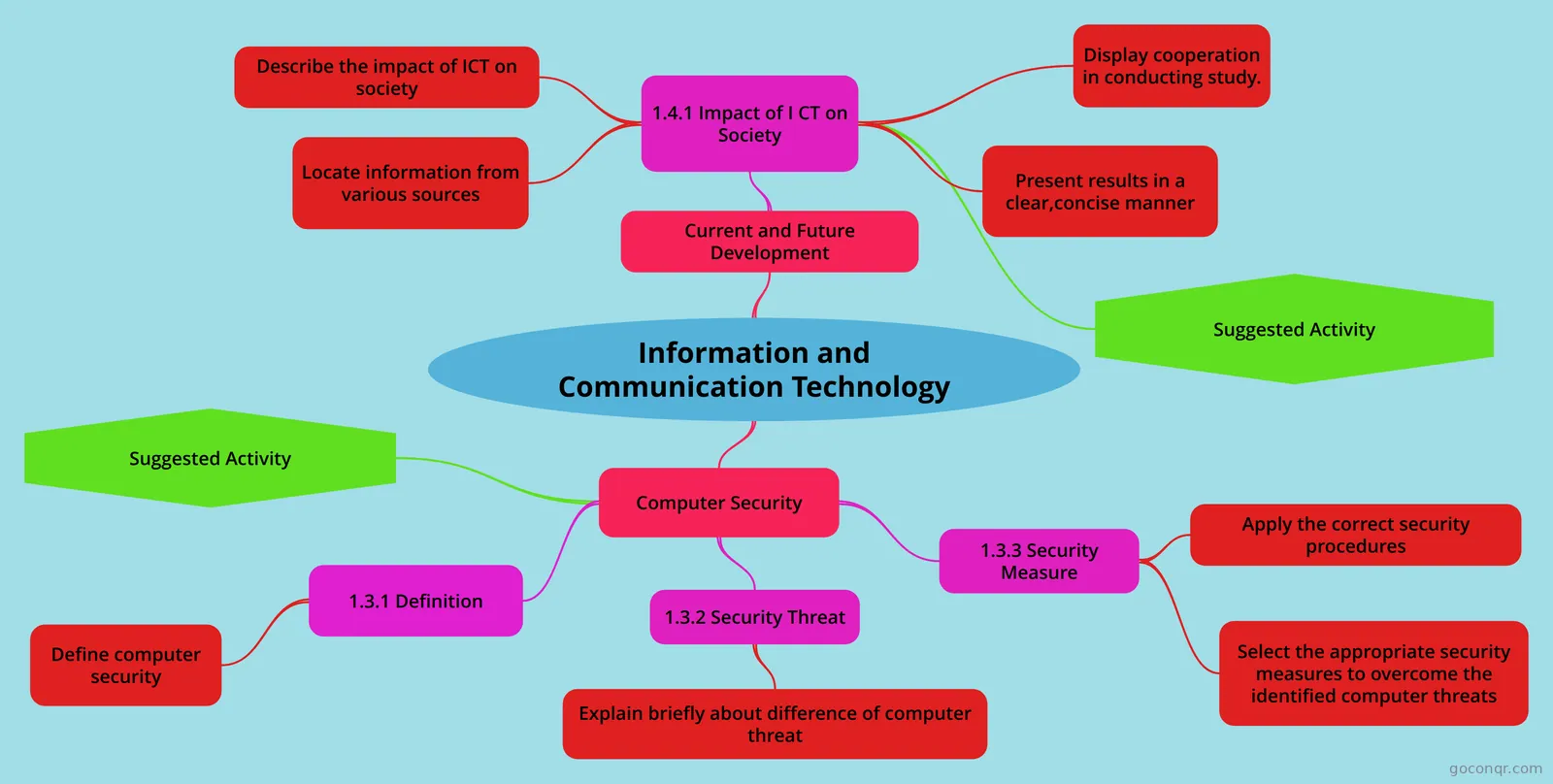 Information and Communication Technology Information Technology
-
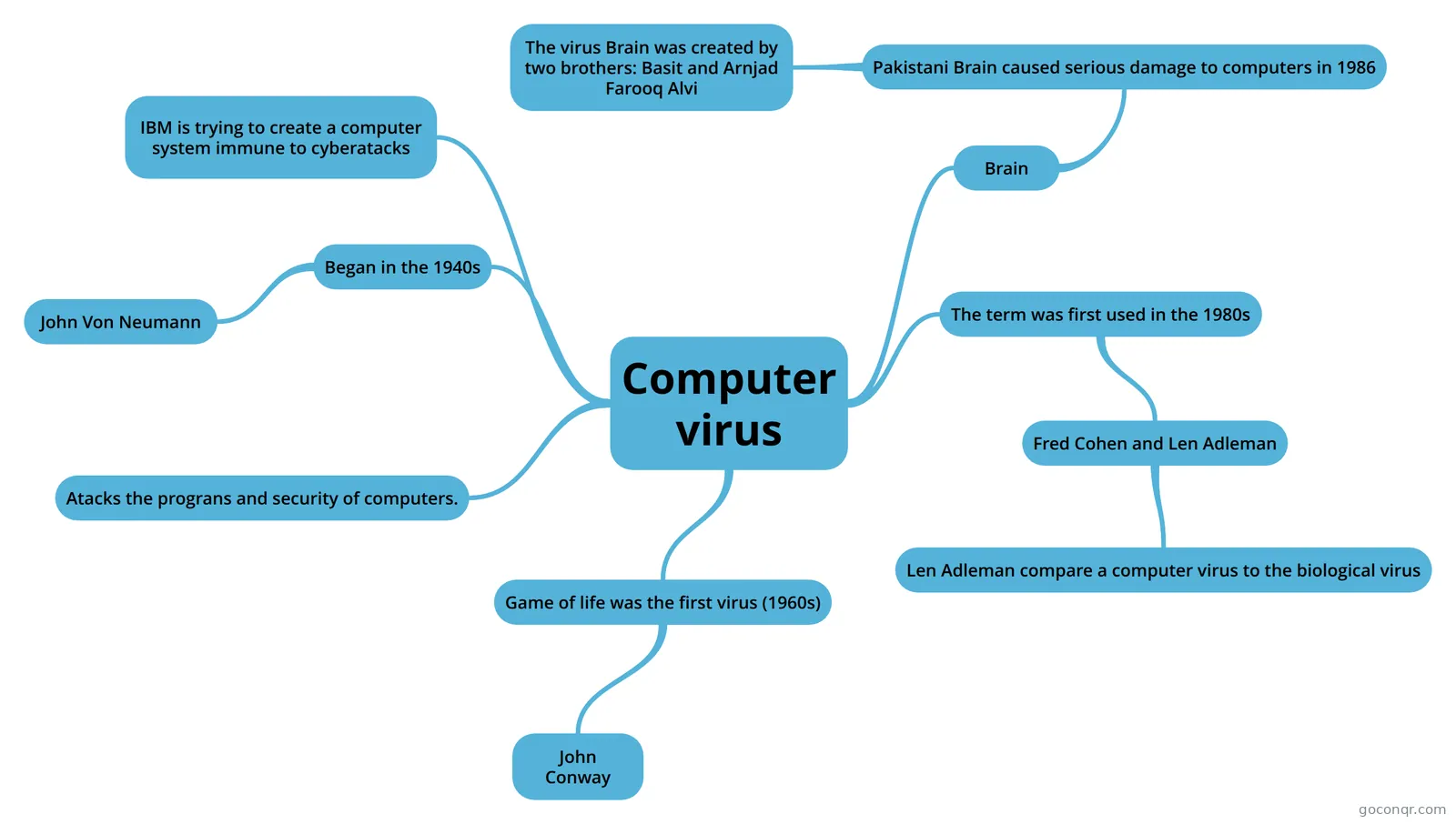 Computer virus
-
S.A.D F.L.A.B
-
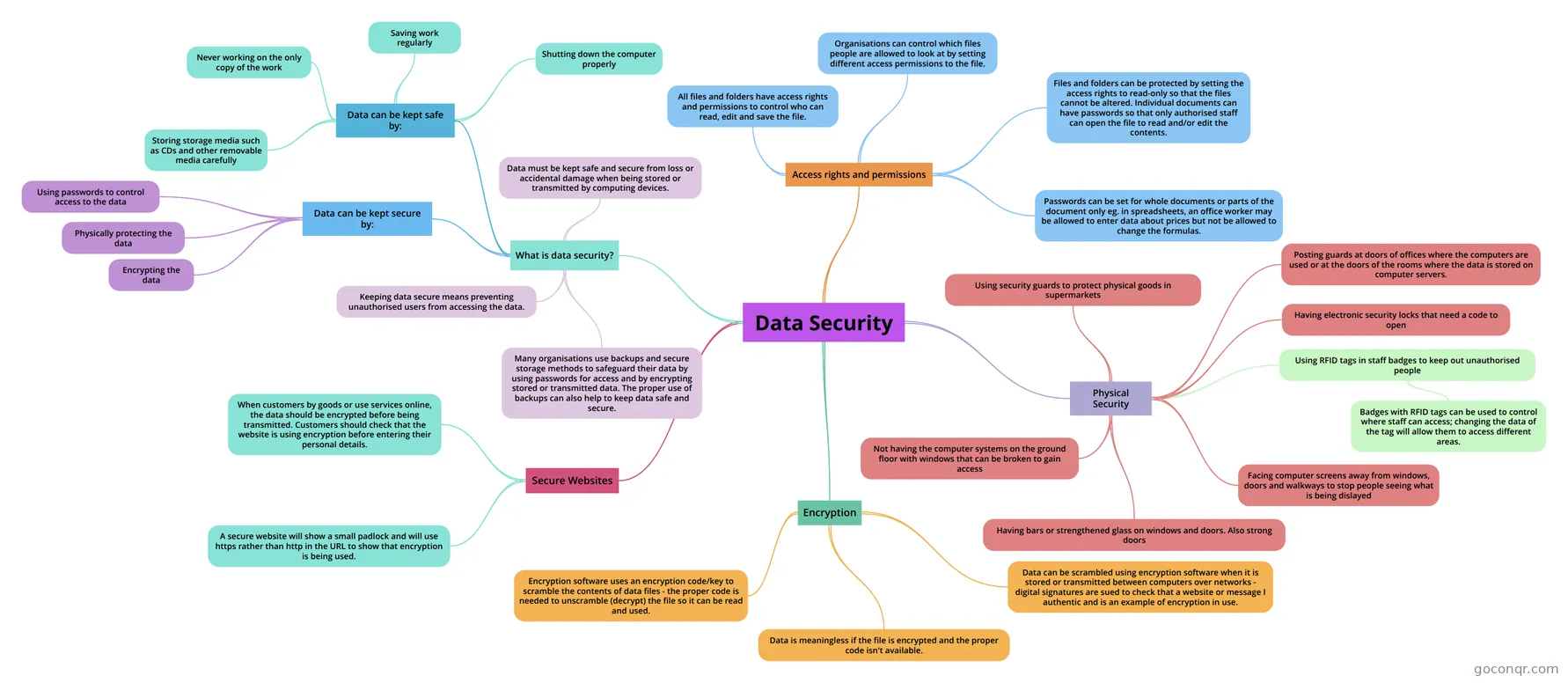 Data Security
-
Network Security
-
Network security 2
-
System Threats
-
System Threats
-
4.5.7 Encryption
-
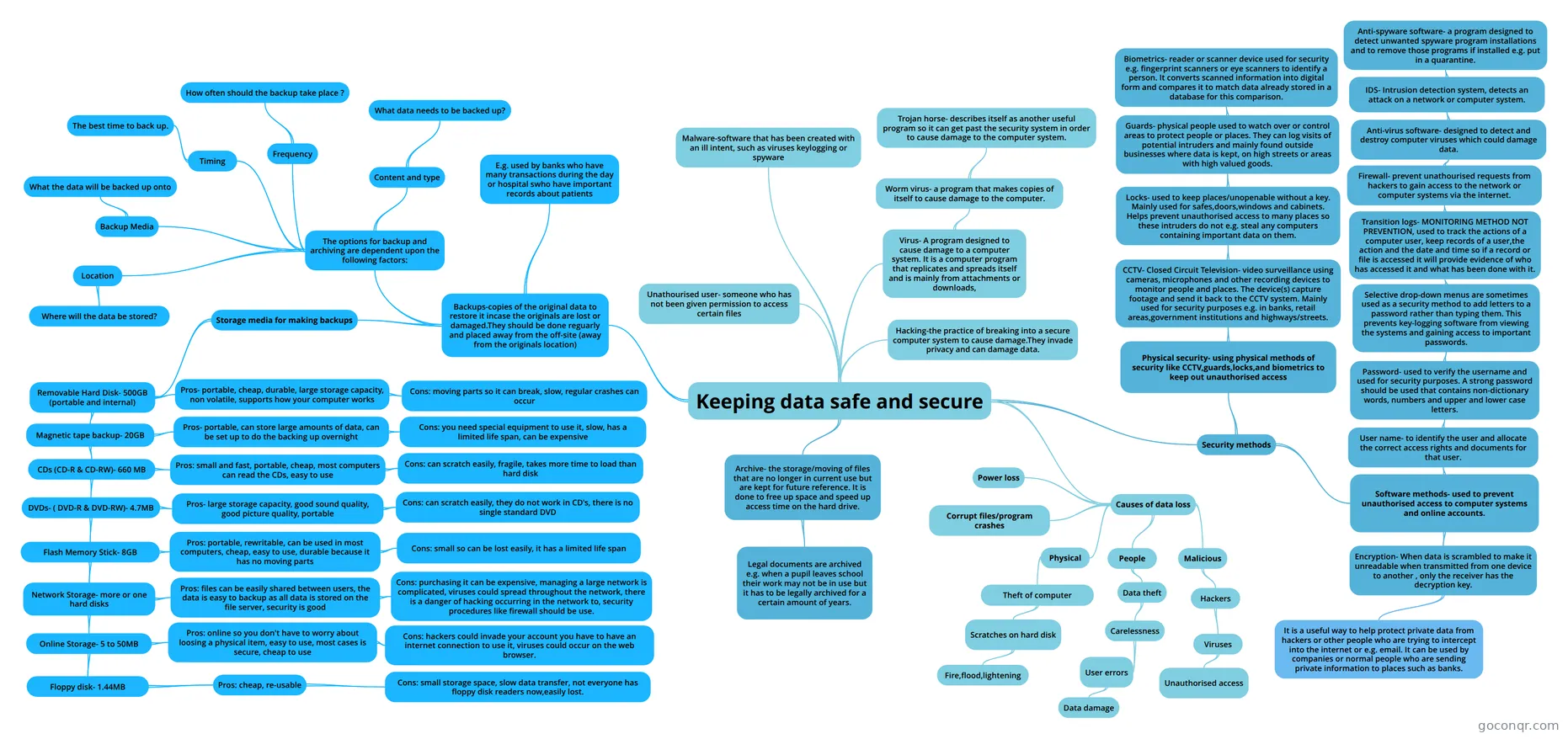 Keeping data safe and secure
-
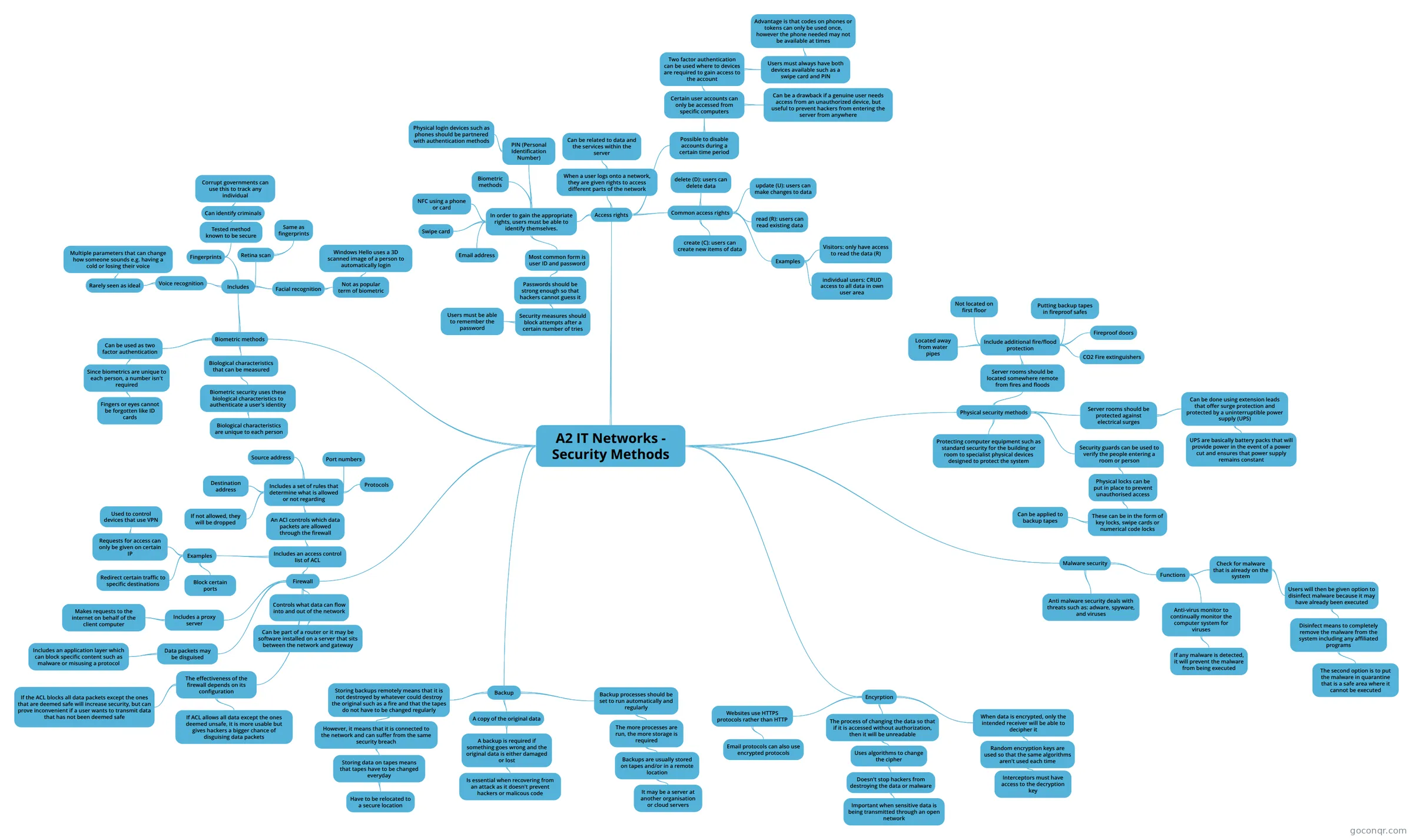 A2 IT Networks - Security Methods
-
System Security
-
Network Security
-
Data Protection
-
Computer security
-
System Threats
-
System Threats
-
Factors to take into account when designing a security policy
-
Storing Transmitting Data
-
Factors to Take Into Account When Designing Security Policies 2.
-
System Threats
-
System Threats
-
03. Data Security
-
System Threats
-
System Security
-
Network Security
-
1.6 System Security V2 Kwaku
-
Security threats
-
System Threats
-
1.6 System Security V2
-
security threats
-
network security
-
Computer security (improved)
-
network vulnerability
-
System Threats
-
System Threats
More Computer and Data Security resources
About computer and data security mind maps
GoConqr OriginalComputer and Data Security mind maps
These maps organise security topics into branches. System Threats covers malware, while Anti-malware software looks at how files are scanned. Cryptography brings together symmetric and asymmetric methods, alongside block and stream algorithms.
Using the maps to revise
Start with Threats to Data if you want an overview of risks, including hacking and accidental damage. Read one branch at a time, then close the map and try to recall its main points. Reopen it to check what you missed.
For a different topic, use the map on backup and recovery to compare full, differential and incremental backups. If you want to test your recall after reading, switch to a quiz on the unit page. Flashcards offer another way to revisit terms. Choose a branch and see what you can remember.
Frequently asked questions
Which mind map is a good place to start?
Threats to Data is a useful starting point because it brings several risks together, including identity theft, malware and accidental damage. You can follow its branches one at a time. For a different focus, Anti-malware software looks at how files are scanned.
What topics do the mind maps cover?
The maps cover threats, malware, data security and protection. Cryptography includes symmetric and asymmetric methods, while the map on backup and recovery compares types of backup. Other maps listed include Disaster Recovery, Online Banking Security and Security Methods and Biometrics.
Are the mind maps free to use?
Yes. Every resource listed here is free to open and study, with no account needed. They were made by GoConqr users. A free account also lets you save quiz scores and make your own quizzes, mind maps, flashcards and notes.