
Computer and Data Security
110 resources created by 106 users
This Computer and Data Security page on GoConqr gathers community-made mind maps, quizzes, flashcards and notes on threats to data, malware, phishing, cryptography, backups and data protection. It's built for school students revising a topic and teachers after ready-made material. There are over 1,300 resources here, including more than 30 quizzes, over 1,000 mind maps and more than 190 flashcard sets, with GCSE and BTEC style topics well covered. Pick a mind map, try a quiz to find your gaps, then make your own revision cards.
Top Computer and Data Security resources
-
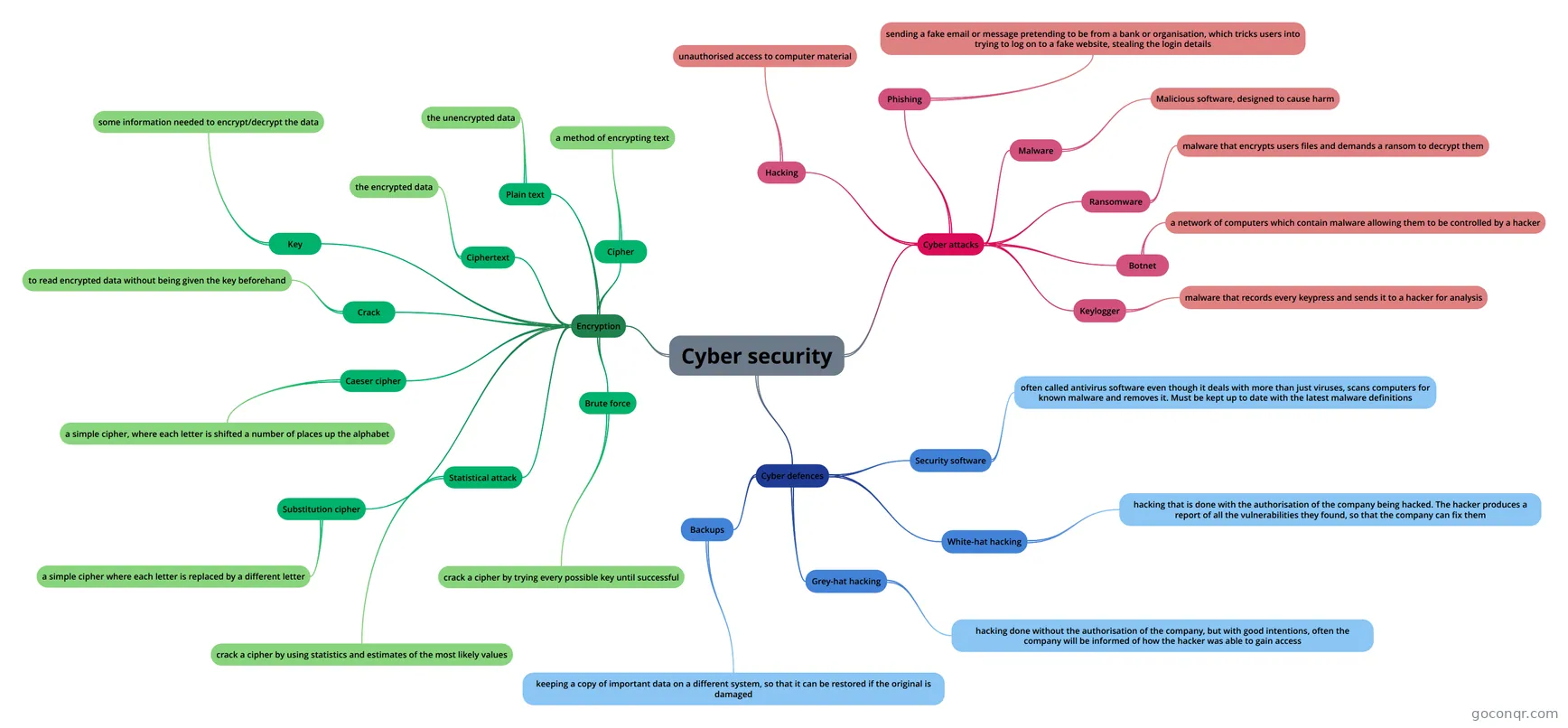 Mind map Cyber security Cyber security CS Year 8
-
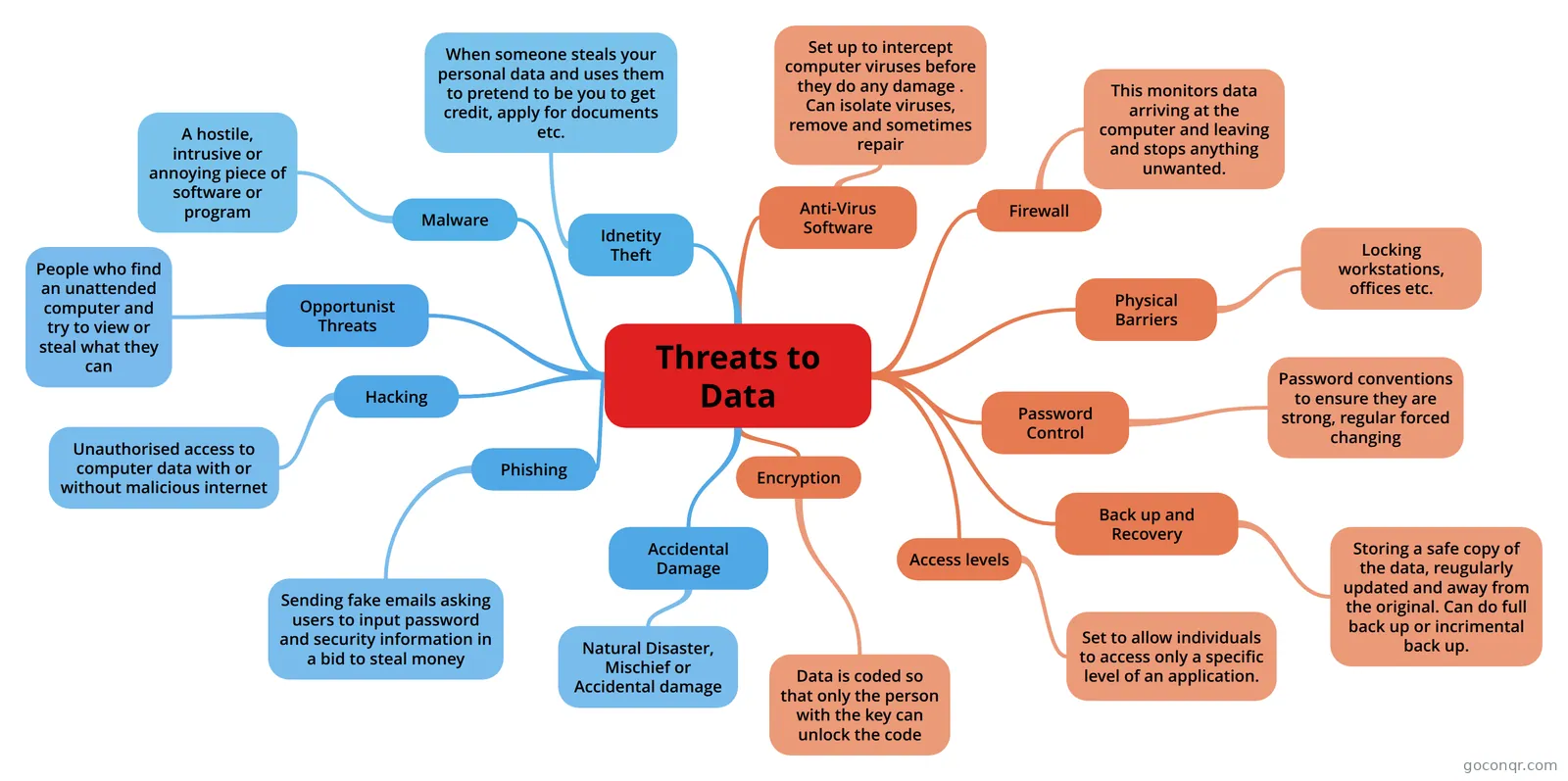 Mind map Threats to Data
-
11 cards1.6 OCR Computer Science- System Security. What is malware?
-
Mind map Cryptography
-
90 questionsfinal multiple choice priority Which of the following is a useful feature in Avast! Antivirus not found in most other antivirus solutions?
-
6 questionsRandom ICT questions Out of the selection below, tick all that apply. Which of these is a form of Physical Security?
-
5 questionsViruses. What does a worm virus do?
-
7 questionsIct quiz I want to store the name, address and telephone number of all my friends. What should I use?
Quizzes
See all 13 quizzes-
90 questionsfinal multiple choice priority Which of the following is a useful feature in Avast! Antivirus not found in most other antivirus solutions?
-
6 questionsRandom ICT questions Out of the selection below, tick all that apply. Which of these is a form of Physical Security?
-
5 questionsViruses. What does a worm virus do?
-
7 questionsIct quiz I want to store the name, address and telephone number of all my friends. What should I use?
-
5 questionsQuestions Unwanted junk or email
-
26 questionsDiscovering Computers Chapter 5 What does a disk cleanup utility do?
-
8 questionsGCSE CS - Communication and the internet Quiz 3 Network security are activities designed to protect a network and its data from threats such as viruses, ha...
-
5 questionsEverything! What is the definition of the term 'troll'
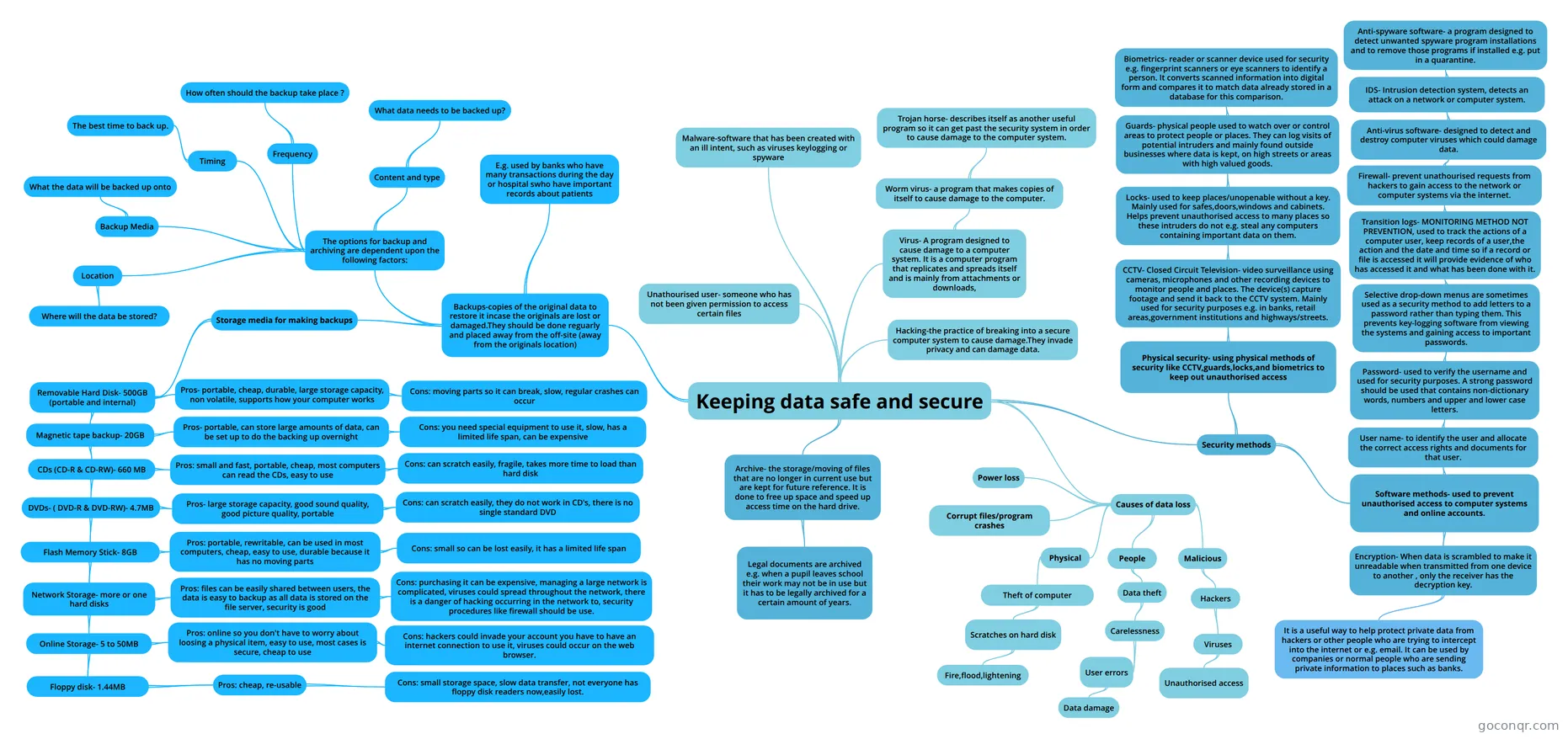
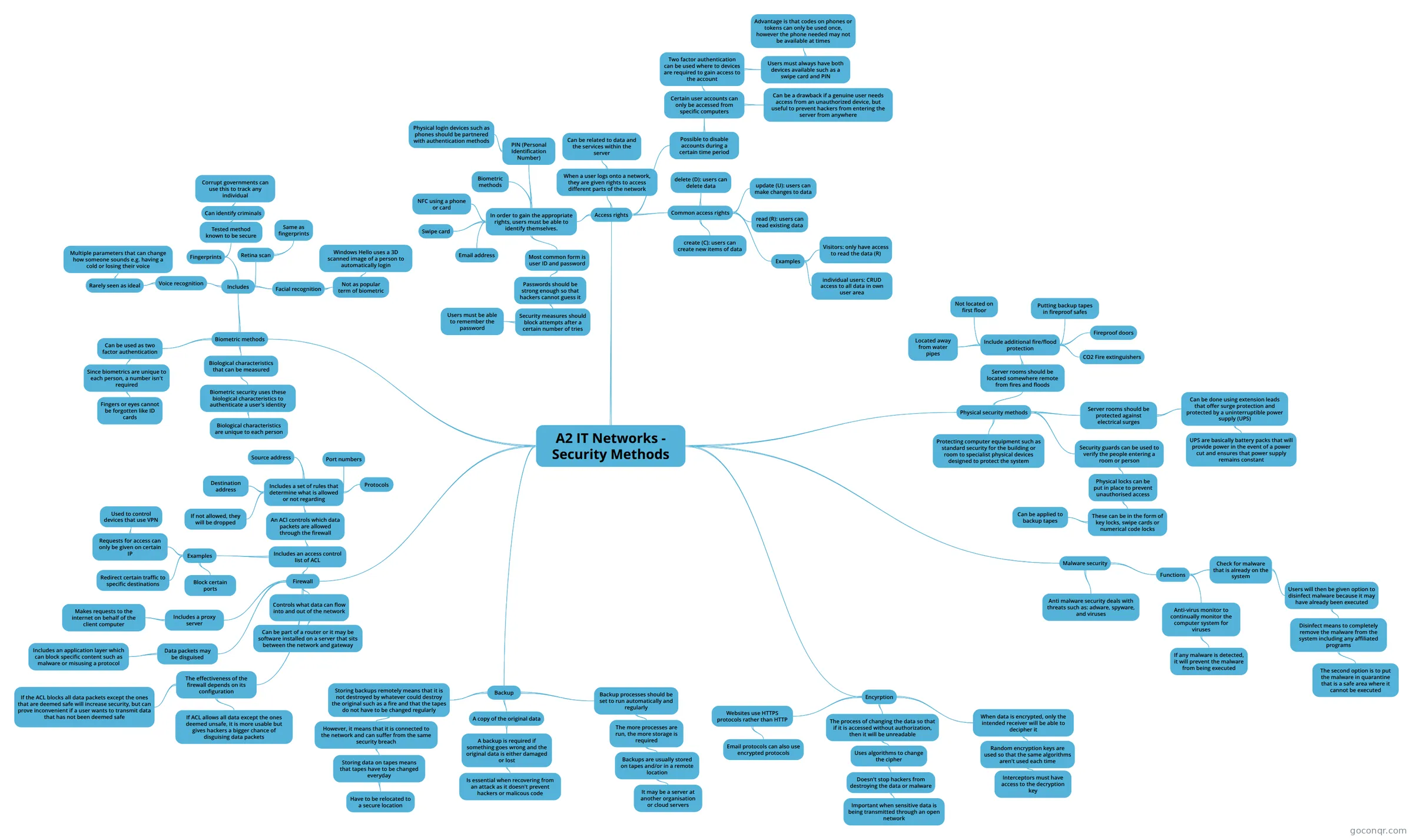
Mind maps
See all 64 mind maps
Flashcards
See all 28 flashcards-
11 cards1.6 OCR Computer Science- System Security. What is malware?
-
75 cardsChapter 4-Security Flashcards with the terms in Chapter 4-Security.
-
16 cardsChapter 9- Security of Data What is the data protection act? When was it set up?
-
28 cardsA+ Guide to IT Technical Support Chapter 18 Study Guide Documentation for evidence which includes exactly what, when, and from whom evidence was collected, the con...
-
16 cardsSome MTA Terms Flashcards Rights and Permissions
-
17 cardsComputer Science Flashcards
-
18 cardsServer MGT - Mod 2 Server MGT - Mod 2
-
15 cardsInternet Vocabulary Review
Flowcharts
Notes
-
Viruses Trojan- A Trojan is a harmful piece of software that looks legitimate. Its there but you don’t know that. A stand alone programme which may look normal, will hack your computer and cause numerous problems. It wil...
-
Crypto U6, computing HMAC How to compute an HMACYou need to keys, let's call them K1 and K2. Concatenate K2 with the message and then compute the hash of this. Then take K1, concatenate it with the result from step 1 and hash this...
Slides
More Computing and ICT (programming, computer science, digital skills, educational technology) topics
About Computer and Data Security
GoConqr OriginalWhat this unit covers
The resources here deal with keeping computers and data safe. Many are mind maps. The Threats to Data map covers identity theft, malware, hacking, phishing, accidental damage and opportunist threats, such as someone finding an unattended computer and trying to view or steal what they can. The Cyber security map goes further into cyber attacks, unauthorised access and fake emails pretending to come from a bank.
Where to start
Begin with the threats. Open Threats to Data, then Cyber security. Next, look at defences with Anti-malware software, which explains how anti-virus tools scan files that are opened or downloaded from the internet or a memory stick.
- Read a threats map first.
- Move to protection methods, such as the maps on backup and recovery and on protecting ICT systems.
- Finish with encryption and the wider ideas of data protection.
Going deeper
The Cryptography map is the most technical. It splits asymmetric and symmetric methods, and names block and stream algorithms such as DES, AES, RC4 and RSA. It suits students who want more than the basics. The flashcard deck on OCR Computer Science system security asks direct questions, such as what malware is and what a worm does. The deck called ICT Revision Flash Cards covers physical and software security methods and data encryption.
Using quizzes and maps together
Read a map, close it, then take a quiz. The Viruses. and Virus Quiz quizzes ask about worms, Trojans, spyware, cookies and phishing. Wrong answers show you which branch of the map to reread. Then go back to the flashcards to fix the terms in your memory.
Where it fits
This unit sits in the Security, Safety, Ethics and Society strand of Computing and ICT. Teachers can set a map as a starter or a quiz as a quick check. Choose one resource today and see how much you can recall from it.
Frequently asked questions
Which resource should I open first?
Start with the Threats to Data mind map. It sets out the main dangers, including malware, hacking, phishing, identity theft and accidental damage. After that, move to the Cyber security map, then to the Anti-malware software map to see how those threats are dealt with.
What do the virus quizzes cover?
The Viruses. quiz and the Virus Quiz ask what a worm does, what a Trojan is, what malware and spyware are, and what phishing means. Use them after reading a threats map, so you can see which terms you still mix up.
Are the resources free to use?
Yes. Every resource on this page is free to open, study and take, with no account needed. They were made by GoConqr users rather than by GoConqr. A free account also saves your quiz scores and lets you make your own quizzes, mind maps, flashcards and notes.
Which exams do these resources suit?
Most resources are aimed at secondary level. The listed material mentions GCSE Computer Science, GCSE ICT, GCSE Computing, IGCSE ICT, BTEC ICT, BTEC IT and A-level ICT. Check the title and contents against your own course before relying on a resource.
Is there anything on encryption?
Yes. The Cryptography mind map covers symmetric and asymmetric methods, block and stream algorithms, and names DES, AES, RSA and others. There are also flashcard decks called One Time Pad and Data Encryption/Password, plus a mind map titled 4.5.7 Encryption.
What if I cannot find the topic I need?
Try the related maps and flashcard decks on threats, backup, physical security or data protection, as many overlap. If a gap remains, you can build your own mind map or flashcards from your class notes with a free account.