
Mapa mental
Chapter 2
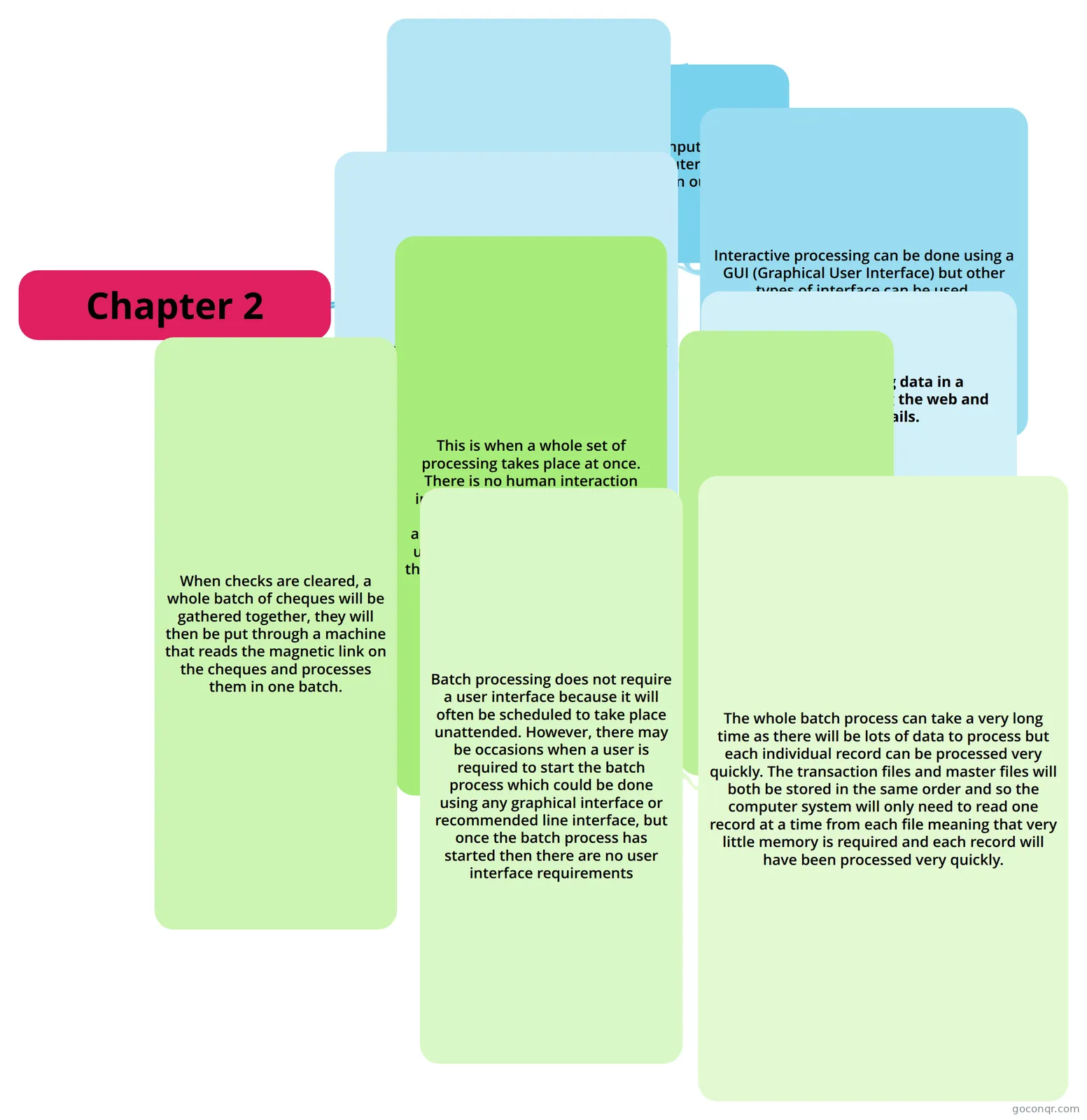
Mind map: interactive and batch processing
Contenido del mapa
Chapter 2
Interactive Processing
- Interactive means that the user and computer are communicating together.
- The user inputs data and the computer responds with an output.
- Interactive processing can be done using a GUI (Graphical User Interface) but other types of interface can be used.
- While the processing takes place, data is stored in RAM and is not saved to a non-volatile memory eg: a disk until the user saves the data.
- The computer will process the data as quickly as possible so that the user is able to see or hear the results of the processing.
- Example; Analysing data in a spreadsheet, browsing the web and checking emails.
- The computer will process the data as quickly as possible so that the user is able to see or hear the results of the processing.
- While the processing takes place, data is stored in RAM and is not saved to a non-volatile memory eg: a disk until the user saves the data.
- Interactive processing can be done using a GUI (Graphical User Interface) but other types of interface can be used.
Batch Processing
- This is when a whole set of processing takes place at once. There is no human interaction interaction required because the process can be set to start automatically. This processing will usually take place at a time when the computer system isnot busy eg: overnight.
- For payroll, the batch process will read the transactions from the transaction file and then update a master file for each employee before printing the payslips.
- When checks are cleared, a whole batch of cheques will be gathered together, they will then be put through a machine that reads the magnetic link on the cheques and processes them in one batch.
- Batch processing does not require a user interface because it will often be scheduled to take place unattended. However, there may be occasions when a user is required to start the batch process which could be done using any graphical interface or recommended line interface, but once the batch process has started then there are no user interface requirements
- The whole batch process can take a very long time as there will be lots of data to process but each individual record can be processed very quickly. The transaction files and master files will both be stored in the same order and so the computer system will only need to read one record at a time from each file meaning that very little memory is required and each record will have been processed very quickly.
- Batch processing does not require a user interface because it will often be scheduled to take place unattended. However, there may be occasions when a user is required to start the batch process which could be done using any graphical interface or recommended line interface, but once the batch process has started then there are no user interface requirements
- When checks are cleared, a whole batch of cheques will be gathered together, they will then be put through a machine that reads the magnetic link on the cheques and processes them in one batch.
- For payroll, the batch process will read the transactions from the transaction file and then update a master file for each employee before printing the payslips.
- This is when a whole set of processing takes place at once. There is no human interaction interaction required because the process can be set to start automatically. This processing will usually take place at a time when the computer system isnot busy eg: overnight.
Información
- Descripción
- Mapa Mental sobre Chapter 2, creado por mariam42 el 23/04/2013.
- Creado por
- mariam42
- Visitas
- 32
- Valoración