
Computer Systems mind maps
3,797 mind maps by 3,055 users · Page 1 of 95
This page gathers Computer Systems mind maps on topics from hardware and storage to operating systems and networking. School students can use them to revise, and teachers can find material for lessons; there are over 3,500 mind maps made by more than 2,800 users, with a mainly school-level focus. Pick a map to get started.
Select topic
- Hardware and Software791
- Types of Computers197
- System Architecture and the CPU822
- Computer Performance233
- Computer Memory268
- Secondary Storage547
- Input and Output Devices344
- Types of Software80
- Operating Systems and System Software184
- Data Representation80
- Logic Gates42
- Data Transmission14
- Computer Security20
- System Life Cycle11
- System Reliability11
Mind maps
-
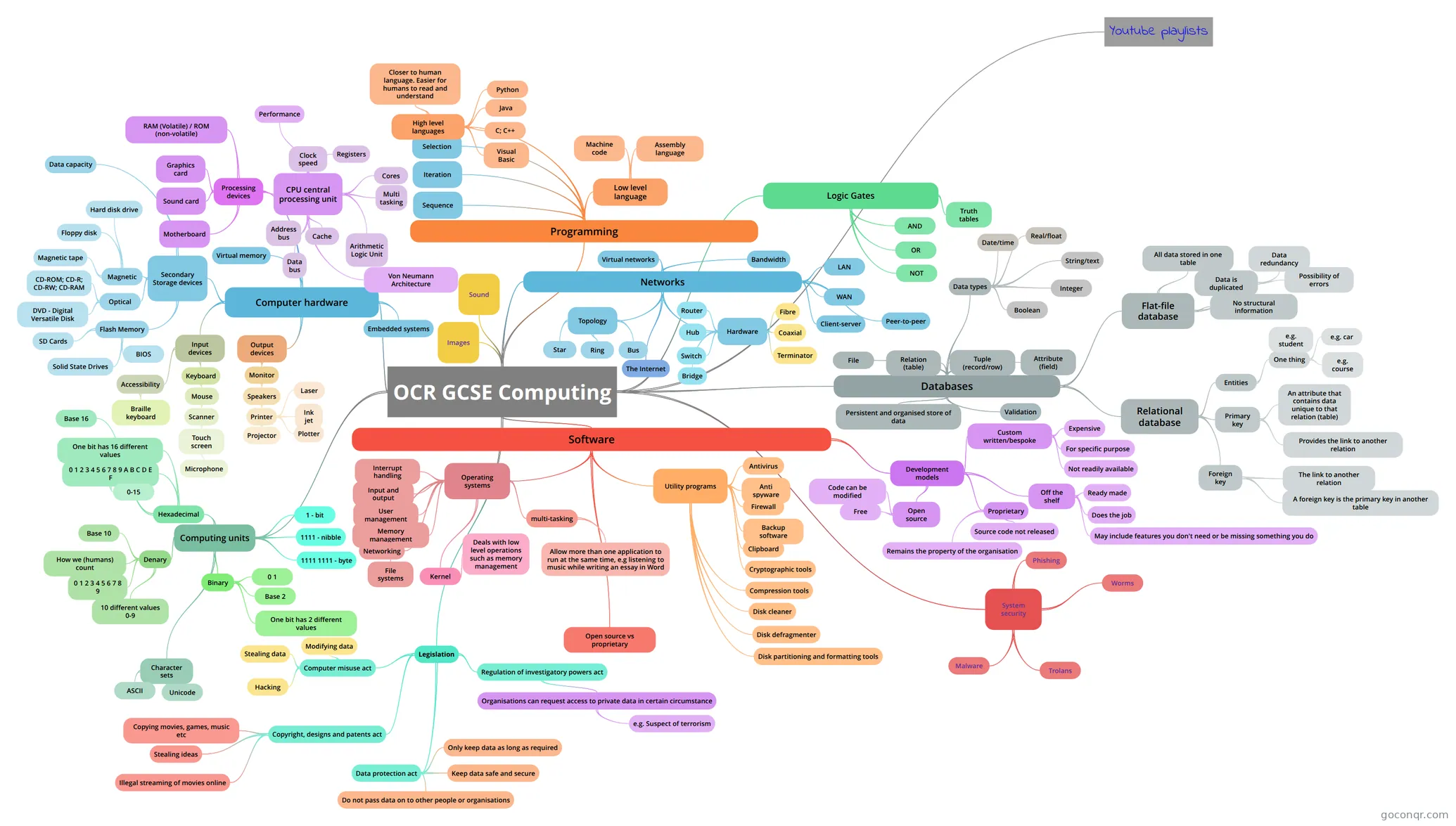 OCR GCSE Computing
-
Computing Hardware - CPU and Memory OCR Computing - Hardware
-
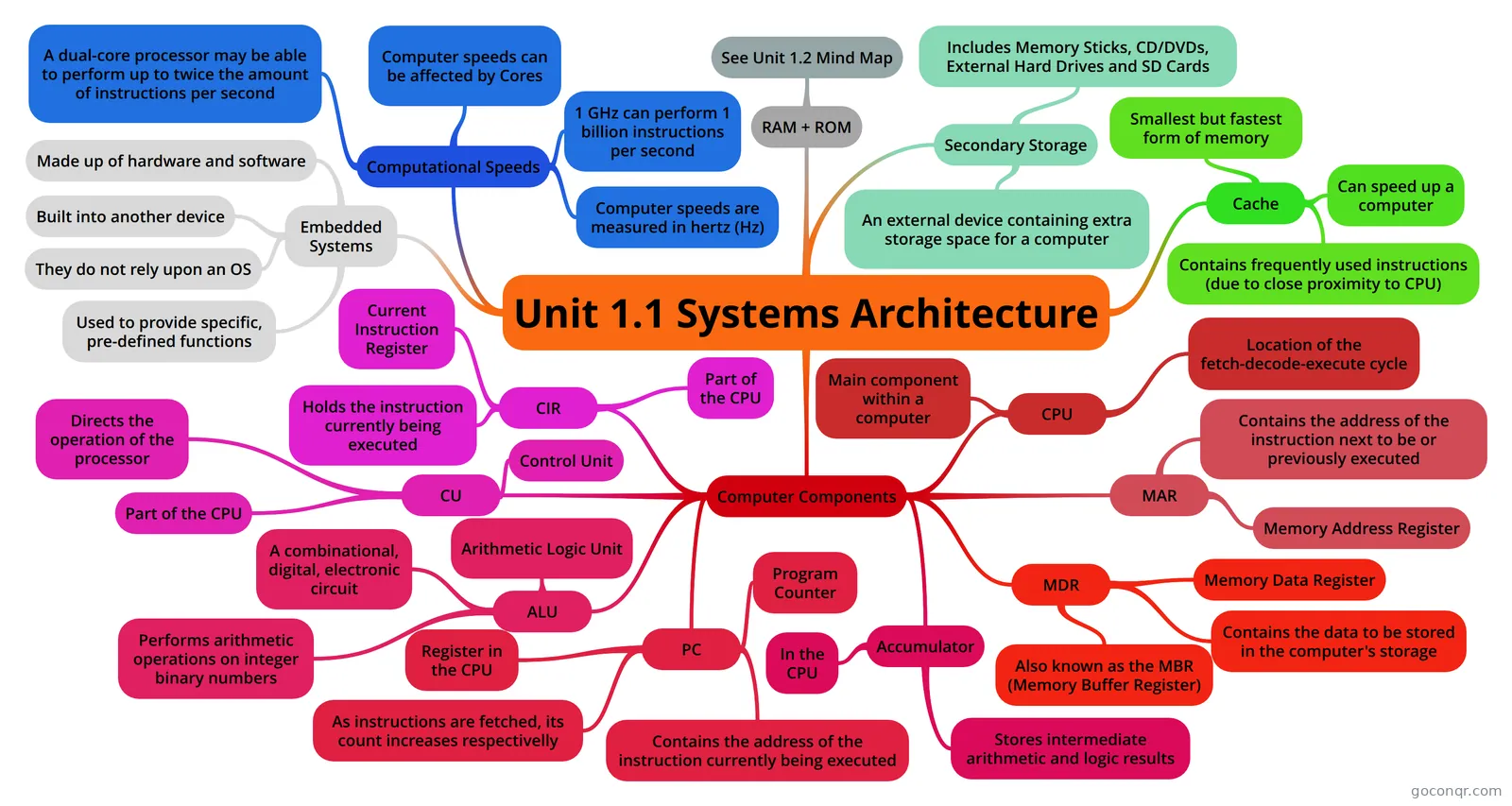 Unit 1.1 Systems Architecture Unit 1.1 System Architecture Mind Map
-
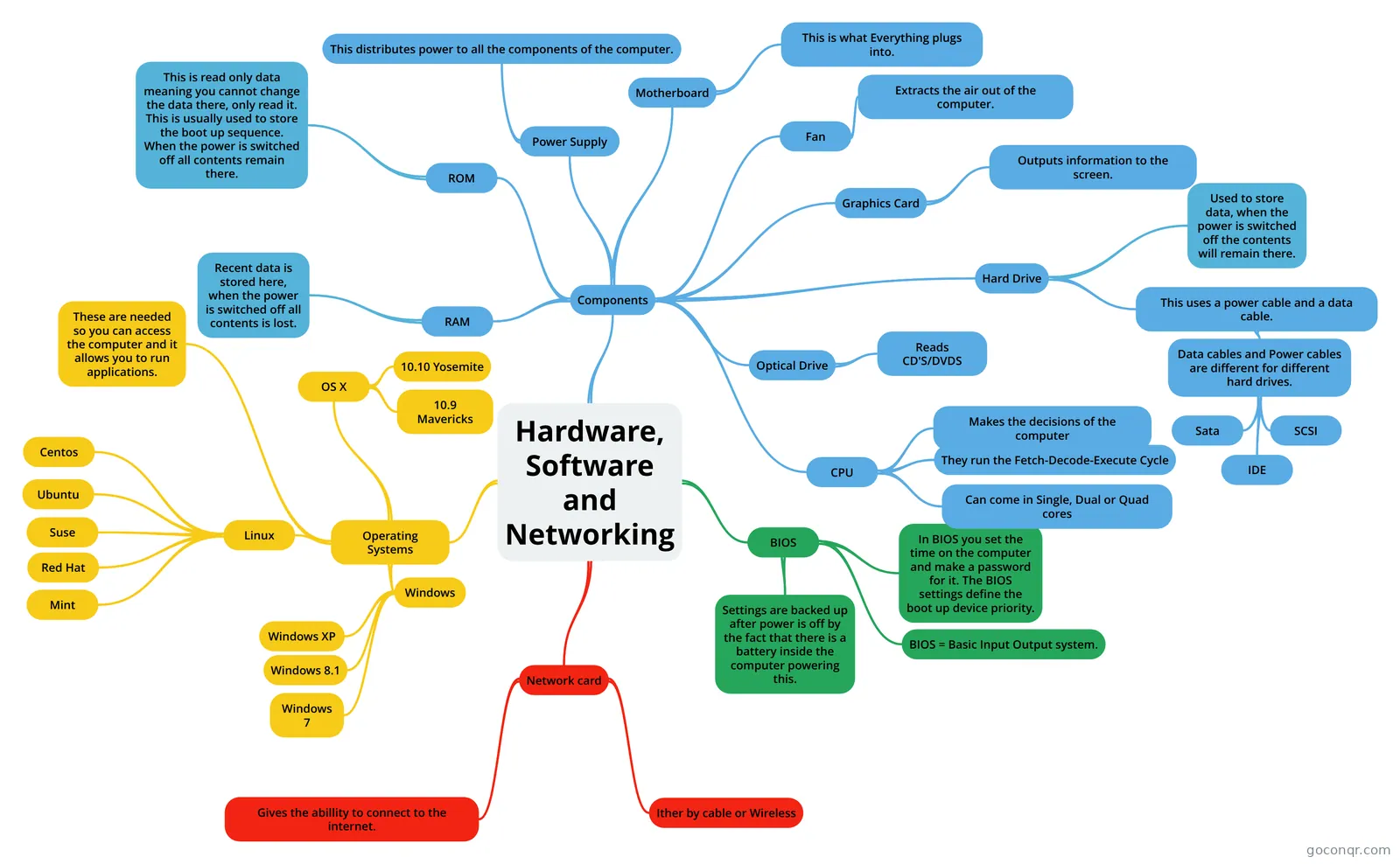 Hardware, Software and Networking Mind Map about Hardware, Software and Networking.
-
Operating systems
-
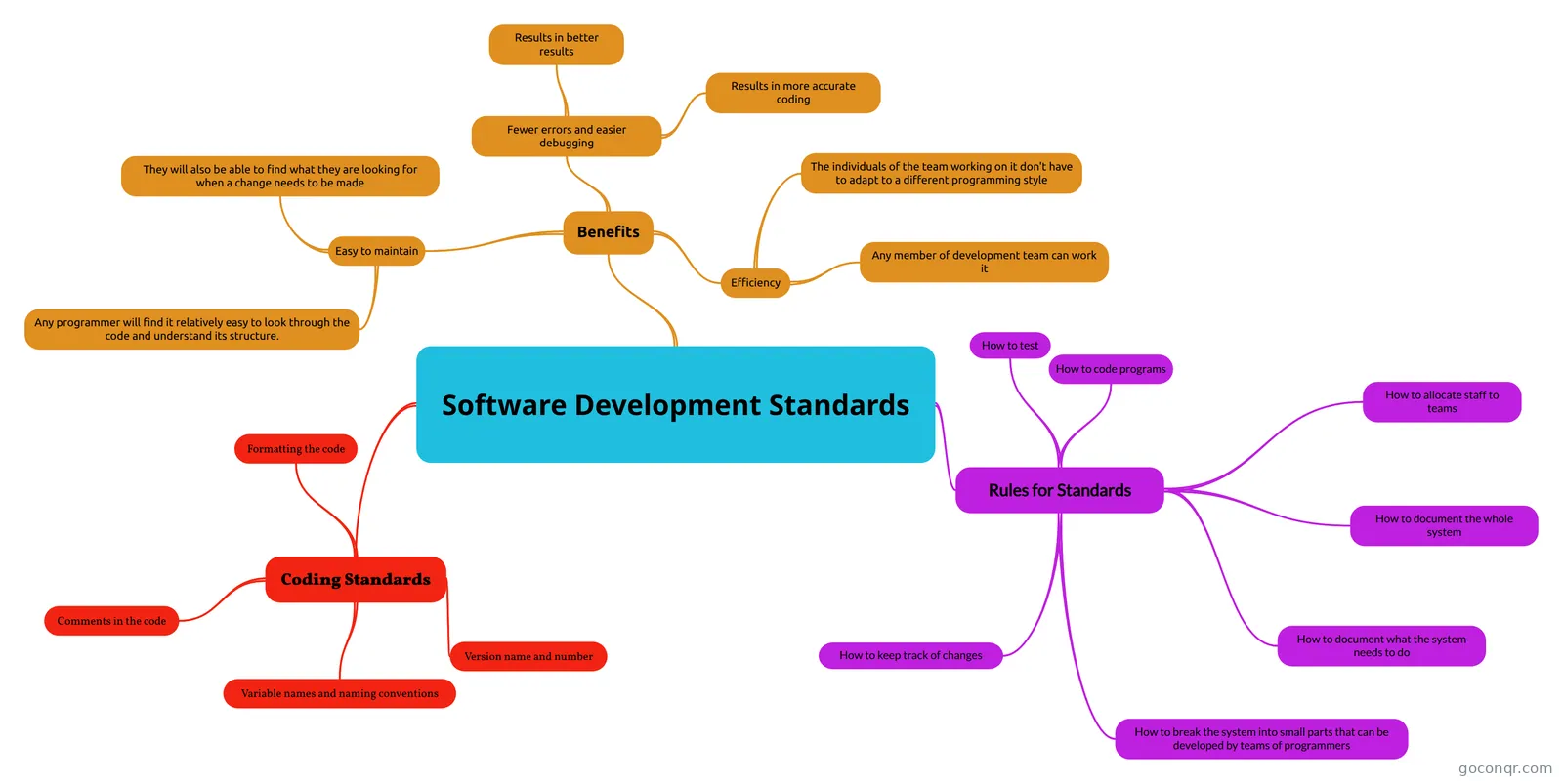 Software Development Standards A mind map on Software Development Standards following the OCR exam board.
-
Input-Process-Output
-
Secondary Storage Mind map of secondary storage
-
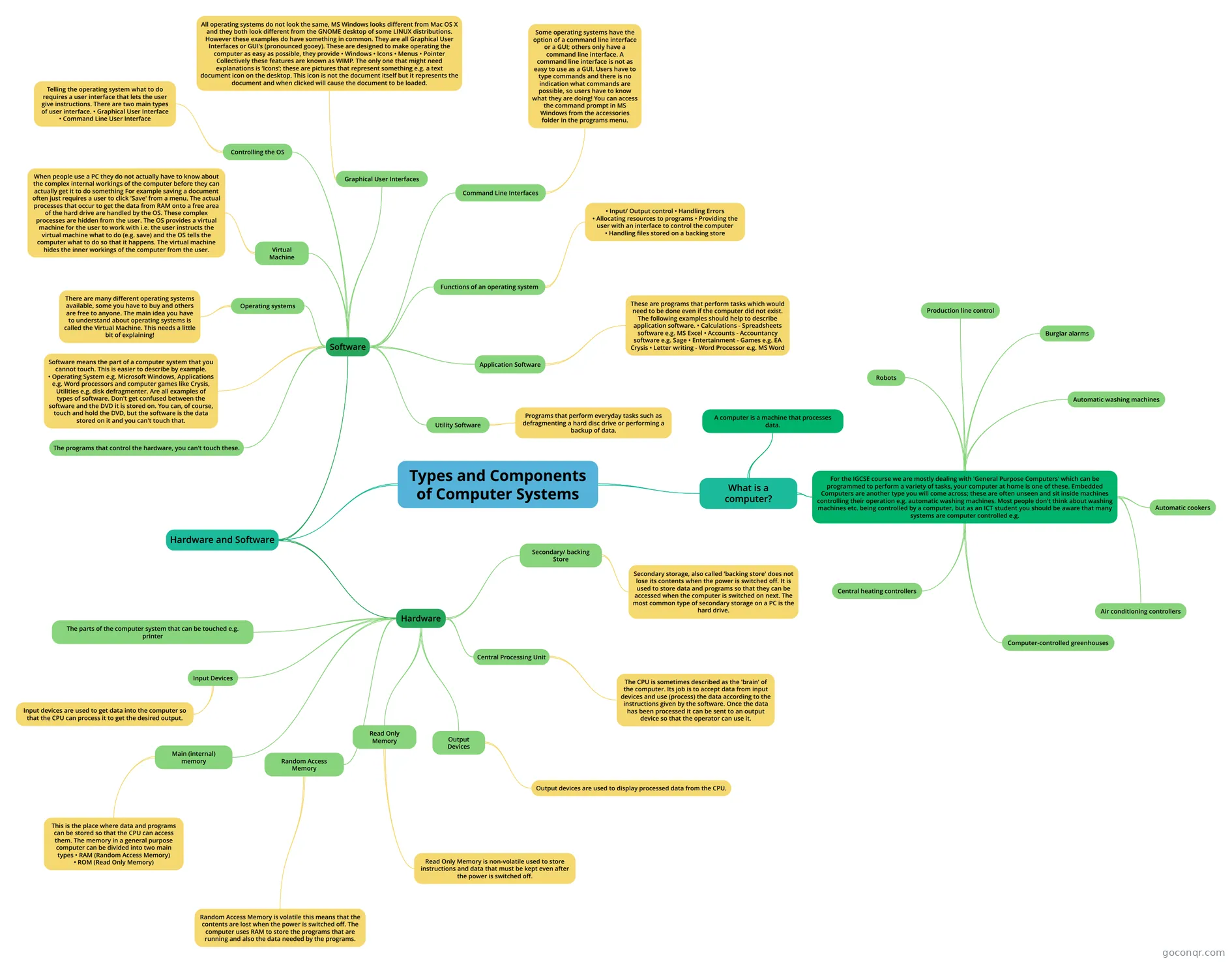 Types and Components of Computer Systems
-
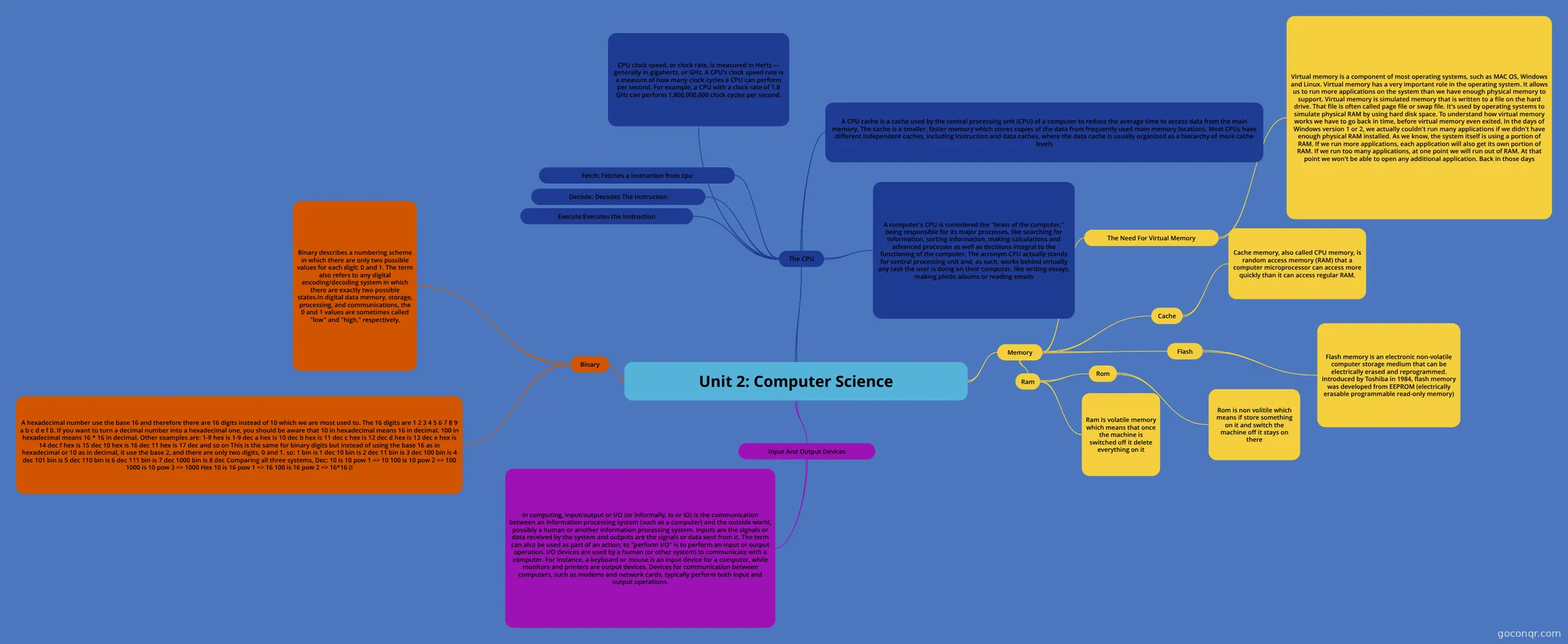 Unit 2: Computer Science
-
OCR GCSE Computer Science 1.1
-
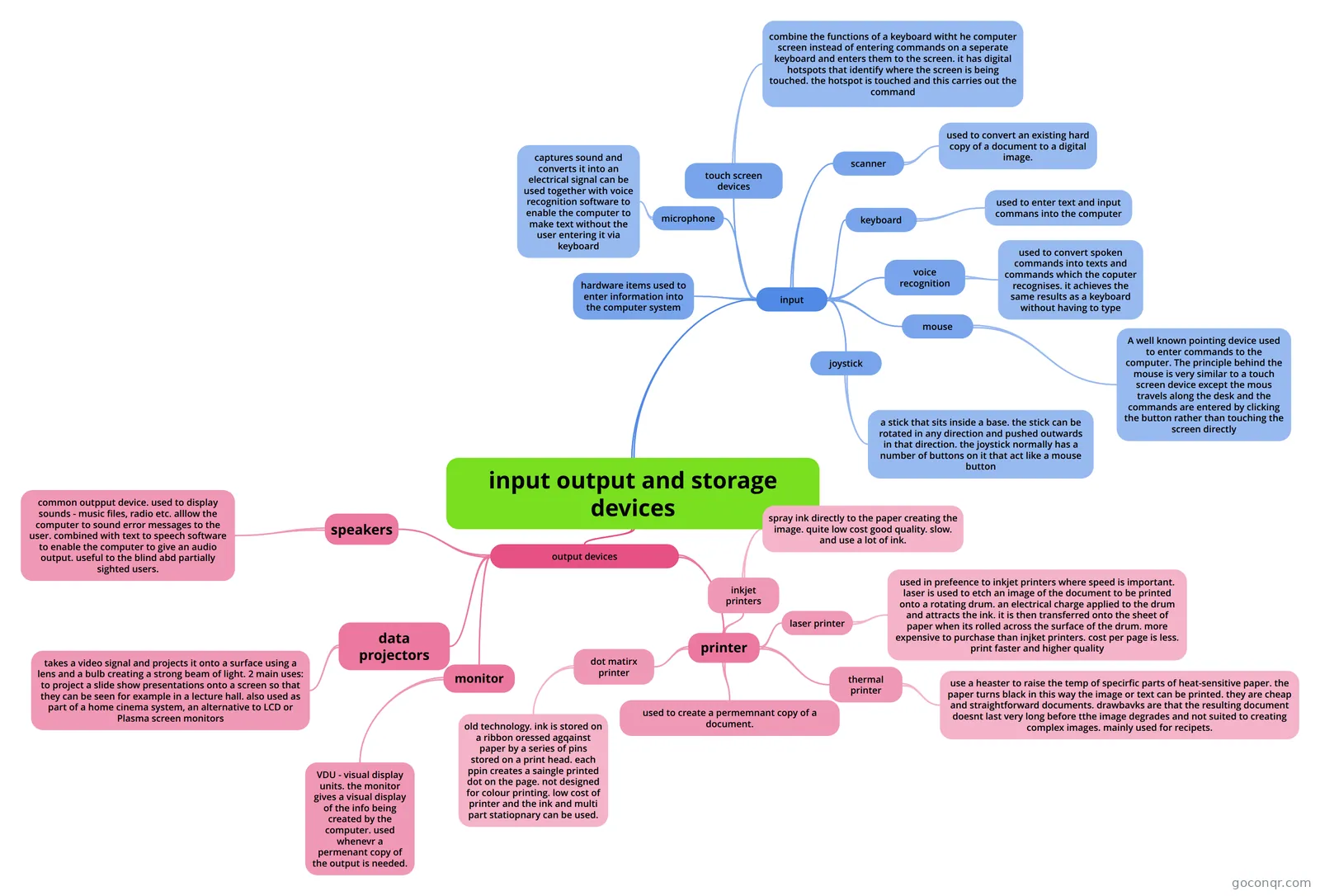 input output and storage devices
-
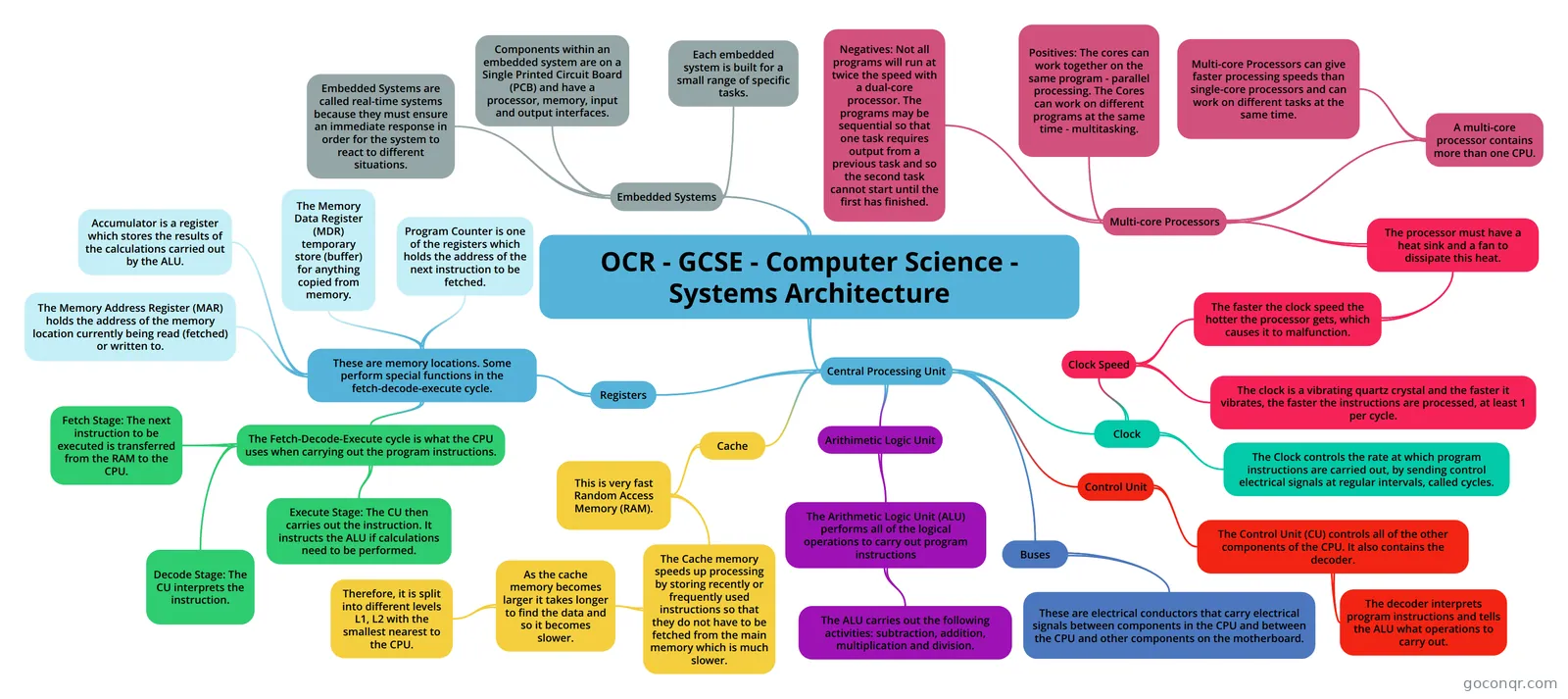 OCR - GCSE - Computer Science - Systems Architecture This is a mind map of all the content students will need to know for the GCSE OCR Computer Science speficat...
-
Operating Systems Mindmap on Operating Systems
-
Nat 5 Computing Science Scottish National 5 Computing Science- Computer Systems
-
Computer System a
-
Primary and Secondary Storage
-
Computer System
-
CPU (Central processing unit) Mind map on the CPU
-
OCR Computer Science: Computer Systems
-
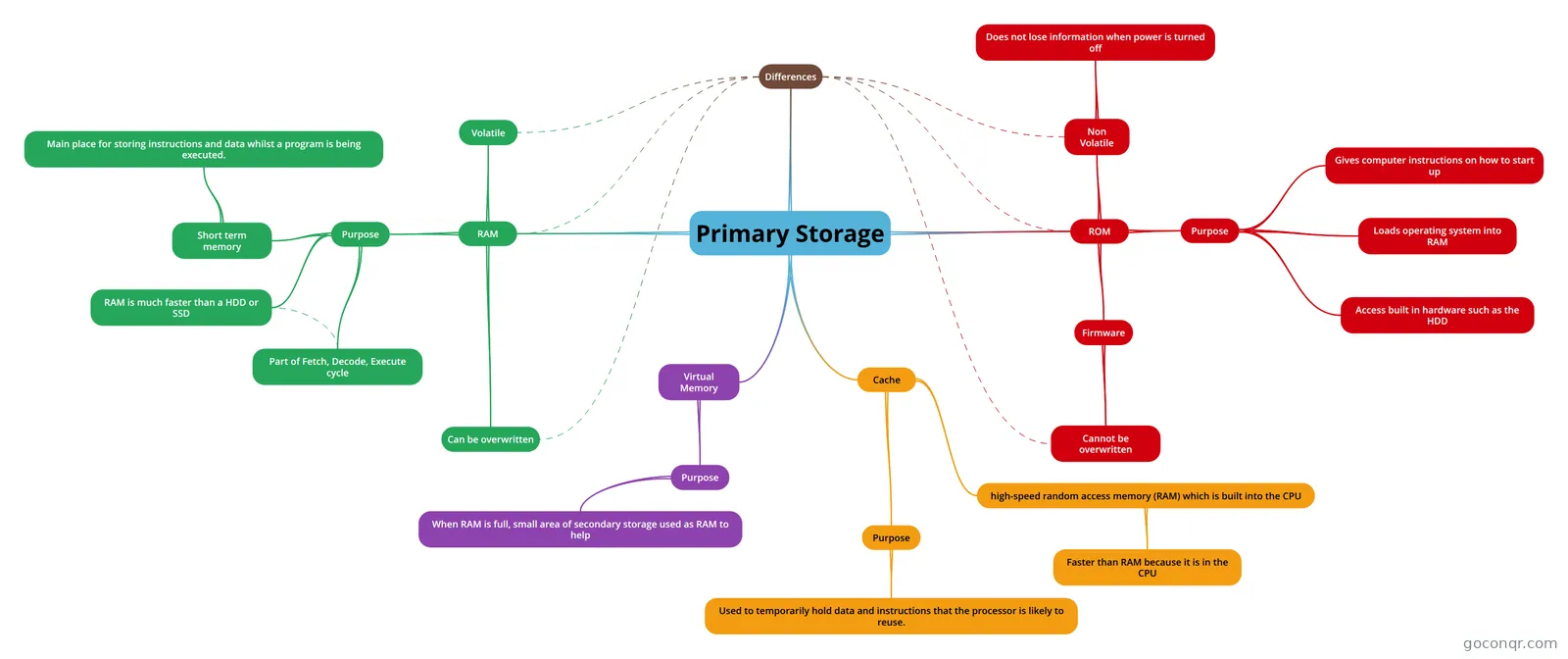 Primary Storage Mind map to help revise primary storage
-
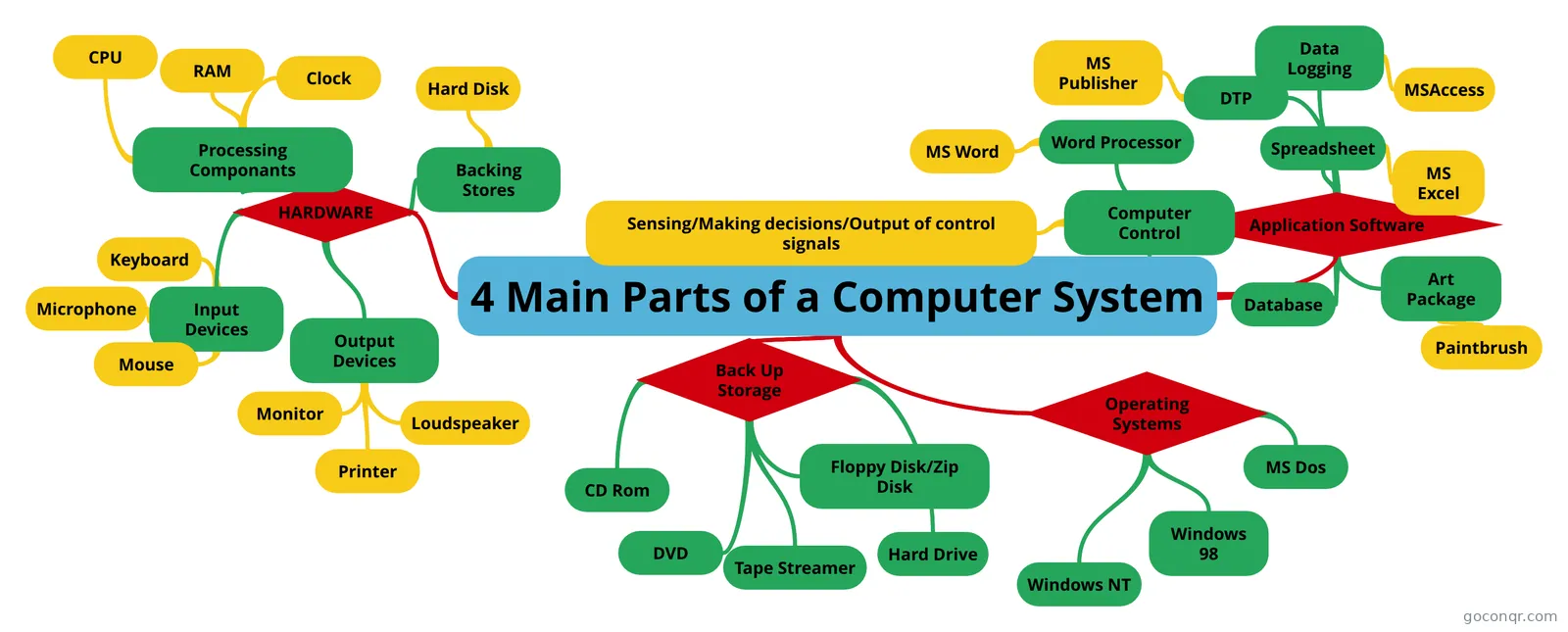 4 Main Parts of a Computer System
-
CPU, RAM and ROM ROM RAM CPU
-
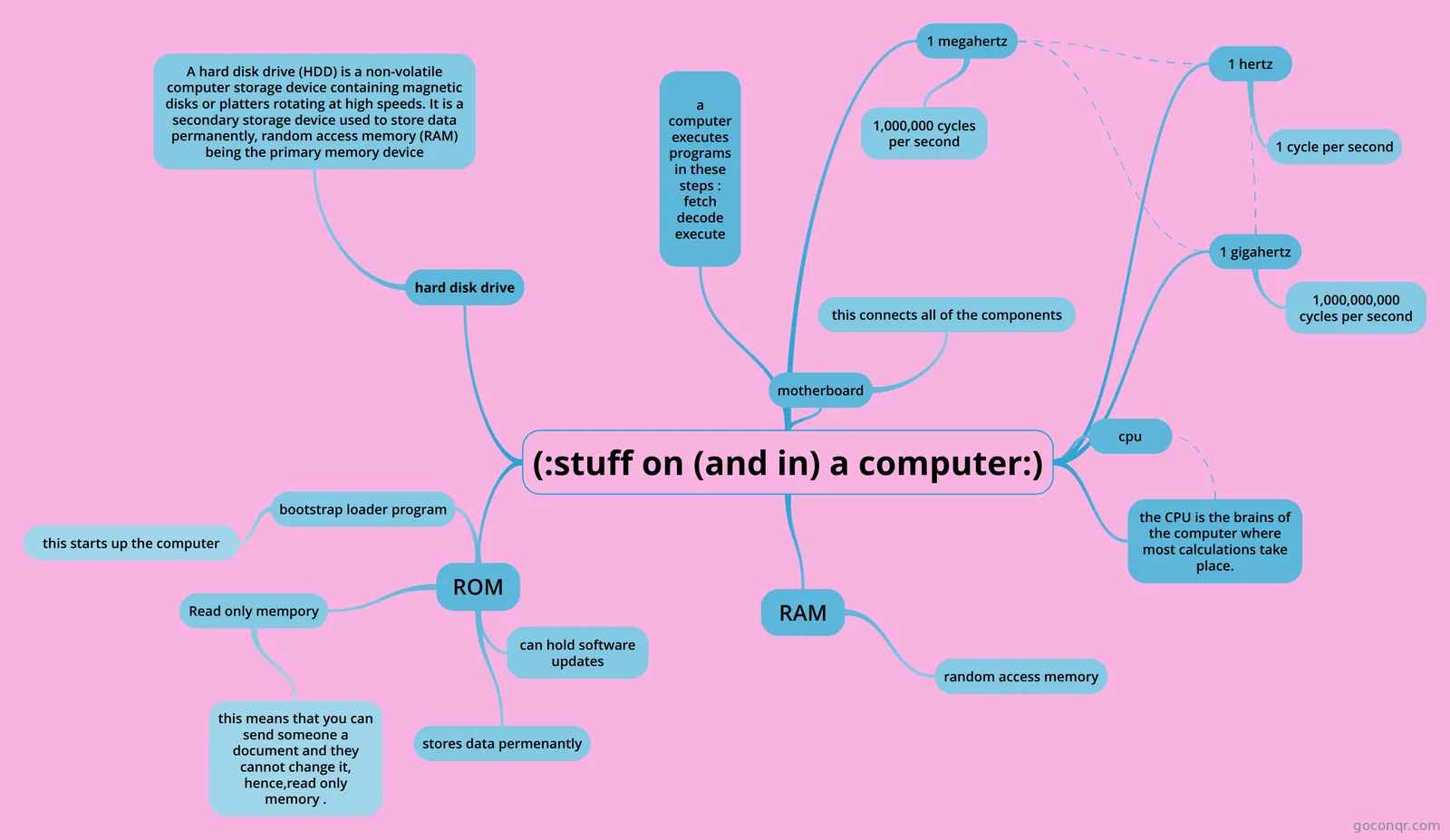 (:stuff on (and in) a computer:) hgxxxxxxxxxxxx
-
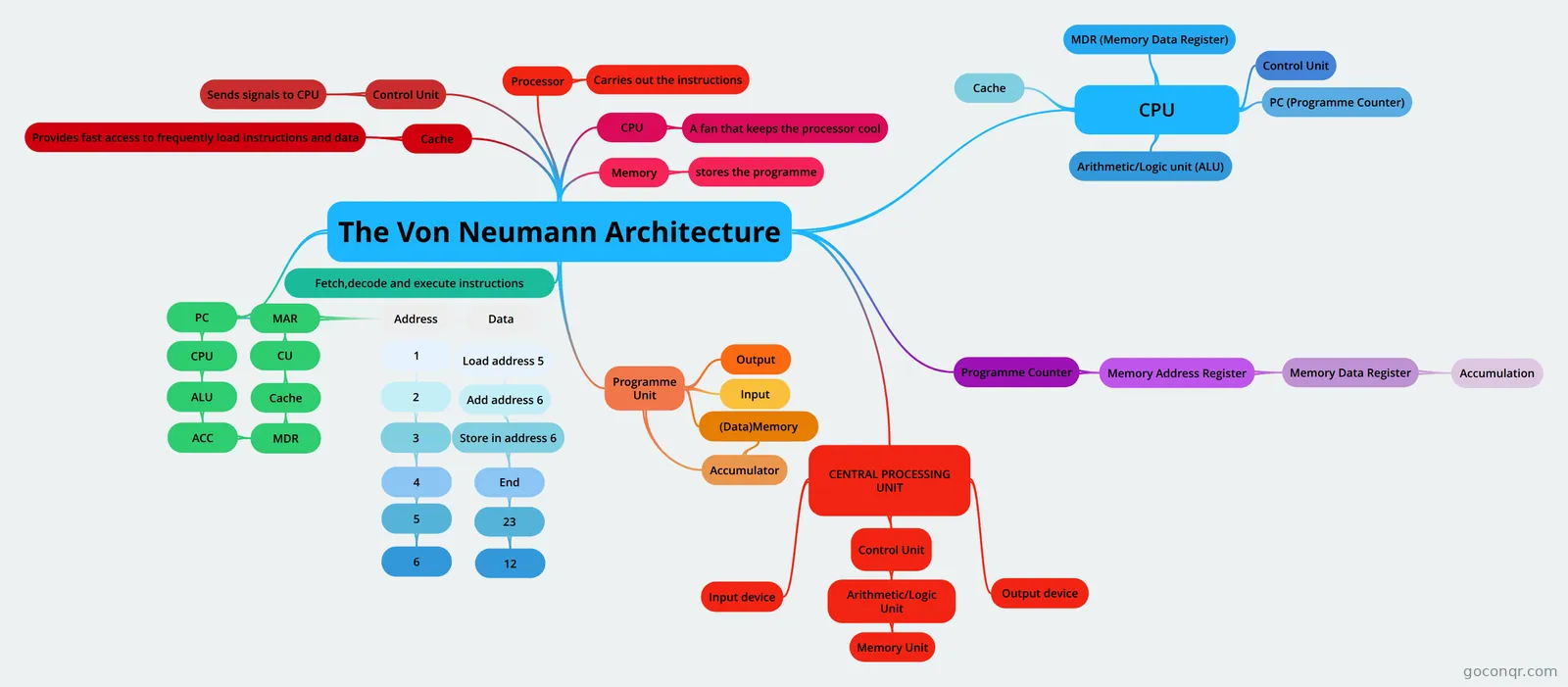 The Von Neumann Architecture the vn neumann architecture
-
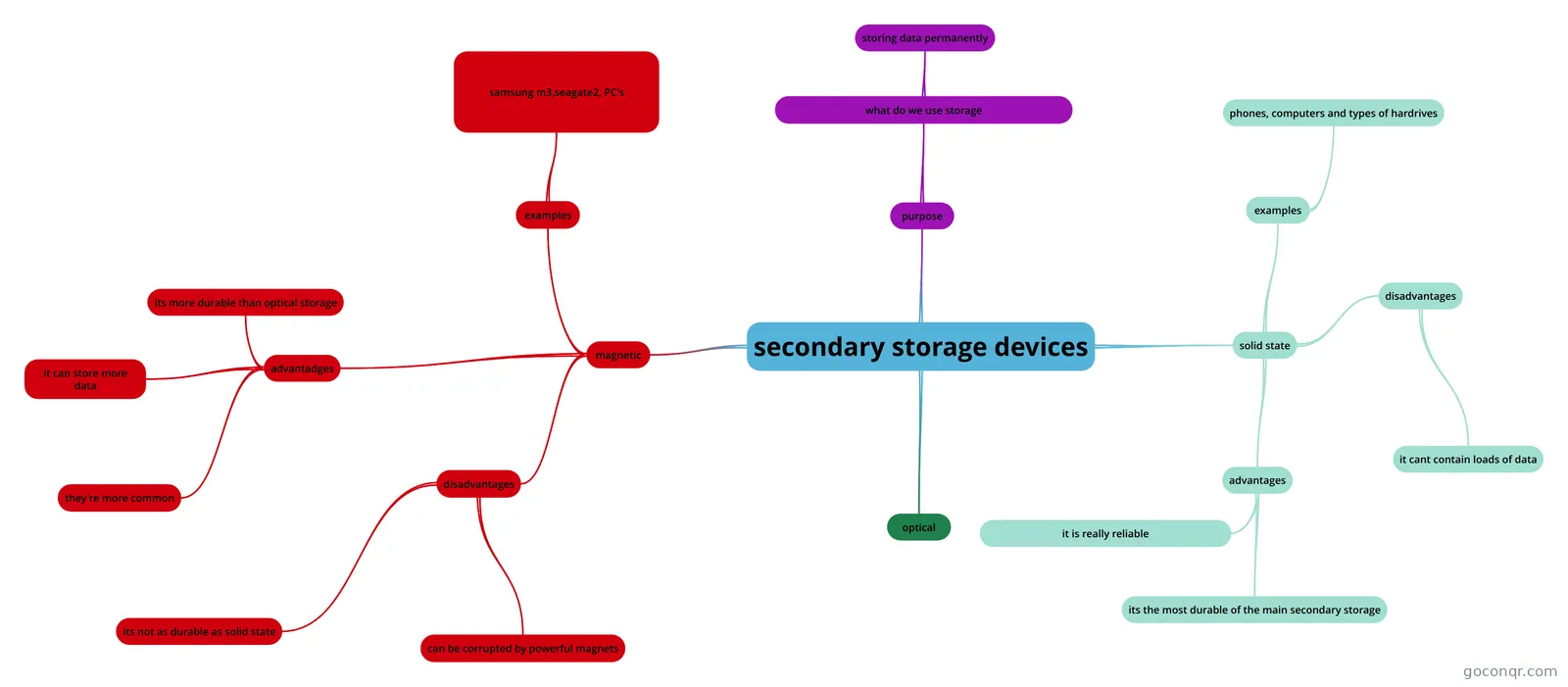 secondary storage devices
-
Secondary storage types of storage devices
-
Input,output,processing,and storage devies
-
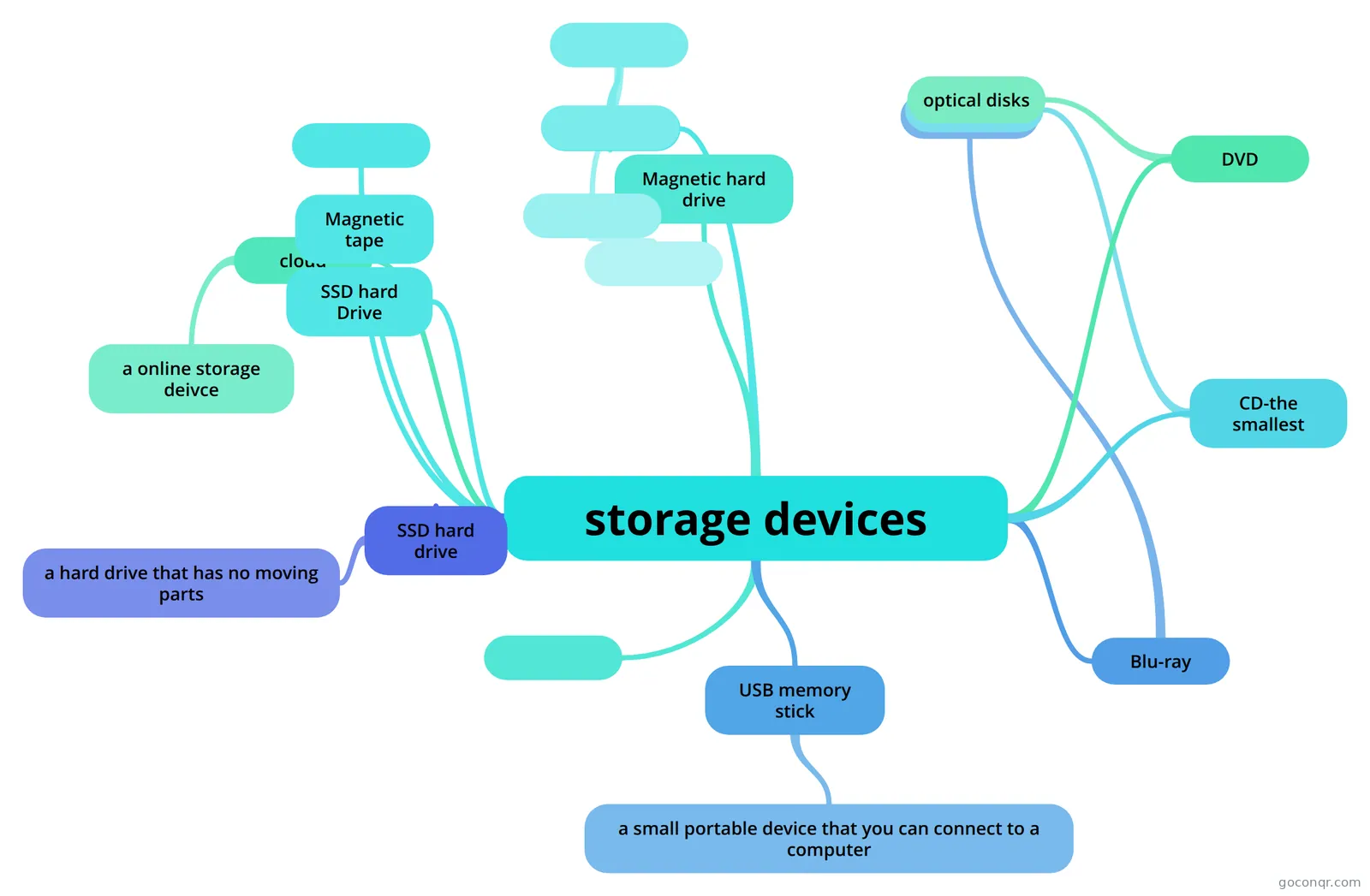 storage devices
-
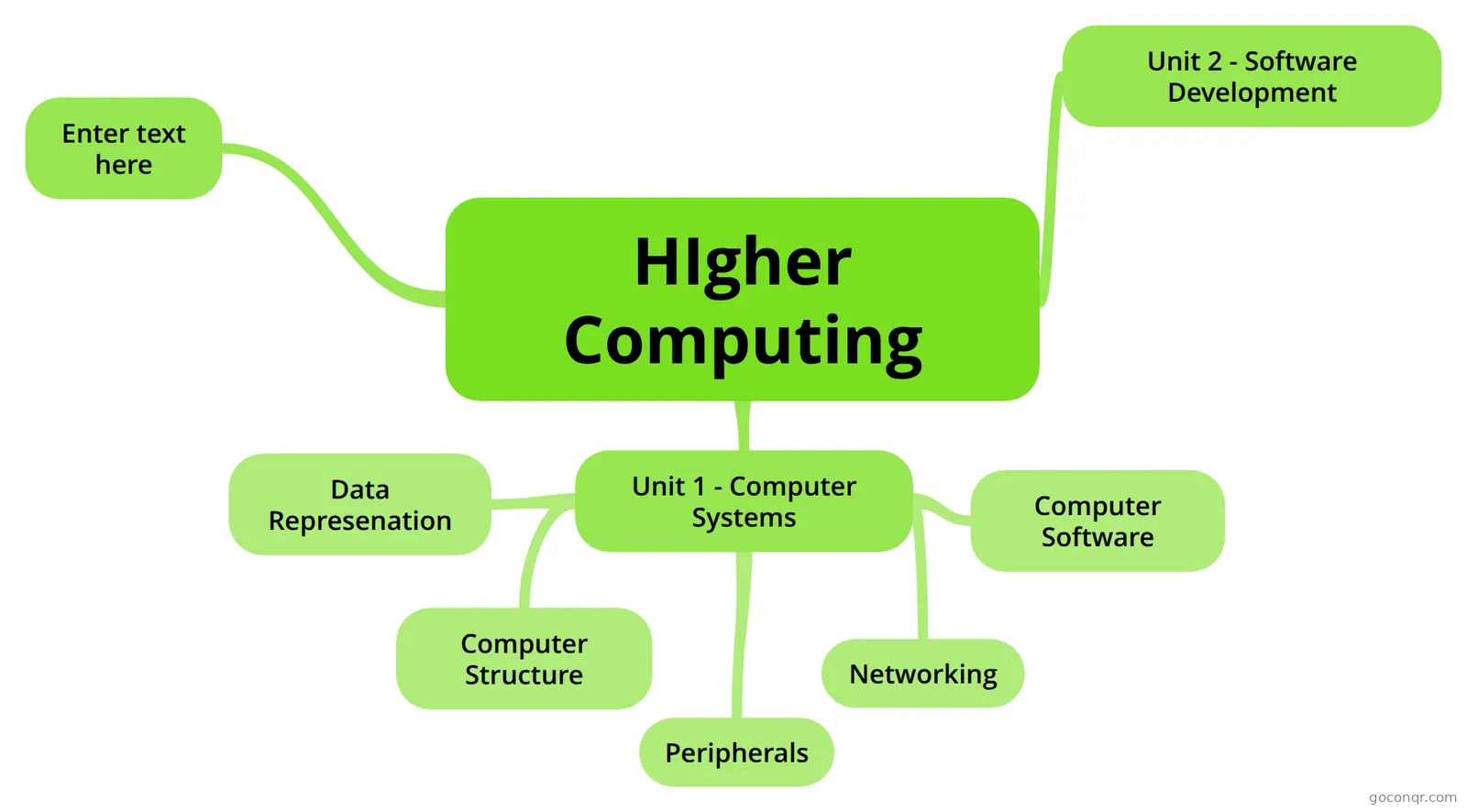 HIgher Computing
-
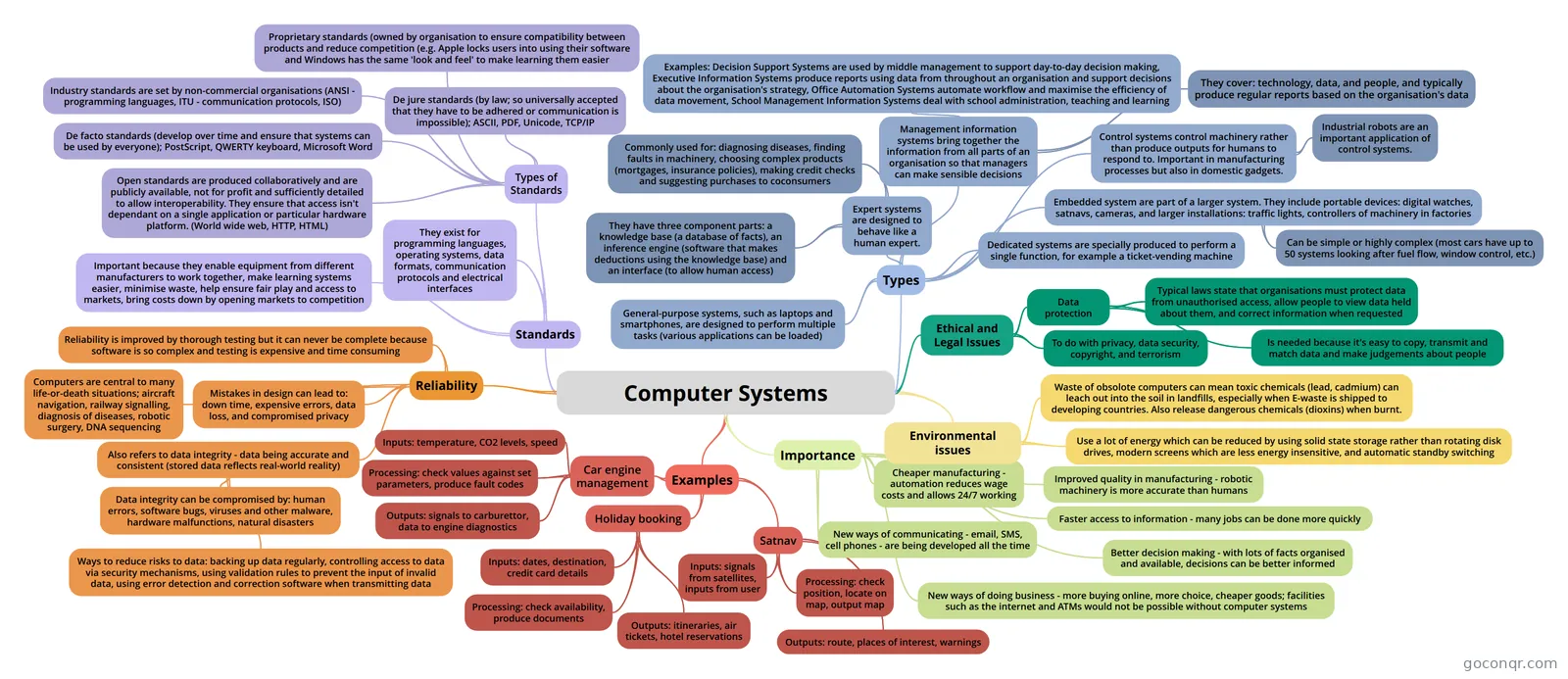 Computer Systems Computer Systems
-
Computing This is for my GCSE exams, it covers why computers use binary, the fetch de-execute cycle, input and output...
-
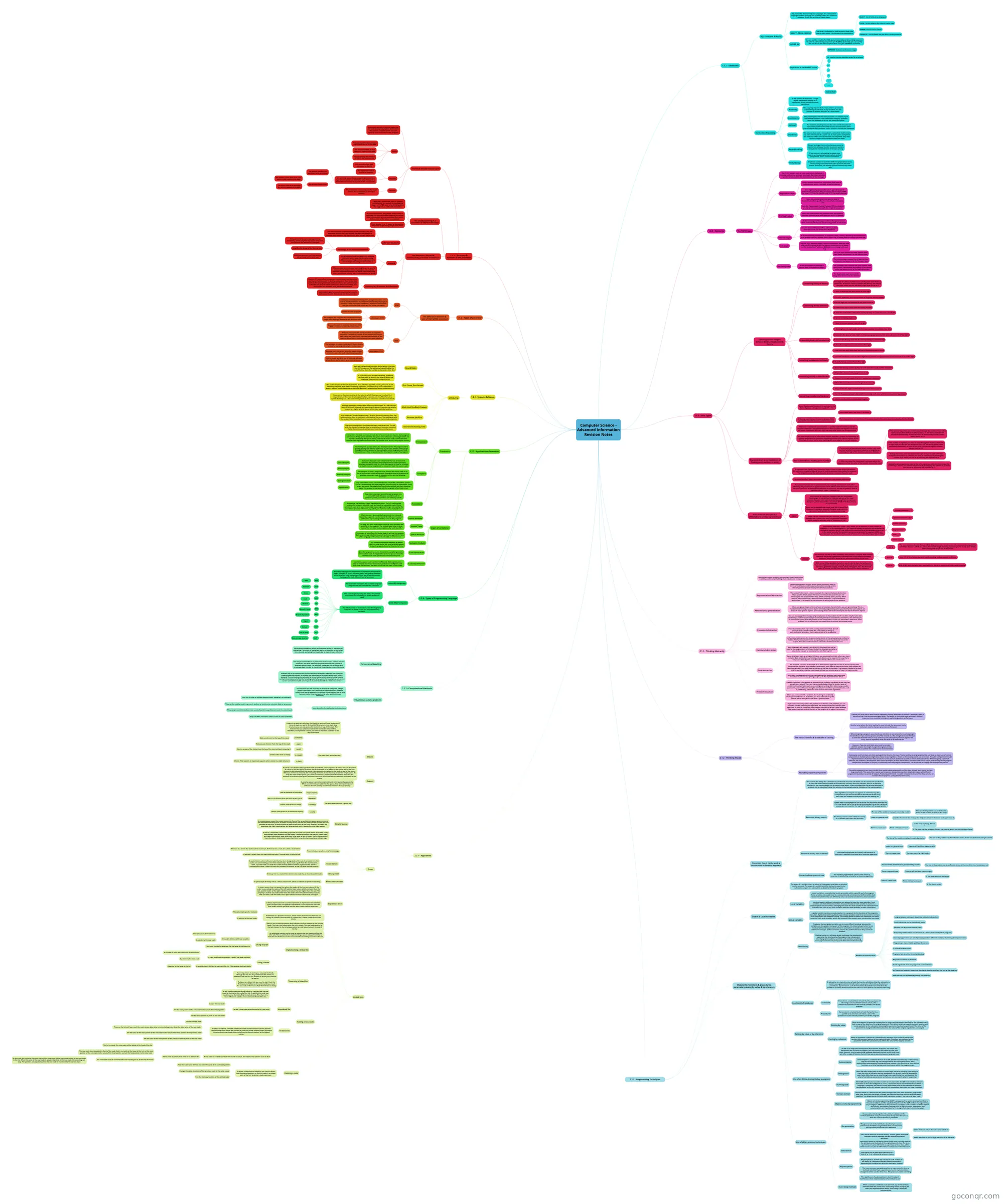 Computer Science - Advanced Information Revision Notes
-
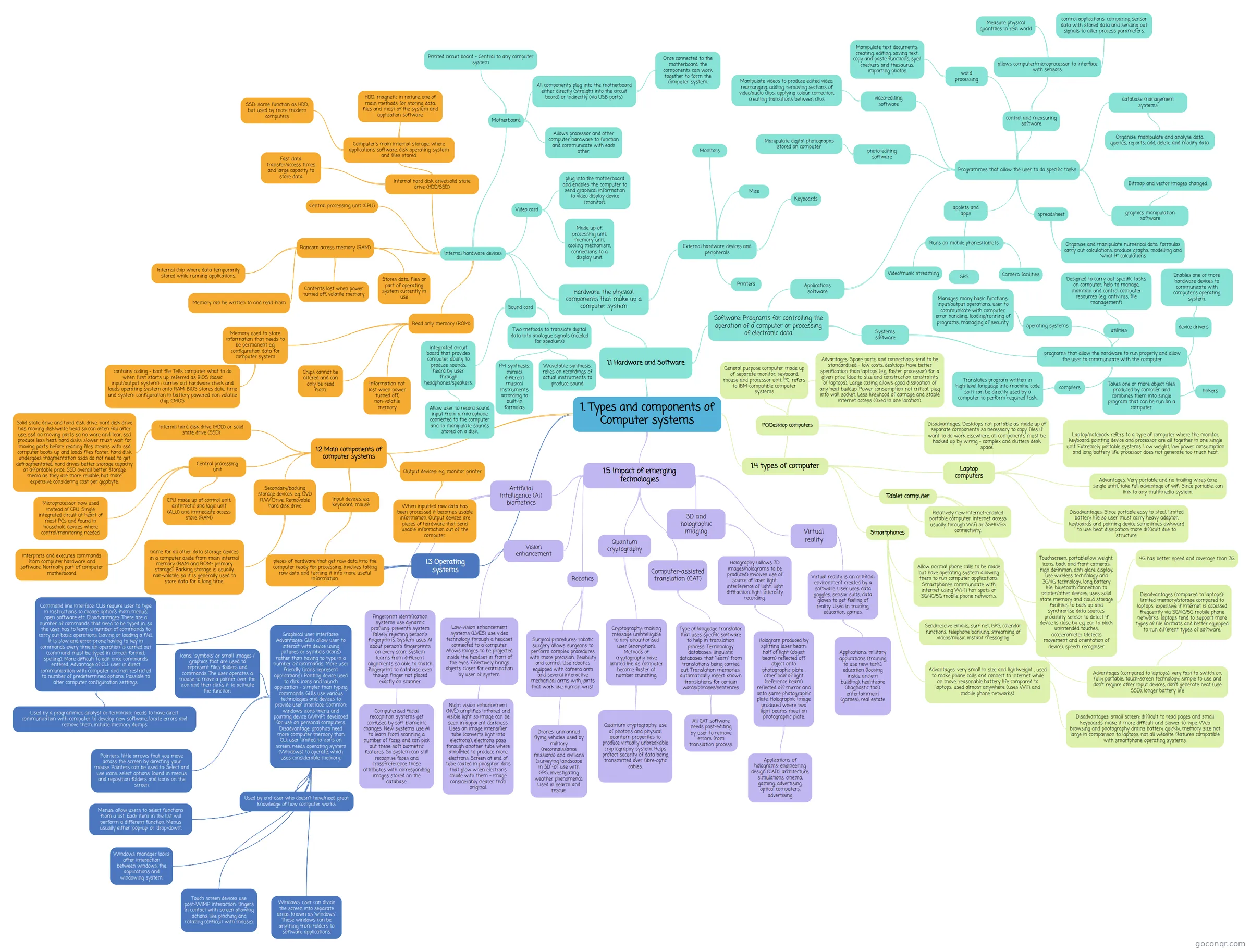 1. Types and components of Computer systems
-
Computer Organisation and Architecture
-
Computer Systems
-
CPU and Performance
-
Computer Systems
-
System Architecture
-
Computer System An overview of computer systems
More Computer Systems resources
About computer systems mind maps
GoConqr OriginalExplore Computer Systems mind maps
These maps organise topics into branches, making it easier to follow links between ideas. OCR GCSE Computing brings together programming, networks and hardware. Hardware, Software and Networking also groups several parts of a computer system, including operating systems, hard drives and RAM.
For a narrower starting point, try Computing Hardware - CPU and Memory. Its branches connect input, processing and output hardware with the CPU and memory. Primary Storage is useful when you want to focus on RAM, ROM and cache.
Revise with a map
Follow one branch at a time, then cover the details and see what you can recall. Return to the map to check the connections you missed. When you want to test your understanding in a different way, switch to a quiz on the unit page. Flashcards can help you review key terms separately.
Choose a topic and explore its branches.
Frequently asked questions
Which mind map is a good place to start?
For a broad overview, start with OCR GCSE Computing. It has branches on programming, networks and computer hardware, so you can see several topics together. If you want to focus on storage instead, Primary Storage brings RAM, ROM and cache into one map.
What topics do these mind maps cover?
The collection includes maps on hardware, software, networking, storage, operating systems and logic gates. Computing Hardware - CPU and Memory connects processing with input and output hardware, while Hardware, Software and Networking includes branches on components such as RAM and hard drives.
Are the mind maps free to use?
Yes. Every resource listed here is free to open and study without an account. The maps were made by GoConqr users, not by GoConqr. A free account also lets you save quiz scores and make your own quizzes, mind maps, flashcards and notes.