
The Internet and World Wide Web
157 resources created by 140 users
This page on GoConqr gathers community-made quizzes, mind maps, flashcards, slide sets and notes on The Internet and World Wide Web, from internet basics and history to protocols, search and ways of connecting. It's built for school students revising for exams such as GCSE ICT, GCSE Computer Science and IGCSE ICT, and for teachers after ready-made material. There are over 1,500 resources here, including more than 80 quizzes, over 1,000 mind maps and over 300 flashcards. Try a quiz first, then see what you can build.
Top The Internet and World Wide Web resources
-
19 questionsHistory of the Internet Quiz What sparked the development of the internet in 1957?
-
15 questionsThe internet basics Quiz What is the internet?
-
12 questionsUnderstanding the Internet for Kids
-
11 questionsInternet search quiz According to "how it works" 1st paragraph, What do search engines use that enable them to respond quickly t...
-
8 questionsinternet quiz 2 What are the two hierarchical addressing systems on the Internet?
-
5 cardssocial networks social networks flashcards
-
6 cardsICT The Internet Keywords What is the number that represents a website or household?
-
6 questionsY8 test revision quiz URL stands for Unlocked Red Lamb?
Quizzes
See all 30 quizzes-
19 questionsHistory of the Internet Quiz What sparked the development of the internet in 1957?
-
15 questionsThe internet basics Quiz What is the internet?
-
12 questionsUnderstanding the Internet for Kids
-
11 questionsInternet search quiz According to "how it works" 1st paragraph, What do search engines use that enable them to respond quickly t...
-
8 questionsinternet quiz 2 What are the two hierarchical addressing systems on the Internet?
-
6 questionsY8 test revision quiz URL stands for Unlocked Red Lamb?
-
57 questionsItec225 The U.S. Department of Defense (DoD) developed one of the first Wide Area Networks and named it ARPAnet. Th...
-
28 questionsICT Quiz Having technology embedded into everyday object, such as fridges or cat flaps is an example of what?
Mind maps
See all 73 mind maps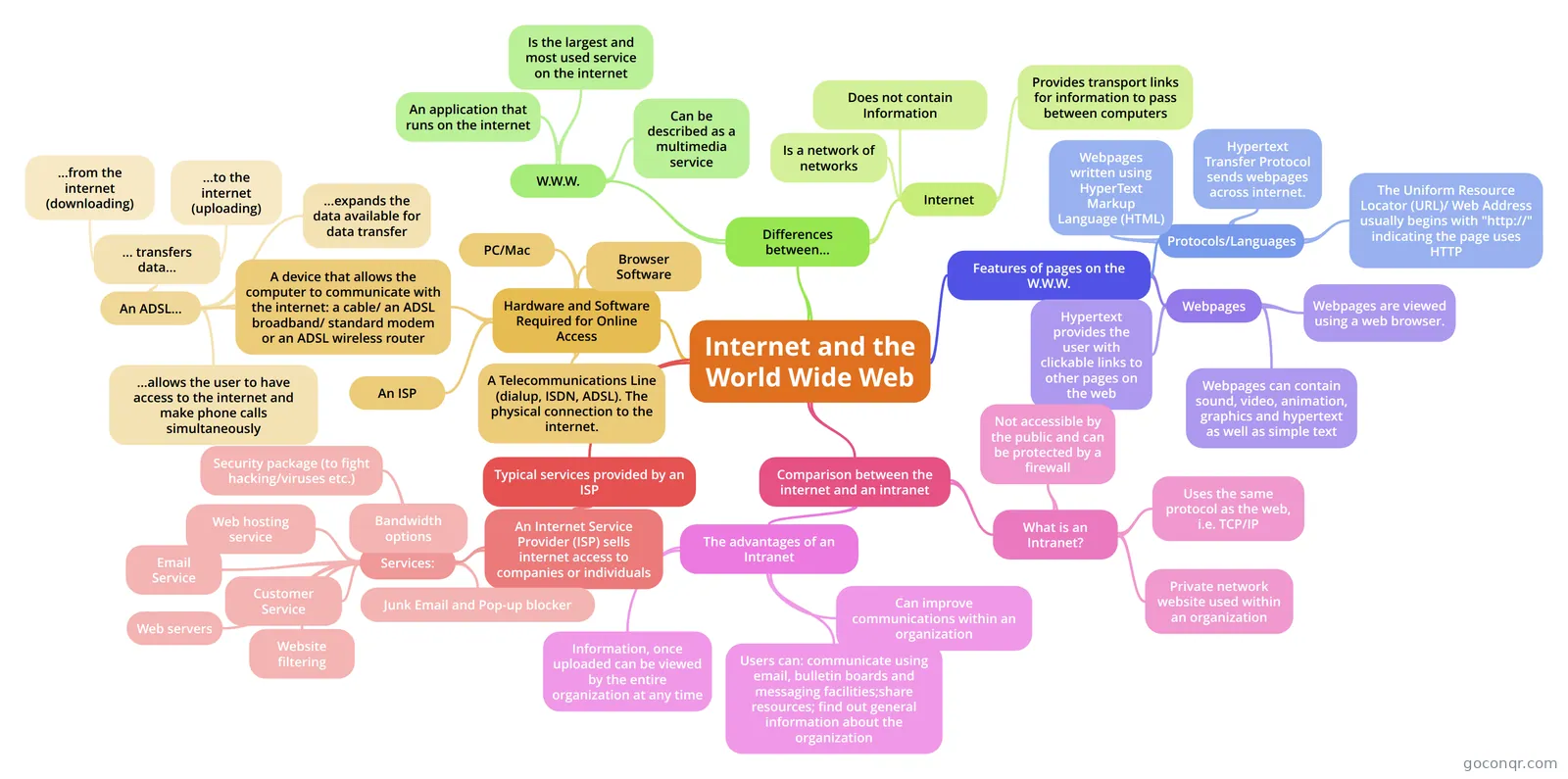
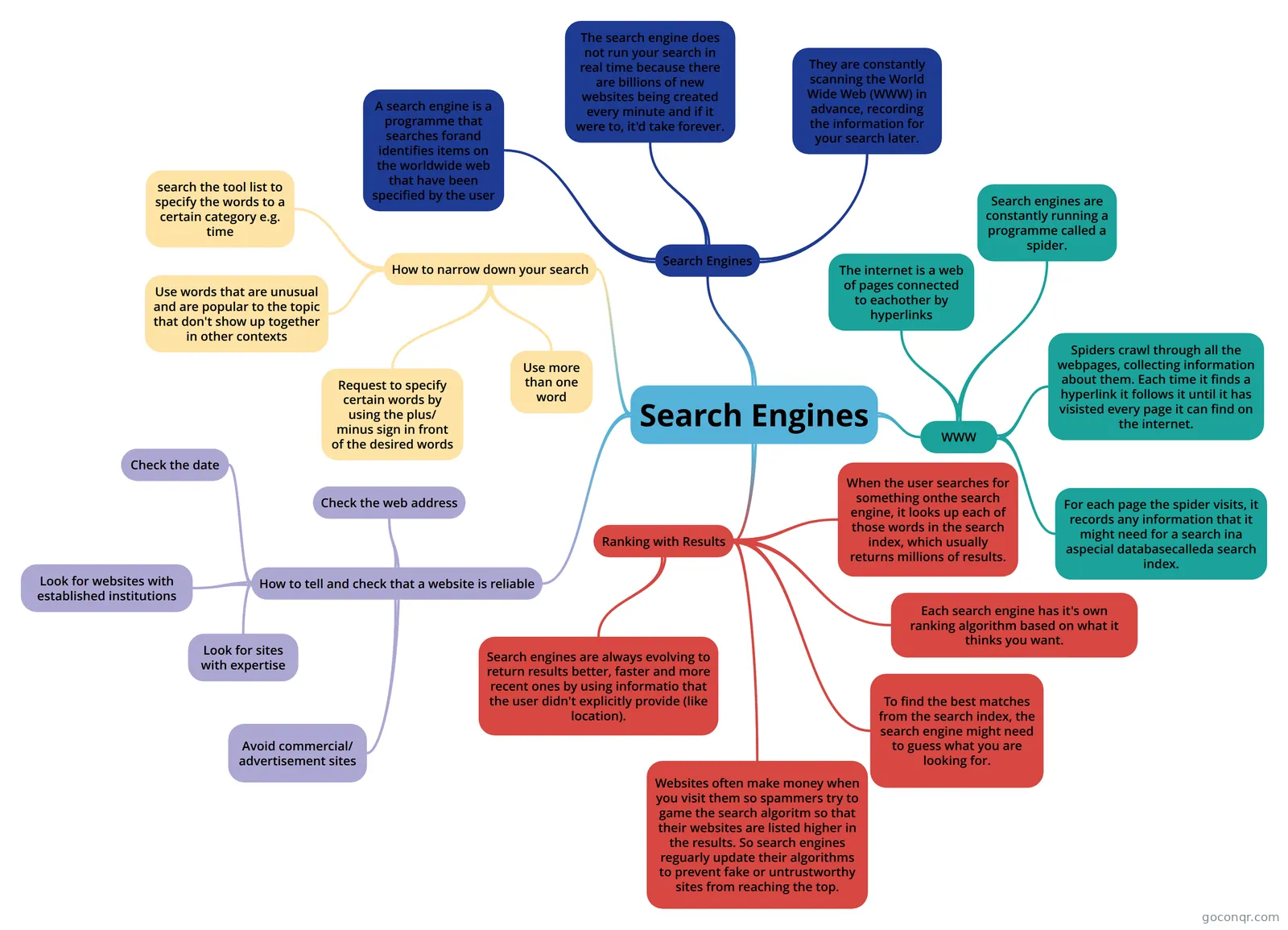
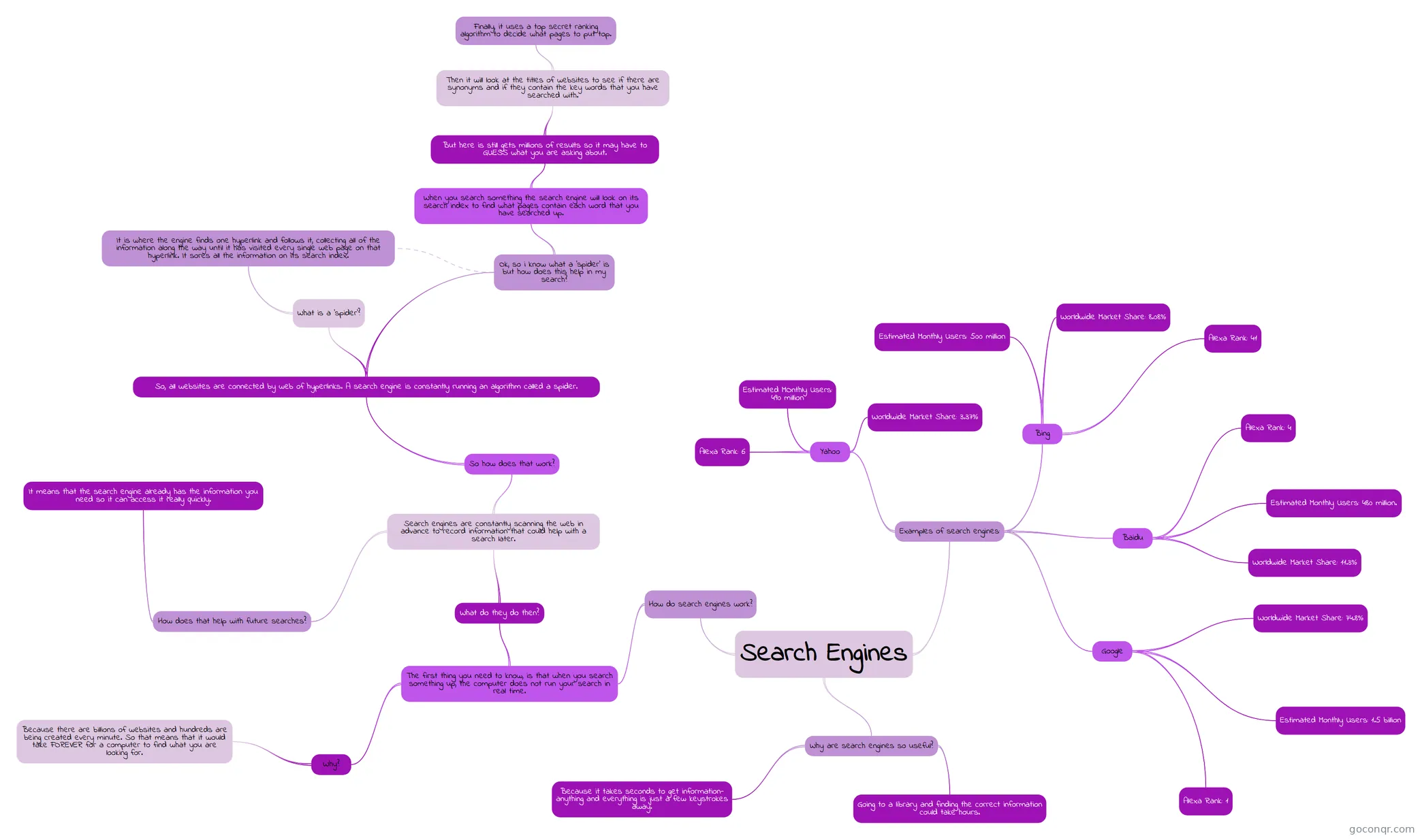
Flashcards
See all 44 flashcards-
5 cardssocial networks social networks flashcards
-
6 cardsICT The Internet Keywords What is the number that represents a website or household?
-
97 cardsUnit 2 Revision For test
-
42 cardsThe structure of the Internet What type of software is required to access a web site?
-
39 cardsITC4 Additional internet services What does e-mail stand for?
-
29 cardsGoing Online What does ARPAnet stand for?
-
22 cardsChapter 16
-
19 cardsInternet and Communications Keywords
Flowcharts
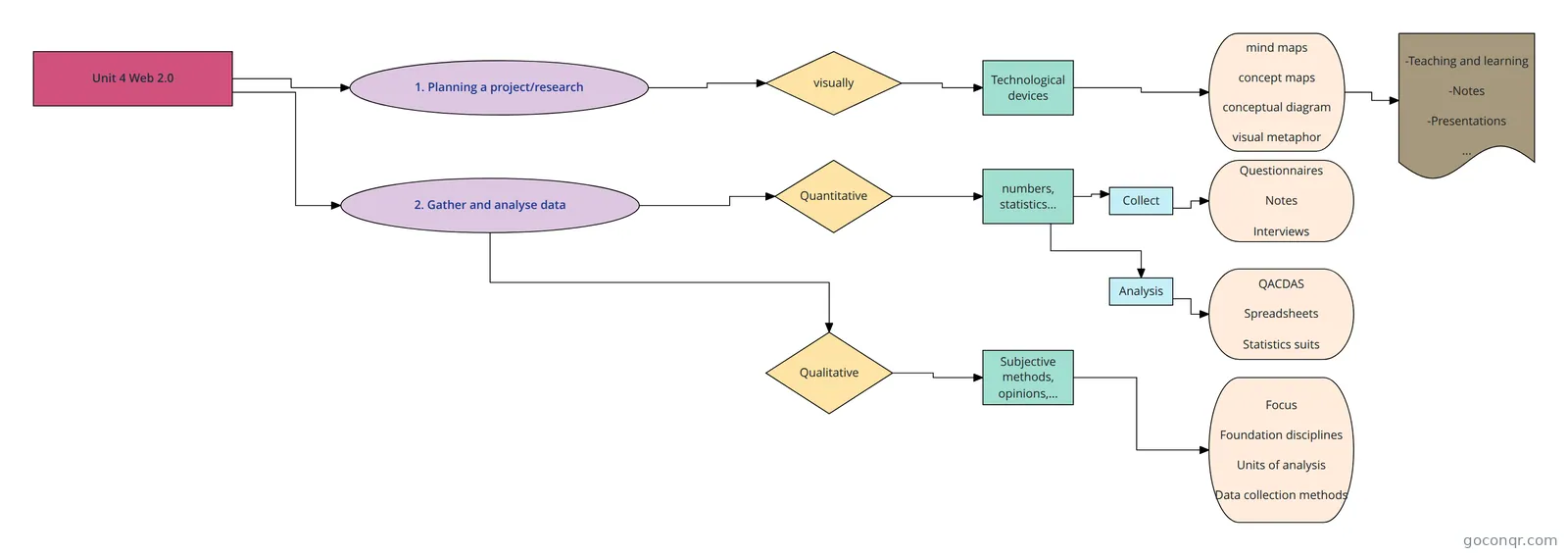
Notes
-
Internet Basics The internet and the World Wide Web The web is not the internet?! The internet is the physical parts you can touch, like computers, connections, routers, modems, etc. The Web is the content part like: websites, text, ...
-
Theintranet Broadband and dial up Methods of connecting a computer system offered by ISPs(Internet Service Providers)-DIAL Up-Broadband Recent Developments WIKI-type of software which allows a user to create and edit web pages us...
-
the internet The Internet HTMLHypetext Mark Up LangguageA type of computer language where all text,graphics and design elements of a webpage are tagged with codes that instruct a web browser.HTTP Hypertext Transfer Protocol set of...
-
What exactly is the Internet? What exactly is the Internet? A networking infrastructure that allows hardware devices to physically connect to one another. Ø Servers, Desktop PCs, Mobile devices etc. Ø Based on common standards – notabl...
Slides
More Computing and ICT (programming, computer science, digital skills, educational technology) topics
About The Internet and World Wide Web
GoConqr OriginalWhat the resources cover
The core idea is the difference between the internet and the web. The notes called Internet Basics put it simply: the internet is the physical part, such as computers, connections, routers and modems, while the Web is the content. Other resources look at history, with the quiz on what sparked the internet in 1957, and at how the internet is built and how it works in the slide set Introduction to the Internet.
Many flashcard decks and slide sets deal with protocols, key terms and acronyms. A large group of mind maps and decks looks at connecting to the internet, including exam-style questions. There are also maps on web content, downloading and streaming, email, cloud computing and socialising responsibly online.
Where to start
- Read Internet Basics to get the main ideas straight.
- Take The internet basics Quiz. It asks about URLs, web languages and protocols.
- Work through History of the Internet Quiz and Internet search quiz.
- Move on to internet quiz 2, which covers addressing systems, country codes and category codes.
Using quizzes and maps together
Take a quiz cold and note what you got wrong. Then open a mind map on that topic, such as Internet keywords or World Wide Web, and see how the ideas connect. Finish with a flashcard deck like ICT The Internet Keywords to practise the vocabulary until it sticks. Teachers can pick a slide set for a lesson and use a quiz as a quick check afterwards.
Where this fits
This unit sits in the Networks, the Internet and Cloud strand of Computing and ICT. Because it is made by GoConqr users, the style and depth vary, so try a few resources on the same topic and keep the ones that suit you.
Pick one quiz, see how it goes, and then make your own flashcards for the terms that caught you out.
Frequently asked questions
Which resource should I open first?
Start with the notes called Internet Basics, then take The internet basics Quiz. The notes explain that the internet is the physical network and the web is the content. The quiz then checks URLs, web page languages and protocols, so you can see quickly what to revise.
What do the mind maps cover?
There are over 1,000 mind maps. They cover internet keywords, the World Wide Web, web content, downloading and streaming, email, cloud computing and social software. A big group looks at methods of connecting to the internet, including maps built around exam questions.
Which exams do these resources suit?
The resources are mostly secondary level, and the ones listed mention GCSE ICT, GCSE Computer Science, IGCSE ICT, Edexcel GCSE ICT and BTEC IT. Check your own specification, since the resources were made by different users and may not match your course exactly.
Are the resources free to use?
Yes. Every resource listed here is free to open, study and take, with no account needed. They were made by GoConqr users rather than by GoConqr itself. A free account also saves your quiz scores and lets you make your own quizzes, mind maps, flashcards and notes.
Is there anything on internet history and search?
Yes. History of the Internet Quiz asks what sparked the internet's development in 1957. Internet search quiz looks at how search engines respond quickly to questions. There is also a mind map on why major search engines do not publish their algorithms.
How can teachers use this page?
Teachers can use slide sets such as Introduction to the Internet or the sets on internet protocols for lessons. Quizzes like internet quiz 2 work as a quick check, and flashcard decks on key terms suit revision tasks or starter activities.