
Digital Media, Graphics and Audio-Video
90 resources created by 79 users
This Digital Media, Graphics and Audio-Video page on GoConqr gathers community-made quizzes, mind maps, flashcards and notes, from bitmap and vector graphics to animation, sound, video formats and digital imaging. It's built for school students, university students and professional candidates revising a topic or filling gaps, and for teachers after ready-made material. There are over 1,100 resources here, including more than 50 quizzes, over 800 mind maps and more than 140 flashcard decks. Pick a topic, try a quiz to find your gaps, then make your own revision sets.
Top Digital Media, Graphics and Audio-Video resources
-
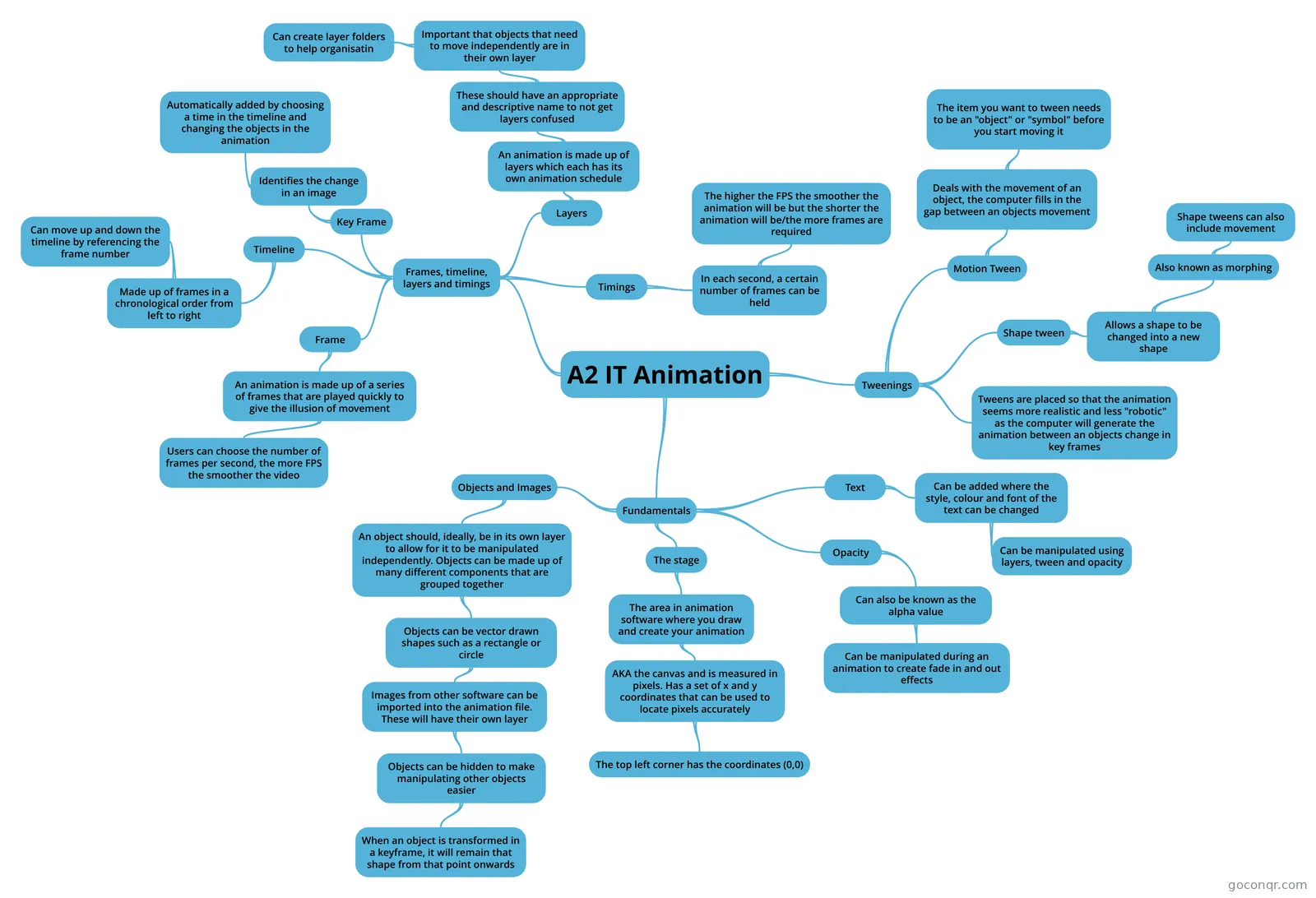
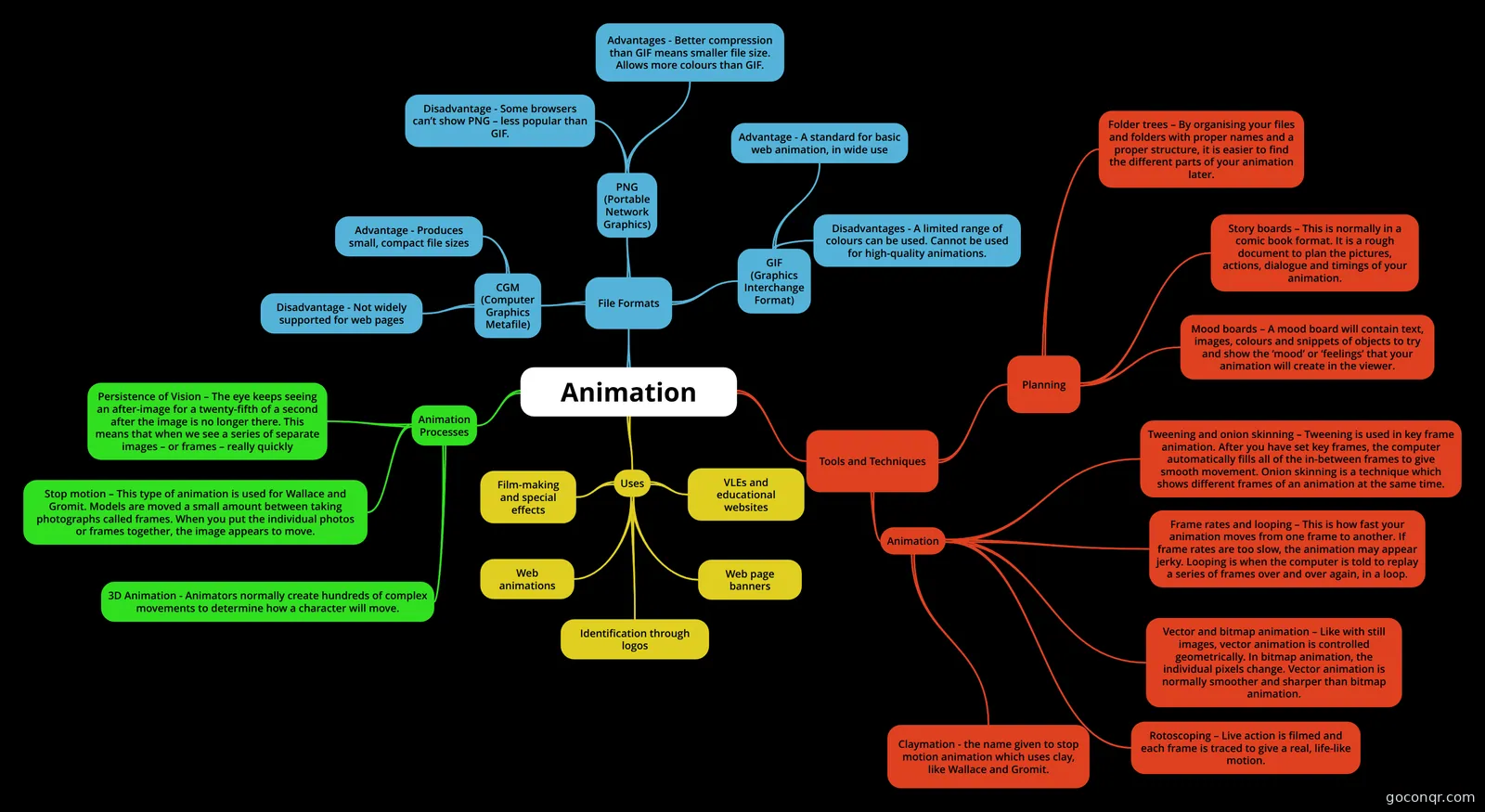 Mind map Animation ICT Unit 3 Mind Map
-
10 questionsIndustrial Technology Multimedia Past HSC questions What is the name of the effect which shows how the interior of a house might look as you move through it?
-
10 questions2017 HSC Mutlimedia Questions Which file type is most suitable for displaying photographic images on a website?
-
10 questions2013 HSC Multiple Choice In which of the following do all the file formats refer to video?
-
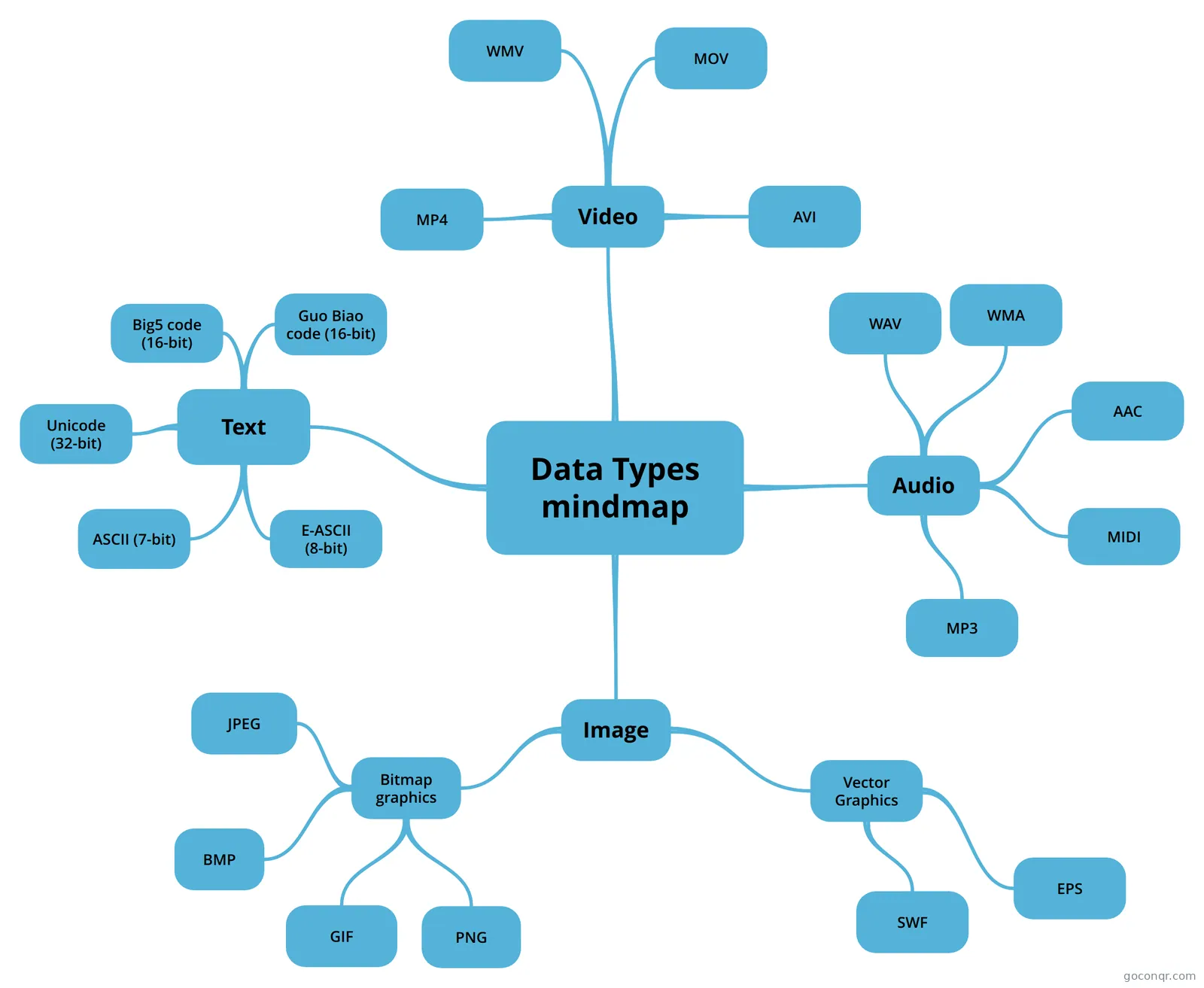 Mind map Data Types mindmap A mindmap about data types
-
40 questionsChapter 8 - Working with Vector Graphics Review of Chapter8
-
Mind map VIDEOS informacion q es un video
-
8 questionsComputer Graphics Basics Why do we use triangles
Quizzes
See all 15 quizzes-
10 questionsIndustrial Technology Multimedia Past HSC questions What is the name of the effect which shows how the interior of a house might look as you move through it?
-
10 questions2017 HSC Mutlimedia Questions Which file type is most suitable for displaying photographic images on a website?
-
10 questions2013 HSC Multiple Choice In which of the following do all the file formats refer to video?
-
40 questionsChapter 8 - Working with Vector Graphics Review of Chapter8
-
8 questionsComputer Graphics Basics Why do we use triangles
-
158 questions3d-Modeling What is computer graphic?
-
8 questionsIntro To Computers Final Term Identifique que pestaña del Ribbon representa la imagen. Identify which tab of the Ribbon represents the im...
-
11 questions2014 hsc exam How many channels does 5.1 Surround Sound contain?
Mind maps
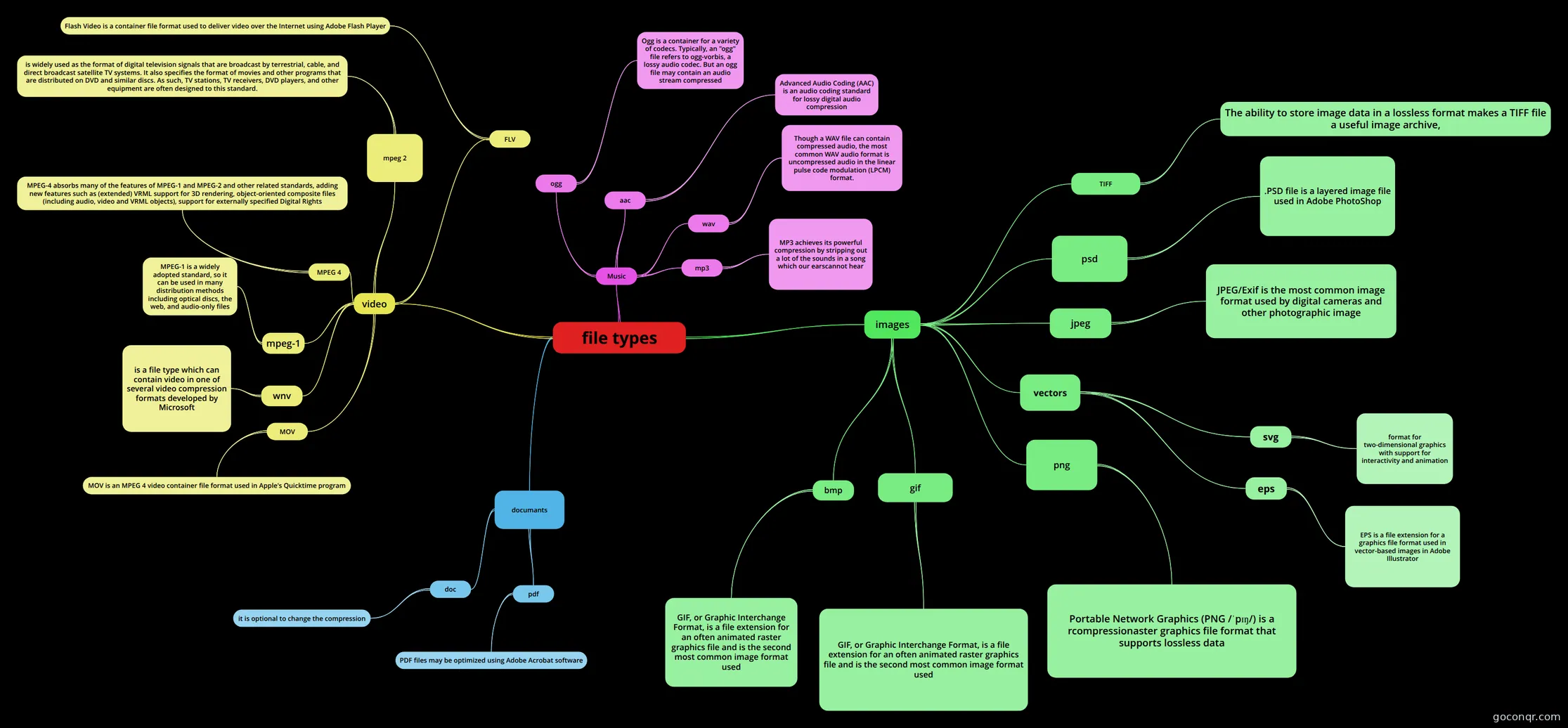
See all 57 mind maps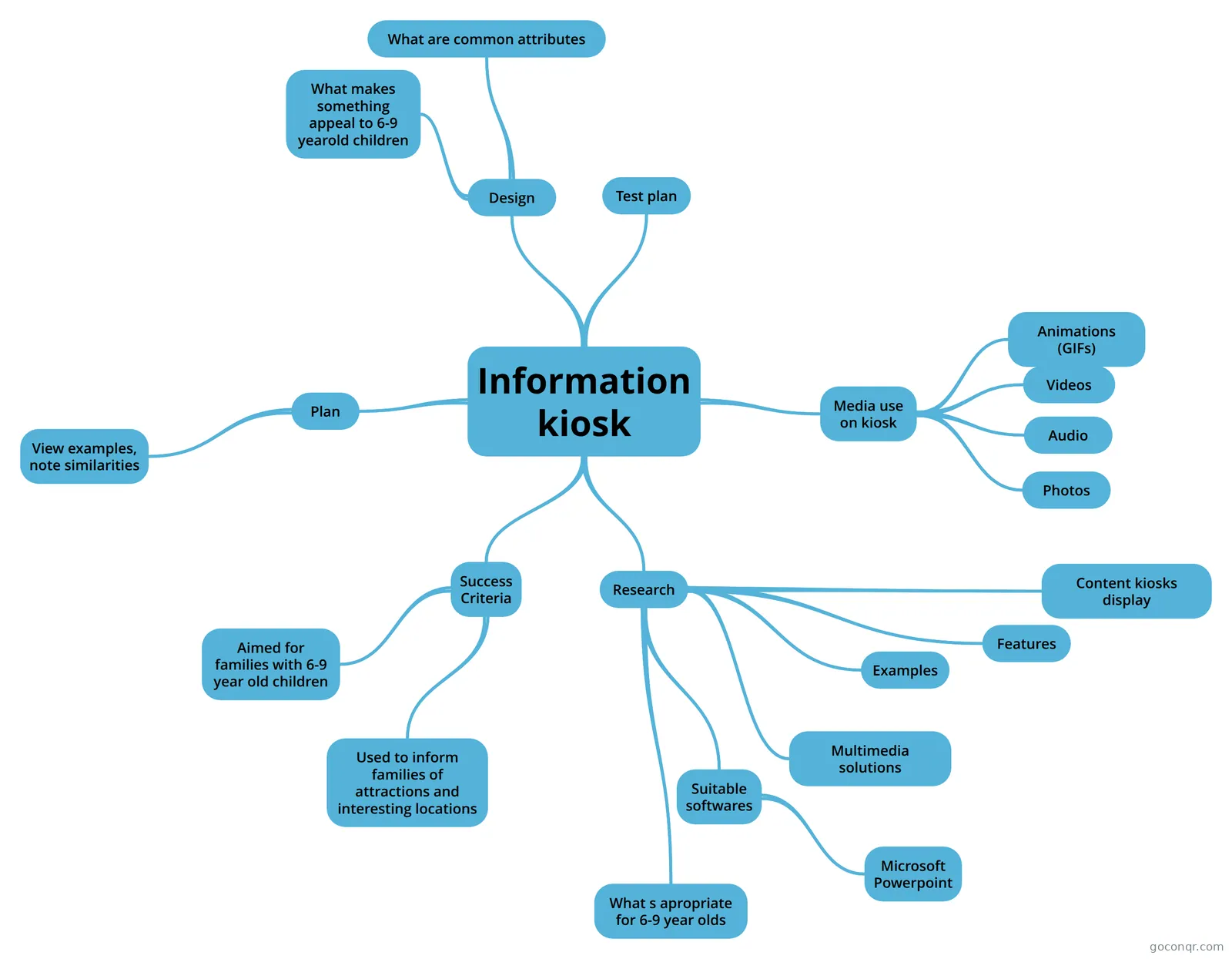
Flashcards
See all 15 flashcards-
59 cardsSIT354 Definitions A list of flash cards with a concept and definition of shader terms
-
74 cardsCGA-Vorlesung What do you mean by "rendering the pipeline"
-
24 cardsSounds, Videos, Images and Compression What is the definition of image resolution?
-
15 cardsA2 IT Graphics creation
-
15 cardsRaster graphics
-
14 cardsWhat is Computer Graphics?
-
10 cardsComputer Graphics Formats - Raster The World Of Computer Graphics - Formats
-
19 cardsSIT354 Code Fragments Shader code fragments to accomplish a specific task
Notes
-
Bitmapped and Vector graphics In bitmapped graphics, an image is divides into a grid of pictures elements called pixels Bitmapped Graphics The binary codes for each pixel arestored in memory (before being written to a file) when an image is scanned.
-
ICT: Animation, Vector and Bitmap Graphics. Vectors And Bitmap Graphics There are two types of digital imaging know as Bitmap And Vector graphics. Which one is used will depend on factors such as file size and image quality. Bitmap graphics are made up of...
-
HOMI-10 Image Processing and Analysis
More Computing and ICT (programming, computer science, digital skills, educational technology) topics
About Digital Media, Graphics and Audio-Video
GoConqr OriginalWhat the page covers
The resources here deal with how digital media is stored, made and shown. Graphics is the biggest theme: the Data Types mindmap runs through text, image, audio and video, and lists character codes such as ASCII and Unicode alongside file types such as BMP, JPEG, GIF, PNG and MP3. Several maps and decks compare bitmap and vector graphics, including Vector or Raster? and Digital Imaging, which looks at file size, re-sizing and standard manipulation tools.
Animation, sound and video each have their own maps. Animation weighs up file formats such as PNG, with its better compression than GIF. VIDEOS begins with what a video is and the kinds there are. There are also many maps on sound and music, plus notes on sample rate.
Where to start
- Open Data Types mindmap for the big picture of media types and formats.
- Move to Digital Imaging or Bitmap images to understand how pictures are made and why file size matters.
- Read Animation, then the video format and sound maps.
- Finish with a quiz.
Using quizzes and maps together
Read a map first, then test yourself. Computer Graphics Basics asks why triangles are used and how transformations build up, which suits anyone meeting 3D graphics. 2017 HSC Mutlimedia Questions asks which file type suits photographs on a website. Industrial Technology Multimedia Past HSC questions covers tweening and path-based animation. Wrong answers show which map to reopen. Flashcard decks such as Multimedia, which covers the electromagnetic spectrum and how the eye sees, suit short sessions.
Exam names that appear in the listed resources include GCSE ICT, GCSE Computer Science, IGCSE ICT, BTEC ICT, OCR Creative iMedia and HSC. Check what your own course needs before relying on any one resource.
Where it fits
This unit sits in the Web, Mobile, Games and Digital Media strand of Computing and ICT. Choose one map today, take a quiz on it, and see what you remember.
Frequently asked questions
Which resource should I open first?
Start with the Data Types mindmap. It links text, image, audio and video to the codes and file types used to store them, so later topics such as graphics, sound and video formats make more sense. After that, move on to the Digital Imaging or Animation maps.
Are there past exam questions here?
Yes. There are quizzes based on HSC papers, including 2017 HSC Mutlimedia Questions, 2013 HSC Multiple Choice and a quiz of past HSC multimedia questions for Industrial Technology. They ask about file types, animation and devices for digital sketching. They are community-made, so compare them with your own course.
What do the mind maps cover?
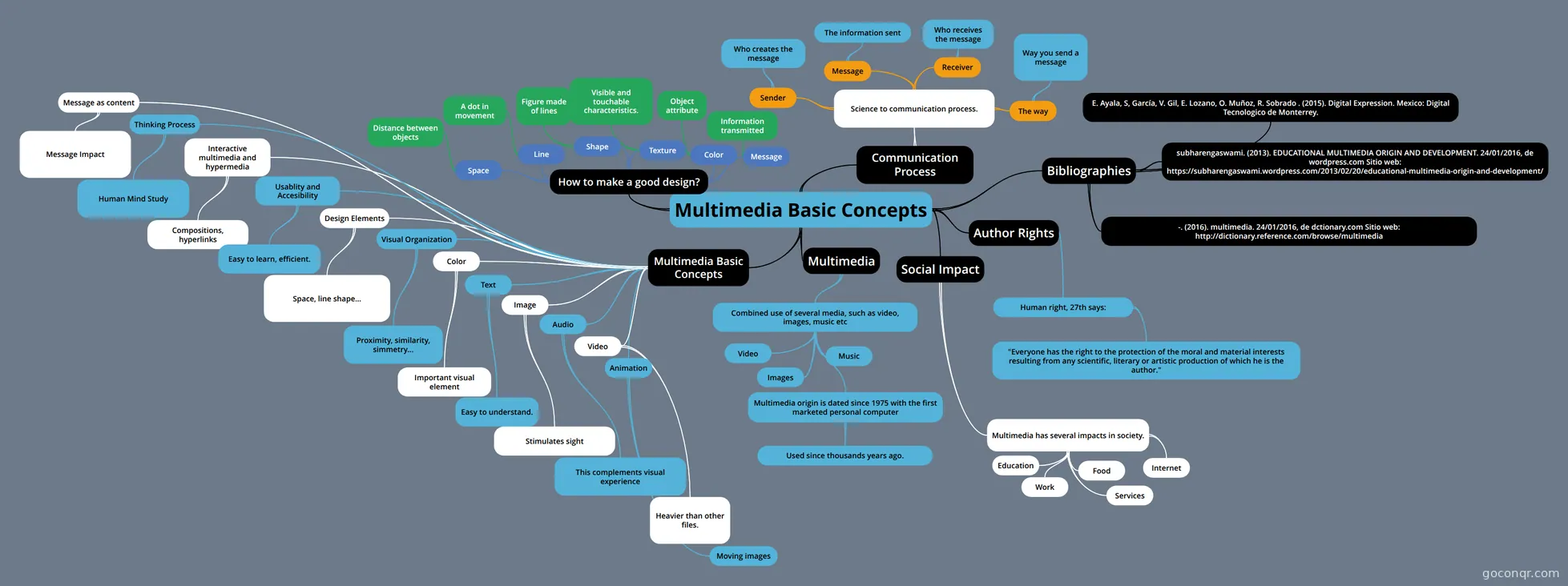
They cover bitmap and vector graphics, digital imaging, animation techniques, video formats, sound and music, image acquisition and web and presentation software. Some follow a topic numbering, such as Topic 16: Digital Imaging and Topic 17: Animation. Others are short overviews, like Multimedia Components.
Which exams and levels do the resources suit?
Most resources are at secondary level, with a smaller share for university study. Listed resources mention GCSE ICT, GCSE Computer Science, IGCSE ICT, BTEC ICT, OCR Creative iMedia and HSC. University students will find lecture-style decks on computer graphics and image processing.
Are these resources free, and who made them?
Every resource listed here is free to open, study and take, with no account needed. They were made by GoConqr users, not by GoConqr itself. A free account saves your quiz scores and lets you make your own quizzes, mind maps, flashcards and notes.
What if I can't find the topic I need?
Try a nearby title first. Graphics material appears under names such as Raster graphics, Bitmapped Graphics and Vector/Bitmap Graphics, and sound material under Sound and Music or Audio. If a topic still isn't covered, you can build your own map or deck to fill the gap.