
Game Design and Development
22 resources created by 20 users
This Game Design and Development page on GoConqr gathers community-made mind maps, flashcards, quizzes, flowcharts and notes, from defining what a game is to gamification, clicker games and mobile design. It's built for school students revising a topic, university students and professional candidates filling gaps, and teachers after ready-made material. There are over 500 resources here, including more than 400 mind maps and four quizzes, mostly at secondary level with a strong university share. Pick a resource that suits you, then try a quiz to test what you remember.
Top Game Design and Development resources
-
5 cardsTypes of Gaming Gaming - types of Gaming (Pro-Gamer)
-
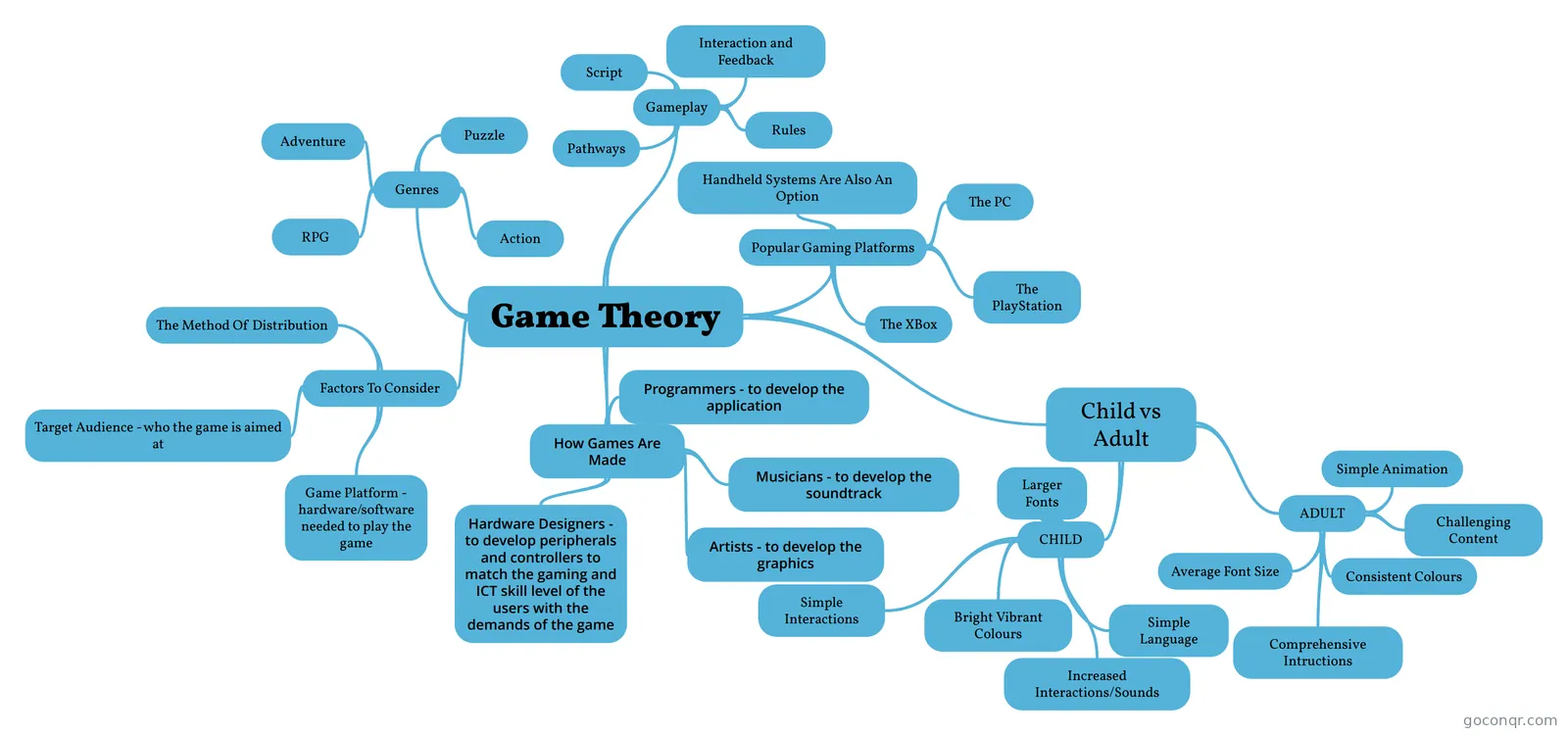 Mind map Game Theory
-
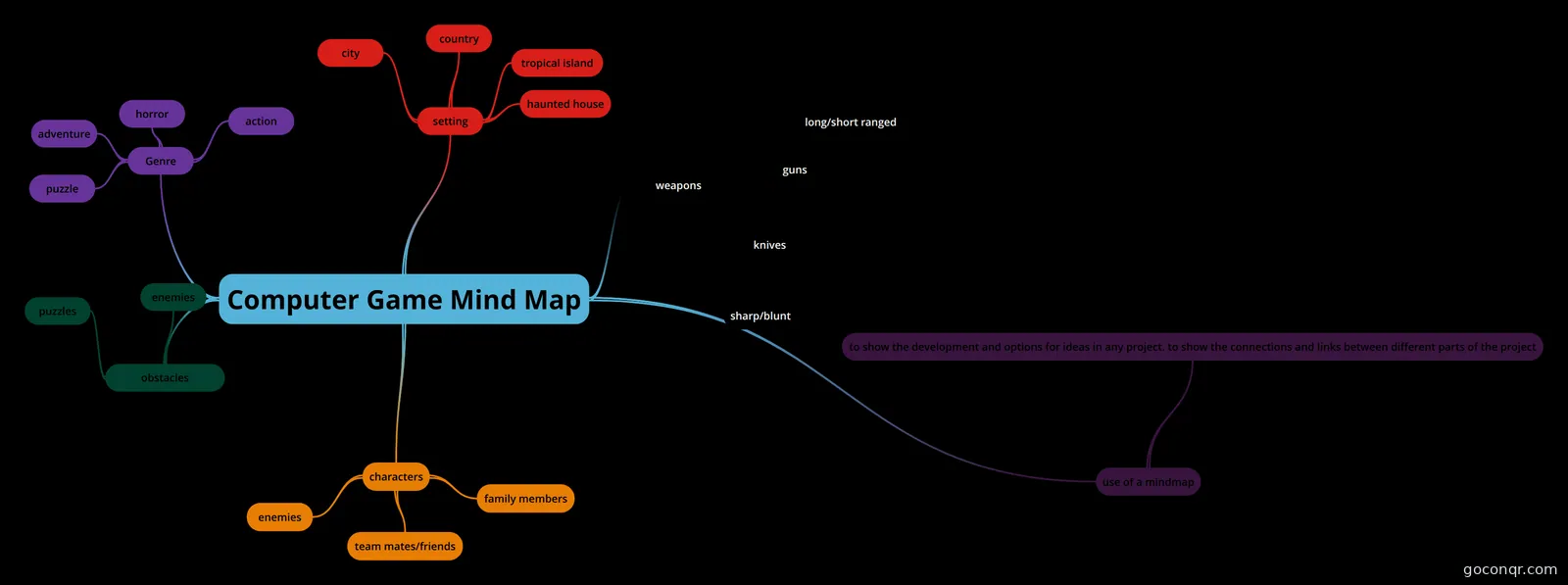 Mind map Computer Game Mind Map mind map and the use of a mind map
-
Mind map GAMIFICATION
-
Mind map A Formal Approach to Game Design and Game Research
-
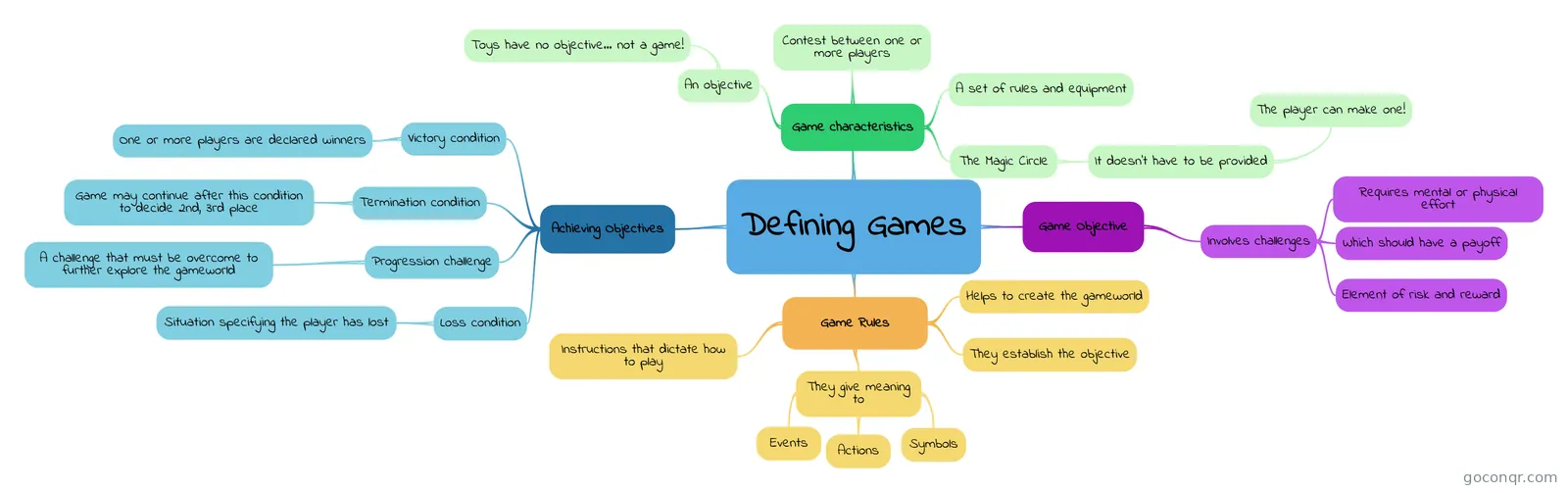 Mind map Defining Games This mind map explains the intricacies of what a game is made of.
-
20 questionsGamestar Mechanics Elements What is the digital representation of a physical person in a virtual world or game?
-
4 questionsPractice Quiz for Game Development The formal rules of the game.
Quizzes
Mind maps
See all 16 mind maps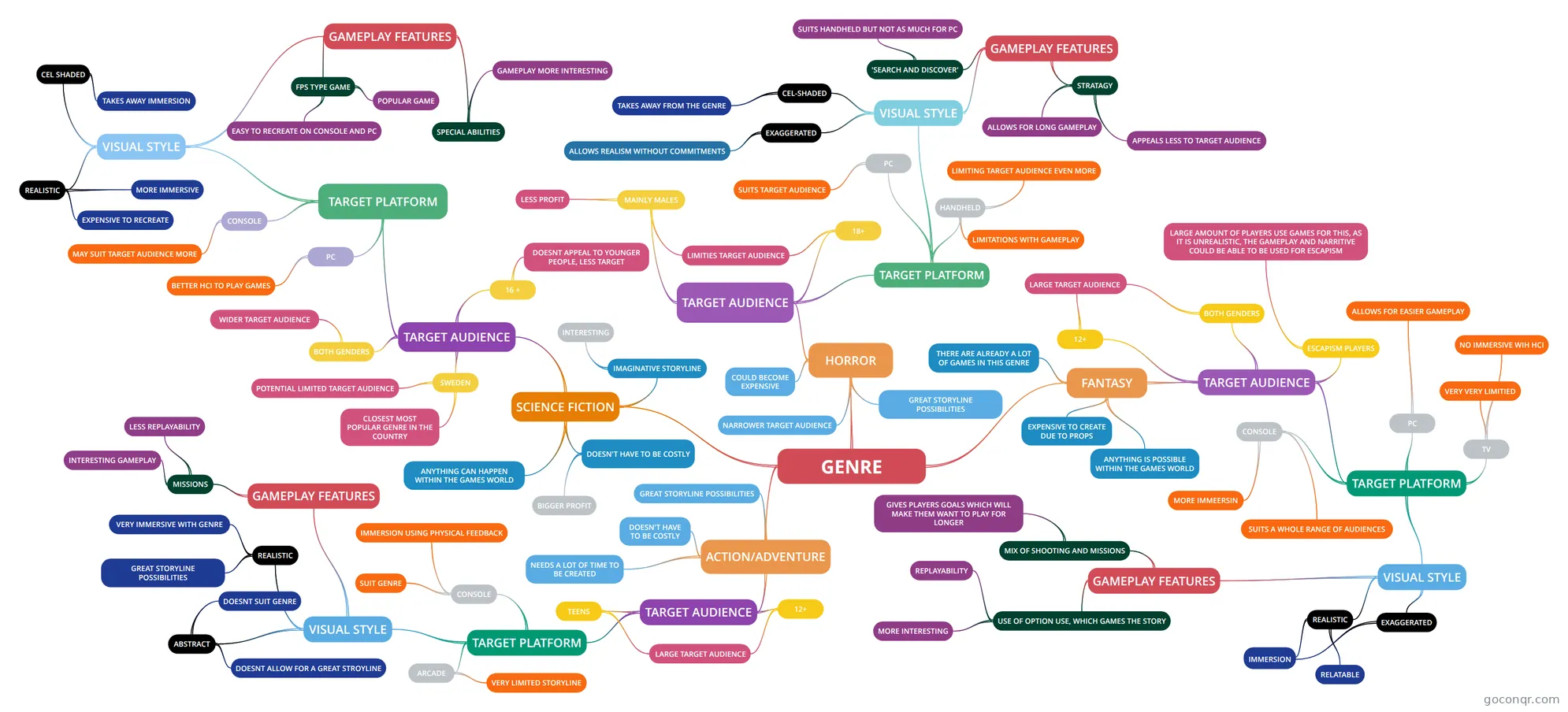
Flashcards
Flowcharts
More Computing and ICT (programming, computer science, digital skills, educational technology) topics
About Game Design and Development
GoConqr OriginalWhat this page covers
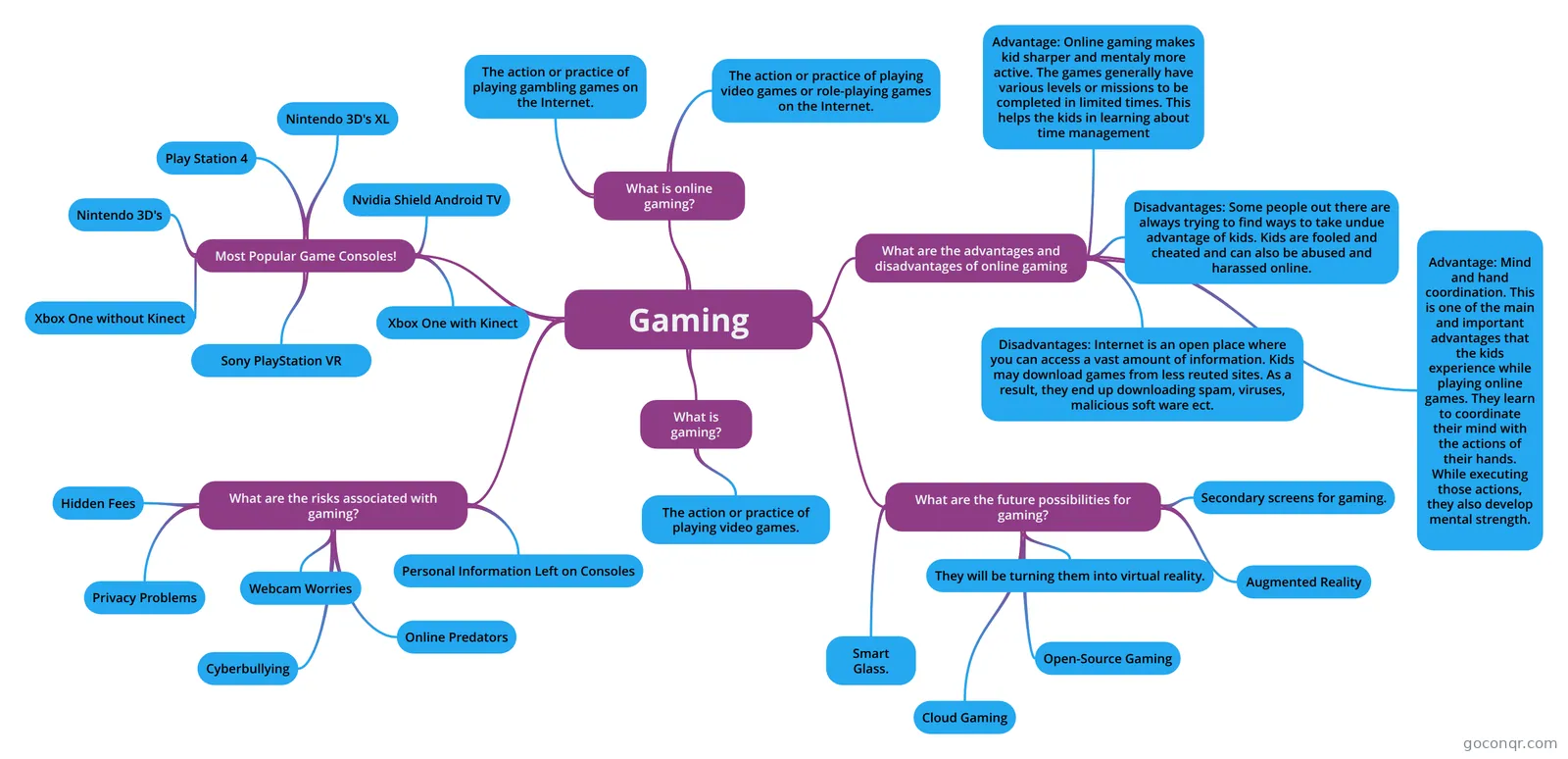
The unit is dominated by mind maps. Several look at Defining Games: the characteristics of a game, an objective, a contest between players, rules and equipment, and the idea of the magic circle. Others, such as Game Theory, show how games are made and which roles contribute, including programmers, musicians, artists and hardware designers.
Gamification and design models
A large cluster of maps covers gamification, with several versions of an introduction and of Getting Gamification Right: 22 Best Practices. Points include setting clear goals, tying gamification to business needs, understanding the psychology and keeping the design simple. There is also a map on the MDA formal approach to game design and game research. The Gamification quiz checks how well you can tell different views of work and play apart.
Making your own game
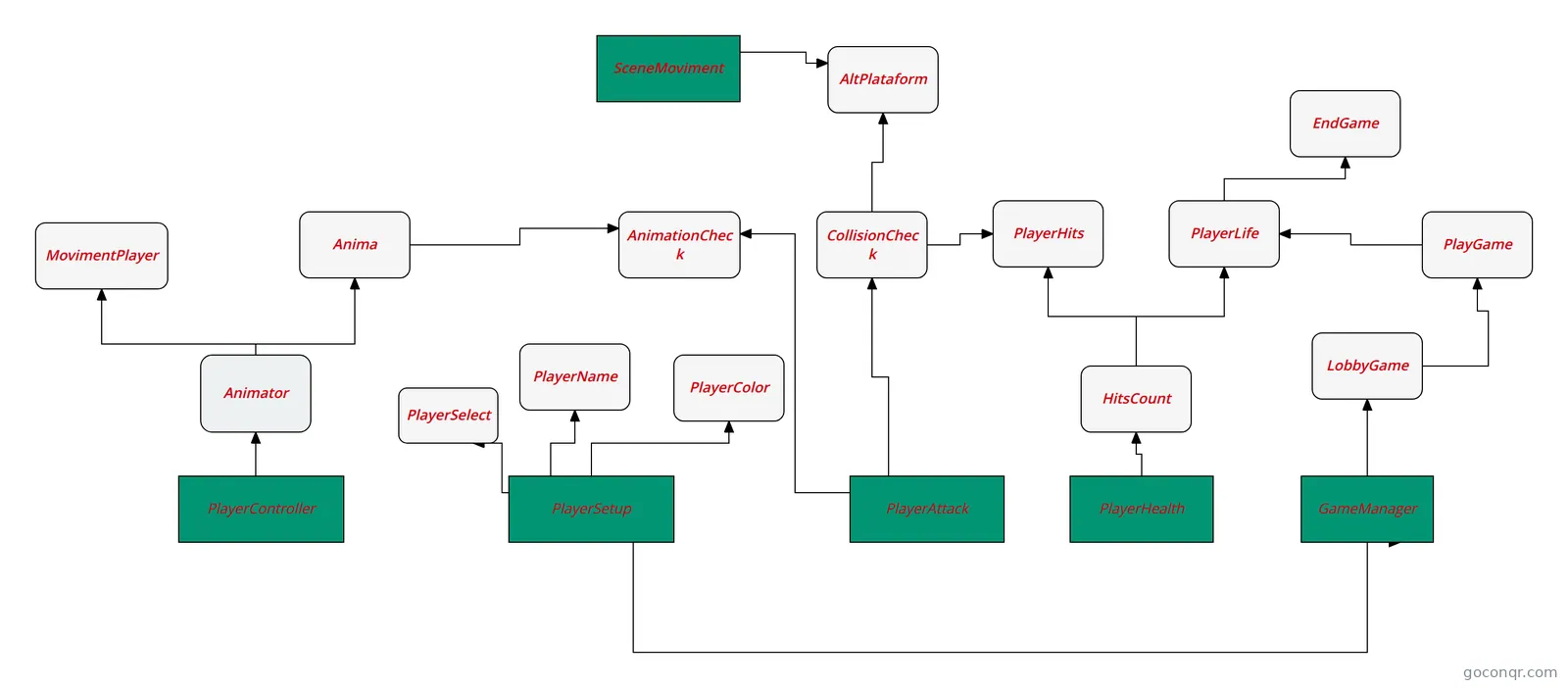
Many resources come from projects. You will find 2D Game Ideas, which compares pixel, hand-drawn, cel-shaded, vector and realistic graphics. There are also clicker game maps such as Cookie Clicker and Existing Clicker Games, plus Designing For Mobile. Flowcharts such as Game flowchart, Character movement and Enemy Base Machine State show how game logic can be planned step by step. Students working towards GCSE Computer Science may find the project-style material a useful model.
A sensible order
- Start with Defining Games and Game Theory for the basics.
- Run through the Types of Gaming flashcards to learn the vocabulary.
- Read the GAM1500_1 map for origins and principles such as flow, goals and rewards.
- Take the Practice Quiz for Game Development and note what you missed.
- Open a flowchart or clicker map to see ideas applied.
Where it fits
This unit sits in the Web, Mobile, Games and Digital Media strand of Computing and ICT. Read a map first, then use a quiz to see what stuck. When you are ready, open one that interests you and make notes of your own.
Frequently asked questions
Which resource should I open first?
Begin with the Defining Games mind map, which sets out what makes something a game, including objectives, rules and the magic circle. Then open Game Theory to see the roles involved in making games. Both give you a base before you move to design models or gamification.
What do the mind maps cover?
They cover defining games, how games are made, game types, 2D graphics styles, mobile design and clicker game projects. A big group looks at gamification, including best practices and an introduction. There is also a map on the MDA approach to game design and research.
Are the resources free to use?
Yes. Every resource listed here is free to open, study and take, with no account needed. They were made by GoConqr users rather than by GoConqr itself. If you want to save quiz scores or make your own maps, flashcards and notes, a free account lets you do that.
Which quizzes are available?
There are four quizzes. They include Gamification, What do you know about GAMIFICATION?, Gamestar Mechanics Elements and Practice Quiz for Game Development. Try one after reading the related maps, and use the questions you miss to decide what to revisit.
Which levels and exams do these suit?
Most resources are at secondary level, with a notable share at university level. The listed material mentions GCSE Computer Science. Teachers can use the maps, flowcharts and flashcards as ready-made material, while professional candidates may find the gamification resources relevant.
What if I cannot find what I need?
Check the related formats first, because a topic may appear as a flowchart, flashcard deck or note rather than a map. Gamification and clicker games have many versions. If a gap remains, you can build your own map or flashcards once you have a free account.