
Spreadsheets
70 resources created by 62 users
This Spreadsheets page on GoConqr gathers community-made quizzes, mind maps, flashcards and notes, from cells, rows and formulas to cell referencing, lookup functions and macros. It's built for school students revising a topic, and for teachers after ready-made material, with a few university and professional users too. There are over 400 resources here, including more than 50 quizzes, over 200 mind maps and more than 100 flashcard sets, with GCSE ICT revision among them. Pick a quiz to find your gaps, then revise from the maps.
Top Spreadsheets resources
-
20 questionsExcel 1 Which of the following is a set of formatting elements that includes font style, size, color, alignment, bo...
-
20 questionsExcel 2 Which of the following characters always starts a formula?
-
10 questionsExcel 4 In an Excel table, which of the following contains descriptive titles or labels?
-
14 cardsICT GCSE Revision Spreadsheet Keywords What is a Cell?
-
22 questionsExcel and Macros Follow the code and identify the output Private Sub WrokBookOpen() Sheets(“sheet1”).Range(“A1”)=Date End Sub
-
10 questionsExcel 3 Which of the following is not a true statement when applying shape fill, outline, and effects?
-
10 questionsMS Excel Pre-Assessment Test Suppose you want a message to pop up each time a particular cell is selected, How do you make this happen?
-
14 cardsExcel spreadsheet key terms Key words used when working with spreadsheets, and definitions.
Quizzes
See all 24 quizzes-
20 questionsExcel 1 Which of the following is a set of formatting elements that includes font style, size, color, alignment, bo...
-
20 questionsExcel 2 Which of the following characters always starts a formula?
-
10 questionsExcel 4 In an Excel table, which of the following contains descriptive titles or labels?
-
22 questionsExcel and Macros Follow the code and identify the output Private Sub WrokBookOpen() Sheets(“sheet1”).Range(“A1”)=Date End Sub
-
10 questionsExcel 3 Which of the following is not a true statement when applying shape fill, outline, and effects?
-
10 questionsMS Excel Pre-Assessment Test Suppose you want a message to pop up each time a particular cell is selected, How do you make this happen?
-
2 questionsExcel Fundamentals True of False. If you choose a larger font size, the height of the row is automatically made taller.
-
23 questionsChecking your Excel knowledge. What symbol do you use for "less" if you had to create a formula to calculate Profit and were told this is ...
Mind maps
See all 24 mind maps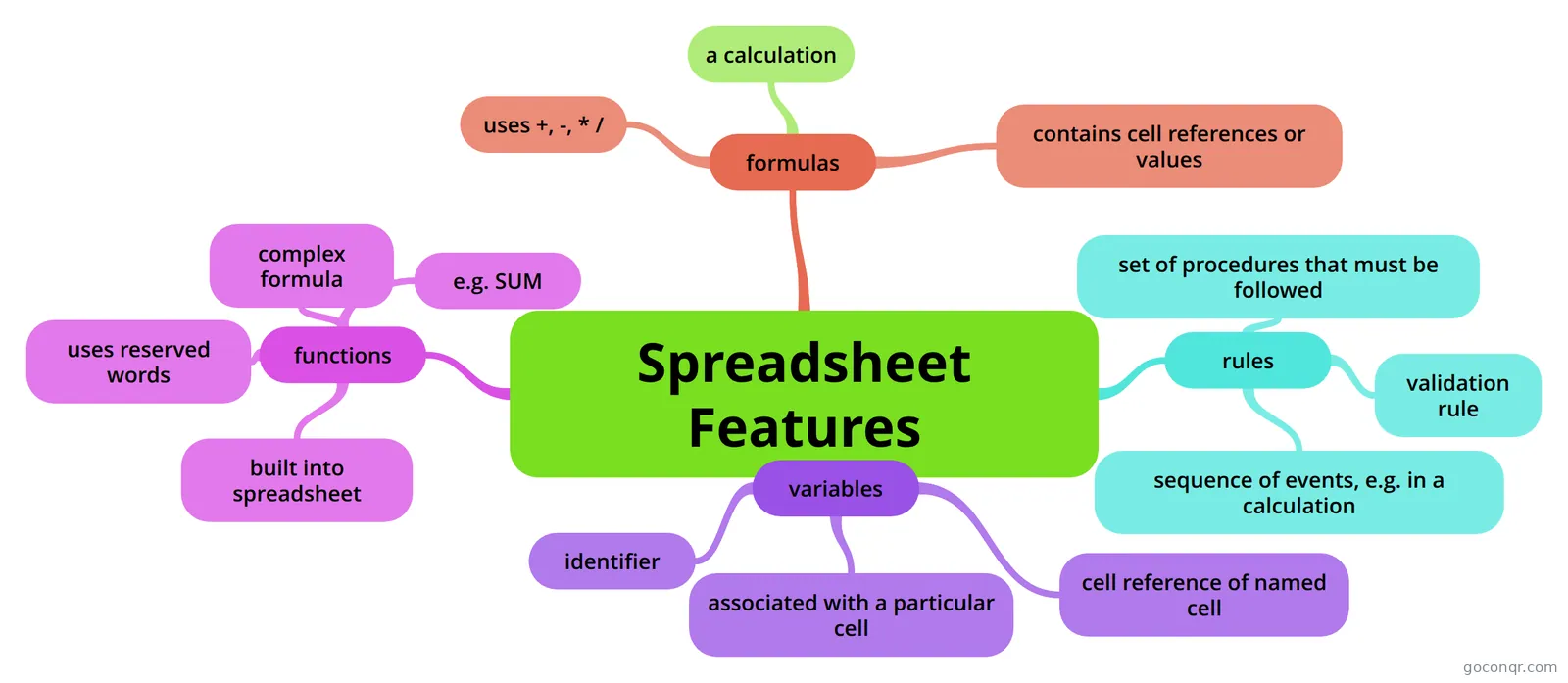
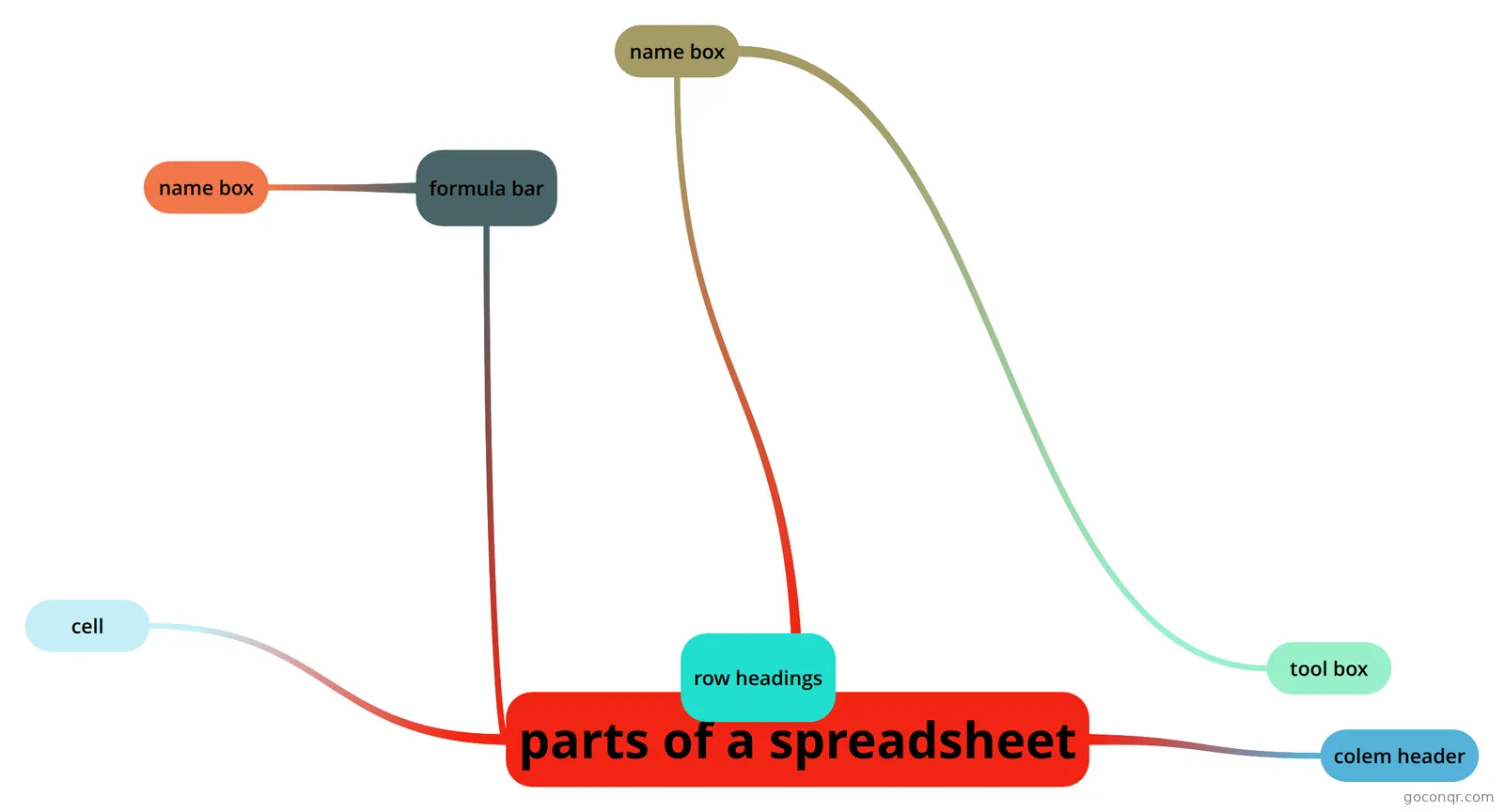
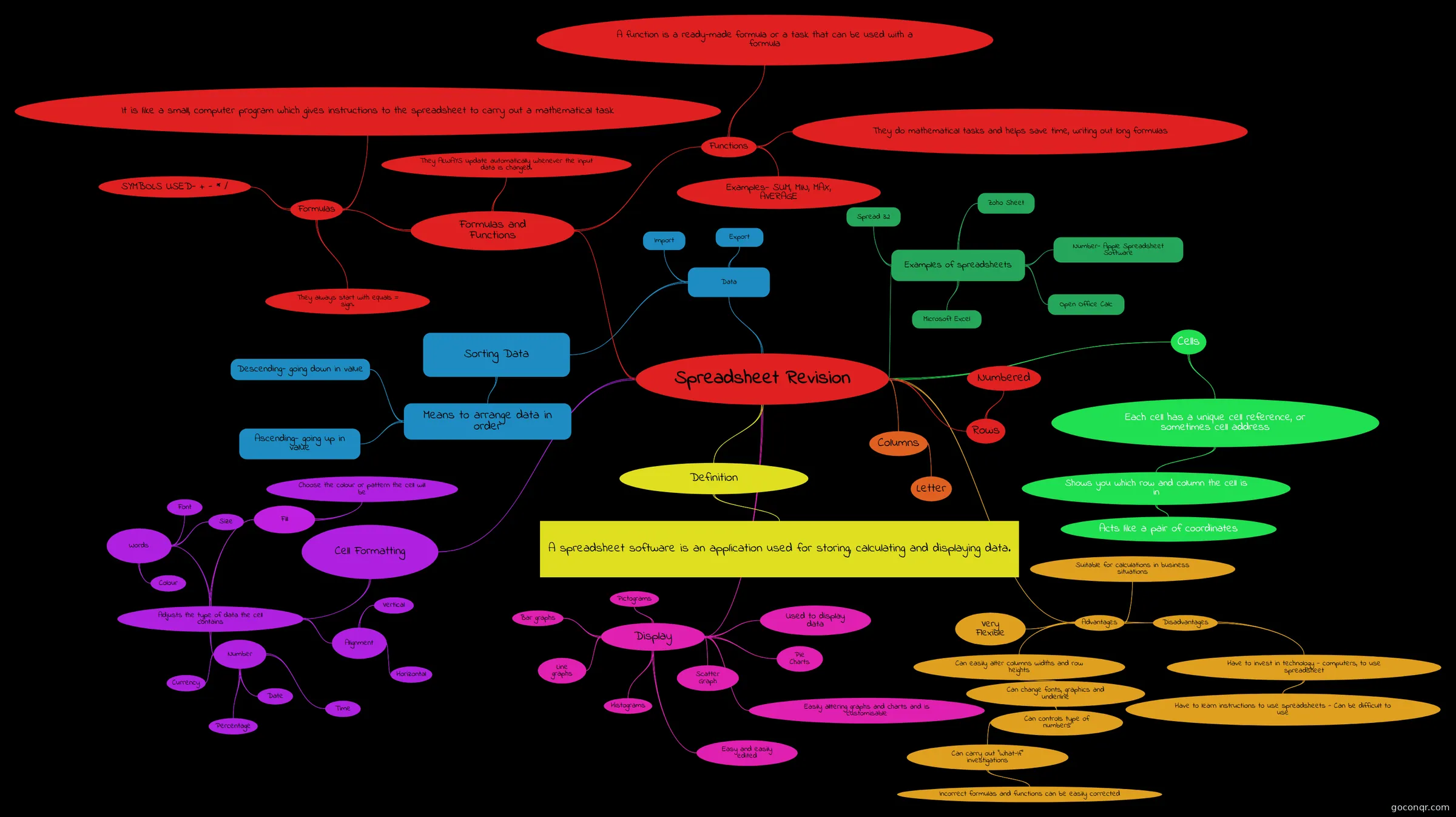
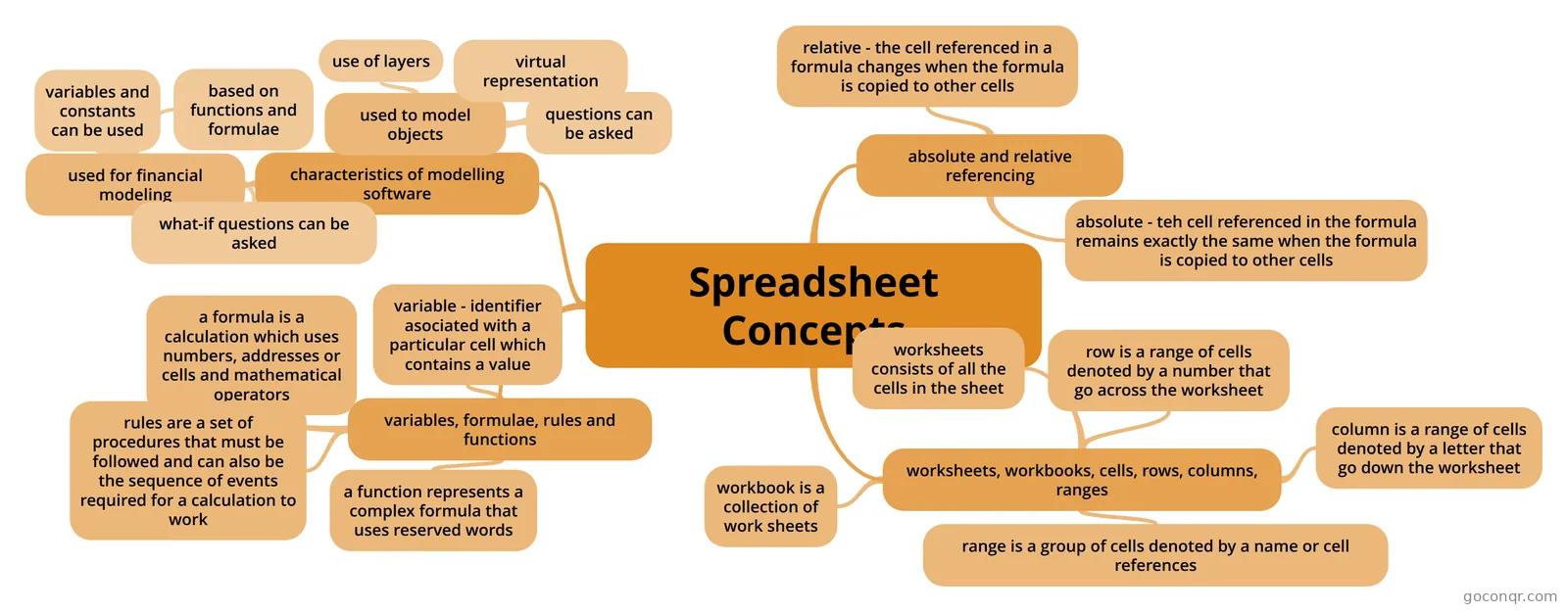
Flashcards
See all 19 flashcards-
14 cardsICT GCSE Revision Spreadsheet Keywords What is a Cell?
-
14 cardsExcel spreadsheet key terms Key words used when working with spreadsheets, and definitions.
-
21 cardsExcel Workshop 2017 What do you understand about the term Safeguarding?
-
19 cardscomputing revision summer term Name all the simple formulas (the cells are A1 and A2)
-
25 cardsSpreadsheet Terminology
-
9 cardsFeatures Of Spreadsheets What is a spreadsheet?
-
15 cardsSpreadsheets What does the sum function do?
-
5 cardsWorksheet Basics Set of Flashcards for Module 5: Worksheet Basics of Section 2
Notes
-
Advanced Excel Training Notes
-
Volume 1b Spreadsheet:Used in accounting for presenting business data like item quantity, cost and revenue in rows and columnsProduce accounting reports, financial models, inventory reports, quotation and personal mail listsE.g...
-
Excel Shortcuts by Task Page 1 Page 2 Page 3
More Computing and ICT (programming, computer science, digital skills, educational technology) topics
About Spreadsheets
GoConqr OriginalWhat this page covers
The resources here were made by GoConqr users and focus on spreadsheet work, mostly in Excel. You will find core vocabulary, formulas, functions, charts, cell referencing and some more advanced material such as macros.
Where to start
Begin with the flashcards. ICT GCSE Revision Spreadsheet Keywords asks what a cell, column, row, formula, sum, active cell, chart and fill handle are. Excel spreadsheet key terms adds workbook, worksheet, function, autosum and cell reference. Once the words feel familiar, move on to the quizzes.
Quizzes, then maps
Work through the numbered quizzes in order: Excel Fundamentals, then Excel 1, Excel 2, Excel 3 and Excel 4. They move from selecting ranges and formatting to starting a formula, spotting errors, chart types and tables. If you want a harder test, try MS Excel Pre-Assessment Test, which includes array formulas, or Excel and Macros.
After each quiz, open a mind map on the point you missed. There are many maps, several labelled Topic 10 or Chapter 4. Some focus on one idea, such as absolute and relative cell referencing, which pairs well with the Advanced Excel Training Notes on the IF function and the F4 key. Others cover spreadsheet functions for manipulating and validating data, or choosing the right chart.
For teachers
- Use the quizzes as quick checks at the end of a lesson.
- Share the flashcard decks as a keyword list before a unit starts.
- Use the lesson plan note as a starting point for your own.
Where it fits
This unit sits in the Foundations of Computing and Digital Literacy strand of Computing and ICT. Choose one quiz today and see which maps you need next, or build your own set from what you find.
Frequently asked questions
Which resource should I open first?
Start with the flashcard deck ICT GCSE Revision Spreadsheet Keywords. It defines the basic terms, such as cell, row, column, formula and fill handle. After that, try the Excel Fundamentals quiz, then work through Excel 1 to Excel 4 in order.
What do the mind maps cover?
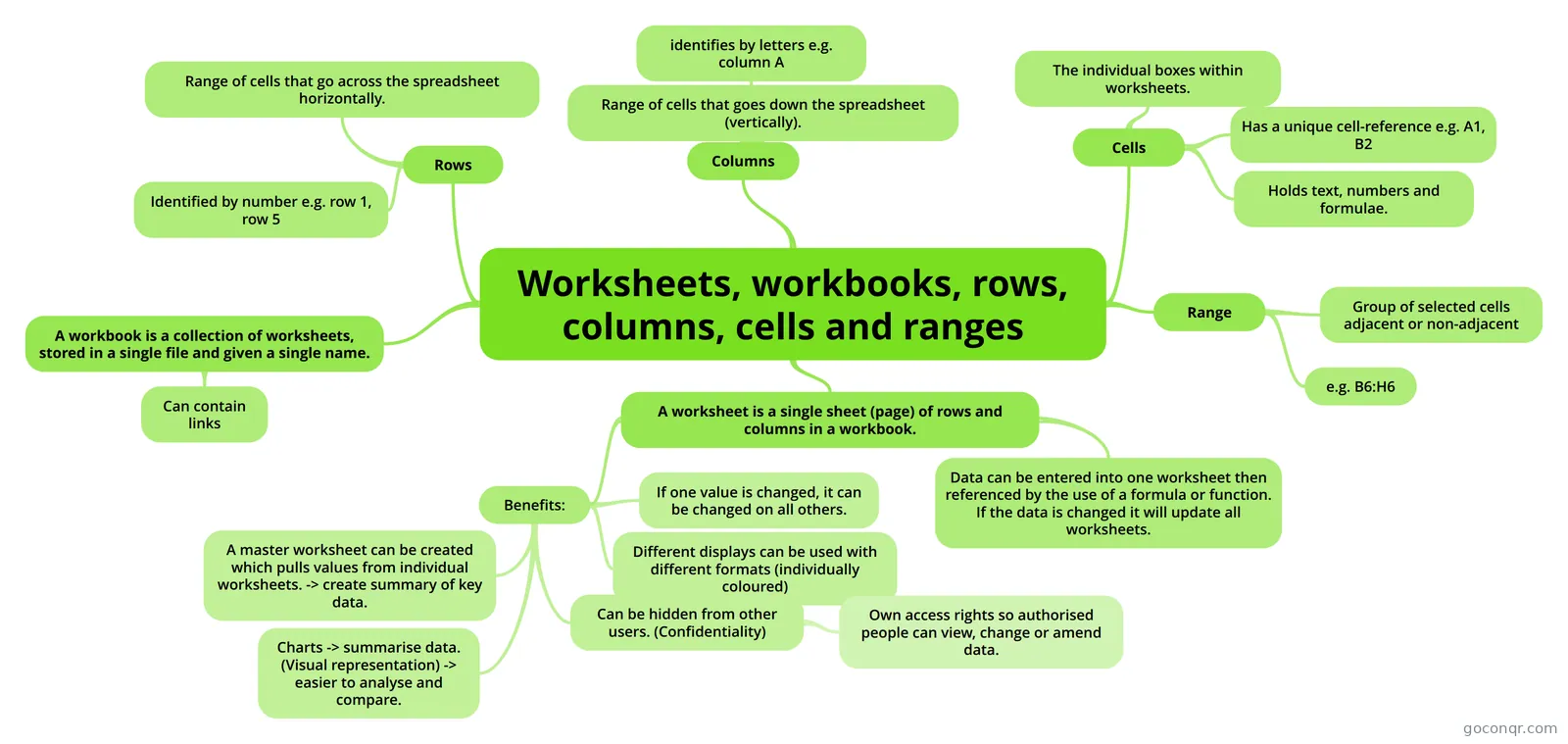
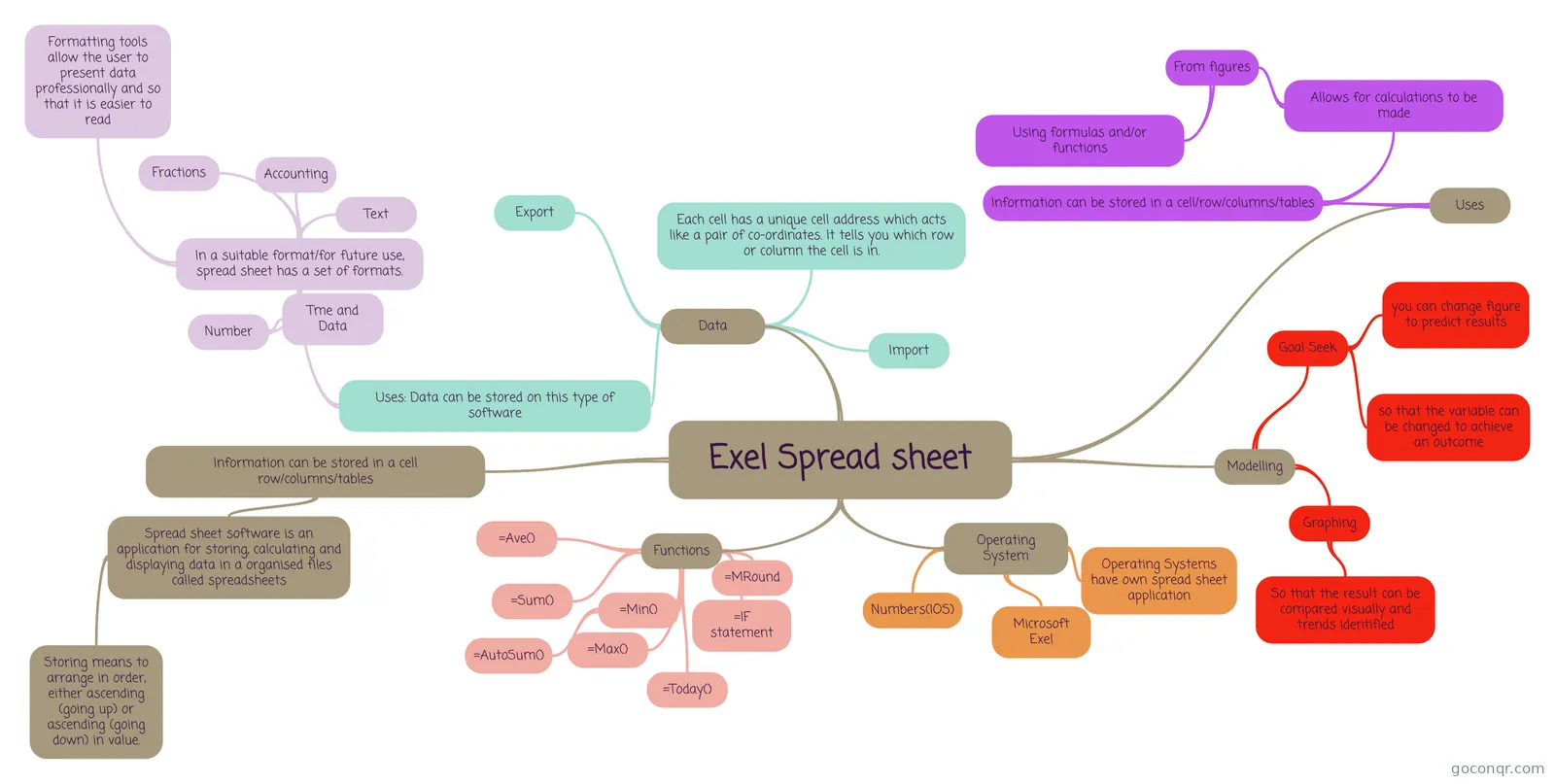
The mind maps cover spreadsheet concepts, formulas, cell referencing, worksheets, workbooks, ranges, referencing other workbooks, choosing a chart and functions for validating data. Many are labelled Topic 10 or Chapter 4, so you can compare how different students have organised the same ideas.
Are the resources free to use?
Yes. Every resource listed here is free to open, study and take, with no account needed. They were made by GoConqr users, not by GoConqr itself. A free account also saves your quiz scores and lets you make your own quizzes, mind maps, flashcards and notes.
Which levels and exams do these suit?
Most resources are aimed at secondary school students, and some mention GCSE ICT or GCSE revision. A small share suits university or professional learners. Teachers can use the quizzes, flashcards and notes as ready-made material for lessons.
Does the page go beyond the basics?
Yes. Alongside cells and formulas, you will find lookup and conditional functions, array formulas, macros and notes on the IF function. The Excel and Macros quiz asks you to follow code and identify its output, which makes it a good stretch task.
What if I cannot find the topic I need?
Try a nearby term in the mind maps or flashcards, as titles vary a lot. Excel, Topic 10 and Chapter 4 are common labels. If it still is not there, make your own notes, maps or flashcards, then use them for revision.