

The Complete Learning Toolkit
GoConqr provides a range of tools for learning. From planning, brainstorming and note-taking to testing and scoring - find everything you need on a single platform.
Access a full suite of content creation tools...
Mind Maps
Simplify complex concepts quickly and easily.
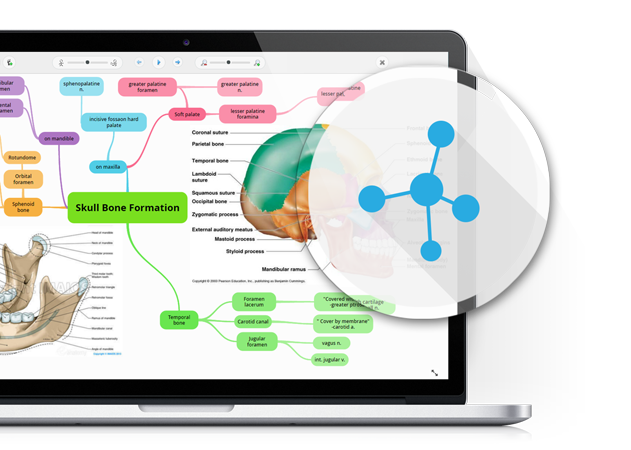
Learn MoreMind Maps are perfect for introducing a subject or presenting a topic overview. By creating Mind Maps you develop your understanding of learning material through simplifying and connecting the concepts, contexts and scope of what you're studying. They are perfect for outlining a curriculum, brainstorming an essay, or exploring how concepts relate to each other.
Flashcards
Memorise important facts and information with ease.
Learn MoreFlashcards are an effective way of revising and recalling important facts. Online Flashcards offer more versatility than their paper counterparts by giving you the ability to rate and shuffle cards, add images, hide the cards you already know, and easily share with friends, colleagues or classmates.
Quizzes
Test what you know, then add to it.
Learn MoreNo matter how much you know you can never be totally confident of overcoming your next learning challenge unless you've put yourself to the test. GoConqr's Quiz is a tool that allows you to quickly and easily create tests that will show you what you know so that you can focus on what you still need to learn. You can compare your results with previous attempts to track your improvements.

Notes
Maximise your learning by customising your content.
Learn MoreGoConqr's Note-taking software lets you express what you know about a topic in your own words. Record the key study points in a flexible template that's easy to use in the classroom, lecture hall, office, or on the go. You can add video or images to really add depth, and you can embed other resources created on GoConqr.
Slides
Incorporate a wealth of learning material in one simple study resource.
Learn MoreGoConqr's Slides tool lets you gather multiple types of learning material in one place. Bring your area of study to life by creating rich and engaging learning Slides that incorporate other GoConqr resources, external links, videos and images.
Flowcharts
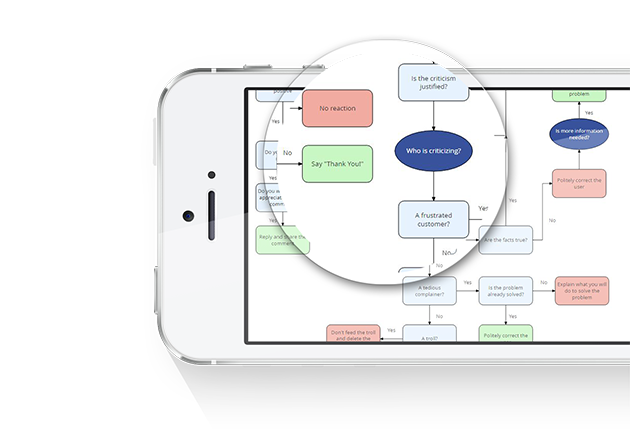
Learn MoreOur Flowcharts tool allows you to easily create process diagrams and models, with specialised shapes and an easy to manage canvas. This tool for learning is perfect to capture ideas effectively so you can quickly communicate information to colleagues, friends, or students.
Course Builder
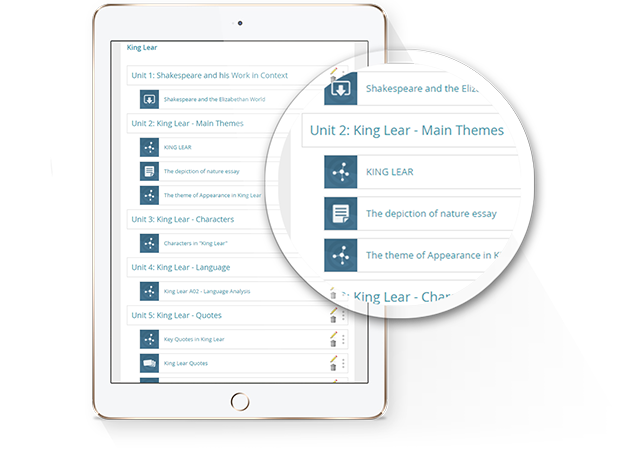
Learn MoreUse our Course Builder to curate resources in a Course, add context and directions, and specify minimum progression requirements. This tool is ideal for personal revision and, combined with GoConqr Campus, it provides a robust online training solution.


Find and share
Library
Easily find amazing resources, or let us find them for you.
Show me the LibraryWith 38 million resources and courses in GoConqr's virtual Library, you'd think finding the content you need might be tricky, but it couldn't be easier: We create a personal filter list based on your profile and learning interests. Or you can
simply enter your search terms, apply filters and find what you're after!

Groups
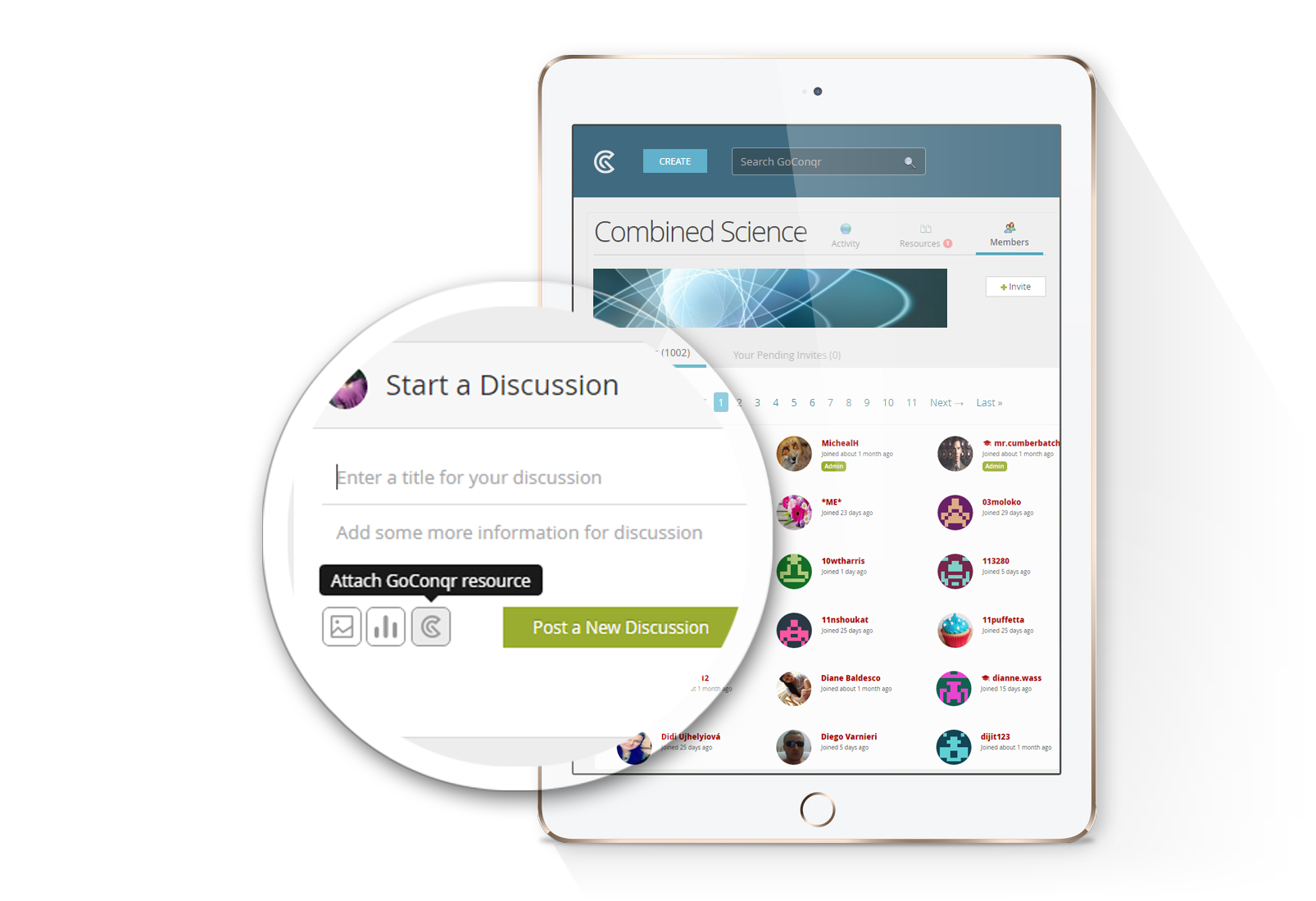
Learn MoreIn GoConqr Groups, you can connect with more than 14 million members to exchange content and engage in discussion. Public groups provide an opportunity to meet people from around the world with similar learning interests, while private groups allow you to securely share resources for learning with friends and colleagues.
Share and embed
Share any resource with a link, on social networks, in a group or by email, or embed it on your website, blog or learning platform.
Copy and edit Premium
Copy someone else's public resource and adapt it to what you need.
See plans
For teachers
GoConqr for teachersSmartLinks Teacher
Send private links to your quizzes and courses by email. Students open them without signing up, and you see who did them and their results.
SmartEmbeds Teacher
Embed a quiz or course with a data form on your website, blog or learning platform, and collect each visitor's details with their result.
Reports Teacher
Individual scores, the group average and the number of attempts for the quizzes you send.







Start free
All six tools and courses are free. Premium adds private resources, copy and edit, and 2 GB for images and files.